

Key takeaways
AI in the classroom genuinely saves teacher time and expands access, but only when the output is reviewed before it reaches a student.
The real risks are data privacy, over-reliance, and inaccurate output, not whether AI belongs in schools at all.
Writing feedback is where the pros and cons show up most clearly, since a generic AI standard and a rubric-calibrated one produce very different results.
The deciding factor is rarely the tool itself. It is whether a teacher stays in the loop before anything is returned.
Introduction
AI in the classroom is no longer a future conversation. Teachers are already using it daily, for lesson plans, differentiated practice, and writing feedback.
Artificial intelligence is already part of daily classroom routines, whether a school has formal ai policies in place yet or not.
It is also one of the fastest-moving corners of educational technology right now, part of a broader shift toward digital learning in daily instruction.
The examples below are K-12 classroom examples, not higher education lecture halls where students already manage their own AI use independently.
What AI in the classroom actually means
AI in the classroom refers to tools that use algorithms to support instruction, feedback, and assessment, not tools that replace the teacher’s judgment. The AI drafts; the teacher reviews and decides.
These tools range from machine learning models that adjust practice difficulty to generative AI tools that draft text such as lesson plans or feedback. Chatbots like ChatGPT are the most visible example of this second category, often called generative artificial intelligence because the large language models behind them generate new content rather than just analyze it.
Common examples include:
Adjusting practice difficulty in real time based on student responses
Drafting rubric-referenced feedback on student writing
Translating or simplifying content for multilingual students
Flagging early signs of a student falling behind
Generating leveled reading materials or practice sets faster than building them by hand
Building quizzes and practice sets at multiple difficulty levels to personalize learning for each student
Running simulations that let students practice a skill in a low-stakes format
Creating visuals and presentation materials with tools like Canva’s AI features
Handling routine administrative tasks like scheduling, attendance notes, and progress summaries
Teachers can use AI to support meaningful examples of formative assessment while keeping instructional decisions human-led. For a wider comparison of specific tools, see best ai software for teachers.
The benefits of AI in the classroom
The benefits are strongest where AI removes a repetitive task, not where it makes a judgment call. Four areas show up consistently across classrooms already using it.
Time back for teachers
Drafting a first pass of feedback, a leveled reading set, or a practice worksheet takes minutes instead of an evening. Teachers stay in control of the final version, but the blank page disappears. That difference alone is what most teachers notice first.
Faster, more specific feedback on writing
A rubric-referenced first pass can return before the next class period instead of two weeks later. That turnaround is what keeps students revising while the writing is still fresh. Feedback that arrives after the class has moved on rarely gets acted on.
Earlier visibility into struggling students
Patterns in missing work or repeated errors surface sooner than they would from manual tracking. A gap that used to appear at progress-report time can now show up in the first week of a unit. That earlier signal gives a teacher real room to intervene.
Expanded access for students who need it
Translation, read-aloud, and simplified explanations help multilingual students and students with disabilities access the same grade-level content. The support sits alongside the regular lesson rather than pulling a student into a separate track. Nobody has to feel singled out to get what they need.
That kind of access also tends to show up as stronger student engagement, since students spend less time stuck and more time doing the actual work.
See ai tools for adhd students and ai feedback for special education for how these tools play out for specific student groups.
The right tools can support practical time management techniques without sacrificing teacher judgment. For the fuller picture of what these tools deliver, see benefits of ai in education.
The risks and drawbacks of AI in the classroom
Every benefit above has a matching risk if the tool is adopted without a review step. These are the four that show up most often once AI moves from trial to daily use.
Student data privacy
AI tools rely on student work to function, which means privacy posture matters before a single assignment goes in. A published privacy policy is not the same as a formal FERPA or COPPA certification. Confirm the certification exists before uploading real student names.
Inaccurate or generic output
AI can produce feedback that sounds confident but does not match a teacher’s actual rubric or standard. Understanding how grading accuracy is evaluated helps teachers determine whether a tool is reliable enough for classroom use. Left unreviewed, that gap reaches students as feedback they cannot act on. It can also erode a student’s trust in feedback generally.
Over-reliance on the tool
Returning AI output without review is the failure mode that damages trust fastest. Students should never receive a first pass that no teacher has actually read. The review step is what separates a genuine time saving from a genuine risk.
Left unchecked, over-reliance also risks short-circuiting the critical thinking the assignment was meant to build in the first place.
Implementation without training
A tool adopted quickly, without time to learn its limits, tends to create more confusion than time saved. The tools that stick are the ones teachers had room to actually test first. Rushed rollouts are usually where the frustration starts.
Dedicated professional development time and basic ai literacy training make the difference between a tool that sticks and one that gets abandoned by October. See early grades feedback for how calibration timing matters most in younger classrooms.
Academic integrity
Teacher-side tools are only half the picture. Students using AI to complete assignments without disclosure raises a separate academic integrity question, one a teacher-side review step does not solve by itself.
Where the pros and cons show up most clearly: writing feedback
Grading is the clearest place to see both sides of this at once. A generic AI applies a general writing standard, not the grading rubrics a specific teacher actually uses, which means the output still needs a rewrite.
AI writing feedback tools illustrate the gap between generic and calibrated output better than any other classroom use case.
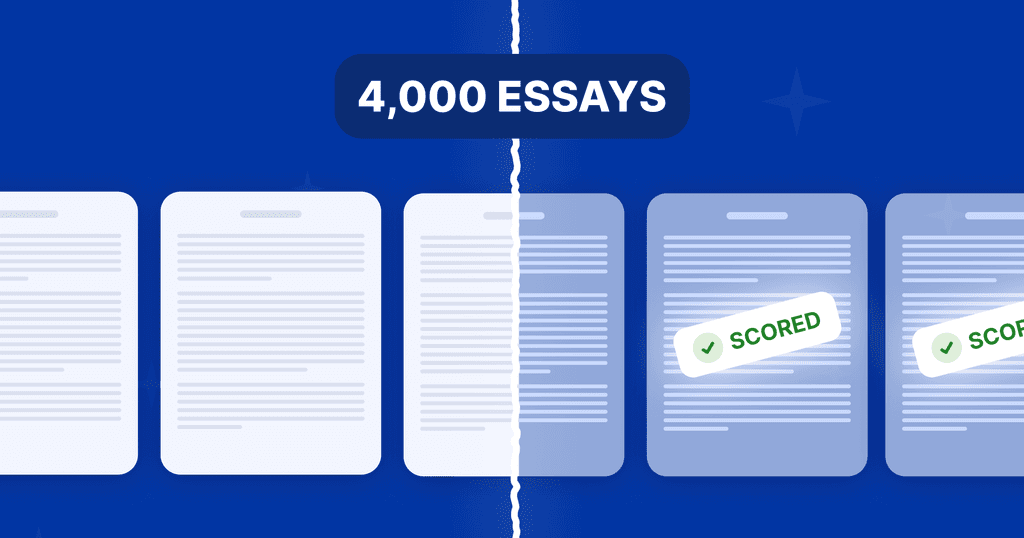
A rubric-trained ai essay grader works differently. It calibrates to the teacher’s own rubric first, so the ai grading feedback it returns is close enough to approve, not rewrite.
Paired with a matching ai grading tool, this is what the benefit side of the tradeoff actually looks like: fast, specific, and reviewed by the teacher before anything reaches a student. For more on which companies lead this category, see leading ai teacher tool companies.
How to decide if a specific AI tool belongs in your classroom
The decision does not require waiting for formal ai policies to catch up. It requires answering four questions honestly after one real trial.
Does the output still need a full rewrite? If yes, the tool is moving work around, not saving it.
Does the free tier let me really test it? A three-submission trial does not tell you anything about a full class set.
Am I still reviewing everything before it reaches a student? This should never be optional.
Does it hold a real privacy certification, not just a policy page? FERPA and COPPA certification is the baseline.
For more no-cost options worth testing first, see free ai tools for teachers.
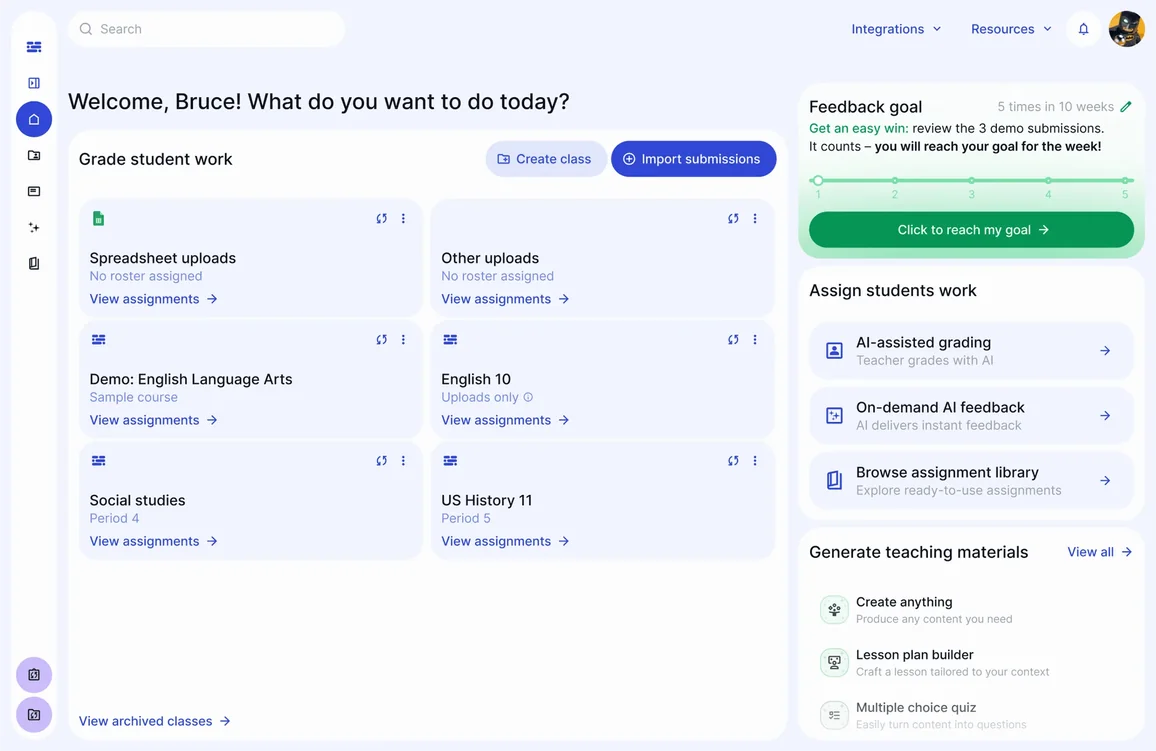
Try rubric-calibrated grading with EnlightenAI
If you have ever spent Sunday evening catching up on essays that were supposed to be returned Friday, the real problem is not just time. A rubric-trained TA grades against your standard, so the feedback you return still sounds like yours.
Start with the assignments already on your desk. Get started for free.
FAQs: AI in the Classroom
The more useful question is narrower than a blanket yes or no: does this specific tool solve a real problem in this specific classroom? Most of the genuine risk shows up when the review step gets skipped, not from the existence of AI in schools itself.
Time back on repetitive tasks, faster writing feedback, and expanded access for students who need extra support are the three benefits that show up first, before any larger rollout.
Data privacy, inaccurate or generic output, and over-reliance without a review step are the risks that matter most in daily use. Each is manageable with the right safeguards in place.
Accuracy depends on whether the AI is calibrated to a specific rubric or applying a generic standard. A calibrated tool, reviewed by the teacher before anything reaches a student, is where accuracy and trust actually meet. See grading accuracy for what that calibration looks like.