< 20 sec
to generate a complete rubric
from prompt to gradeable criteria
Describe the assignment. Get a clear, measurable rubric with performance levels in seconds. No sign-up required to generate. Sign up free to save your rubric, and use it immediately to grade a full class stack with EnlightenAI.
Generate a rubric →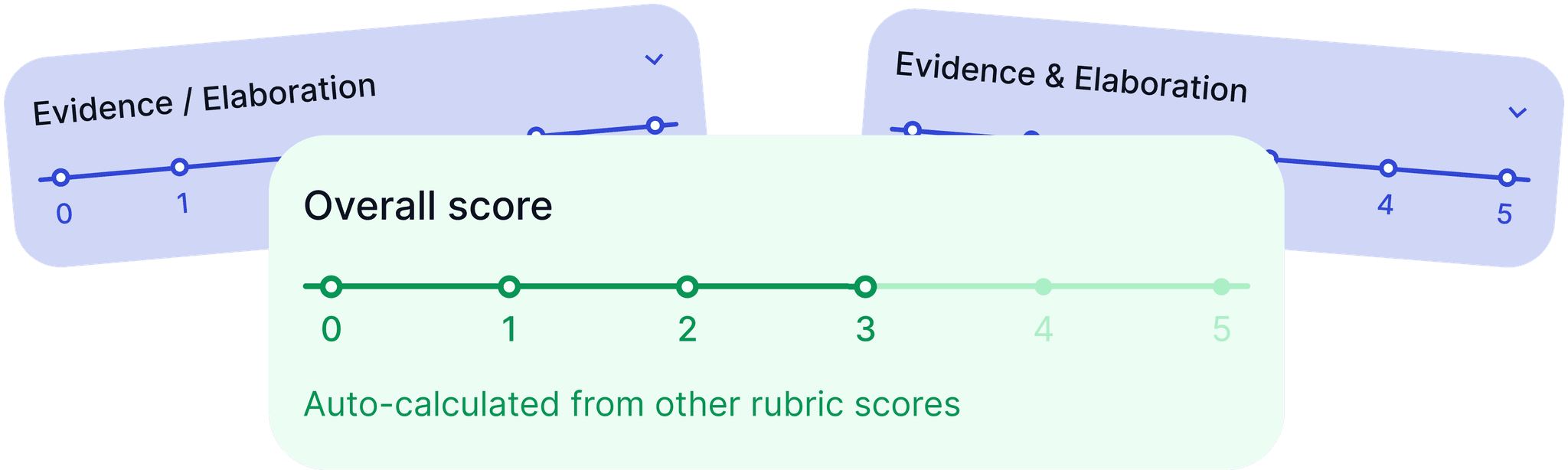










































to generate a complete rubric
from prompt to gradeable criteriano sign-up required to generate
save and grade with a free accountfrom rubric to grading
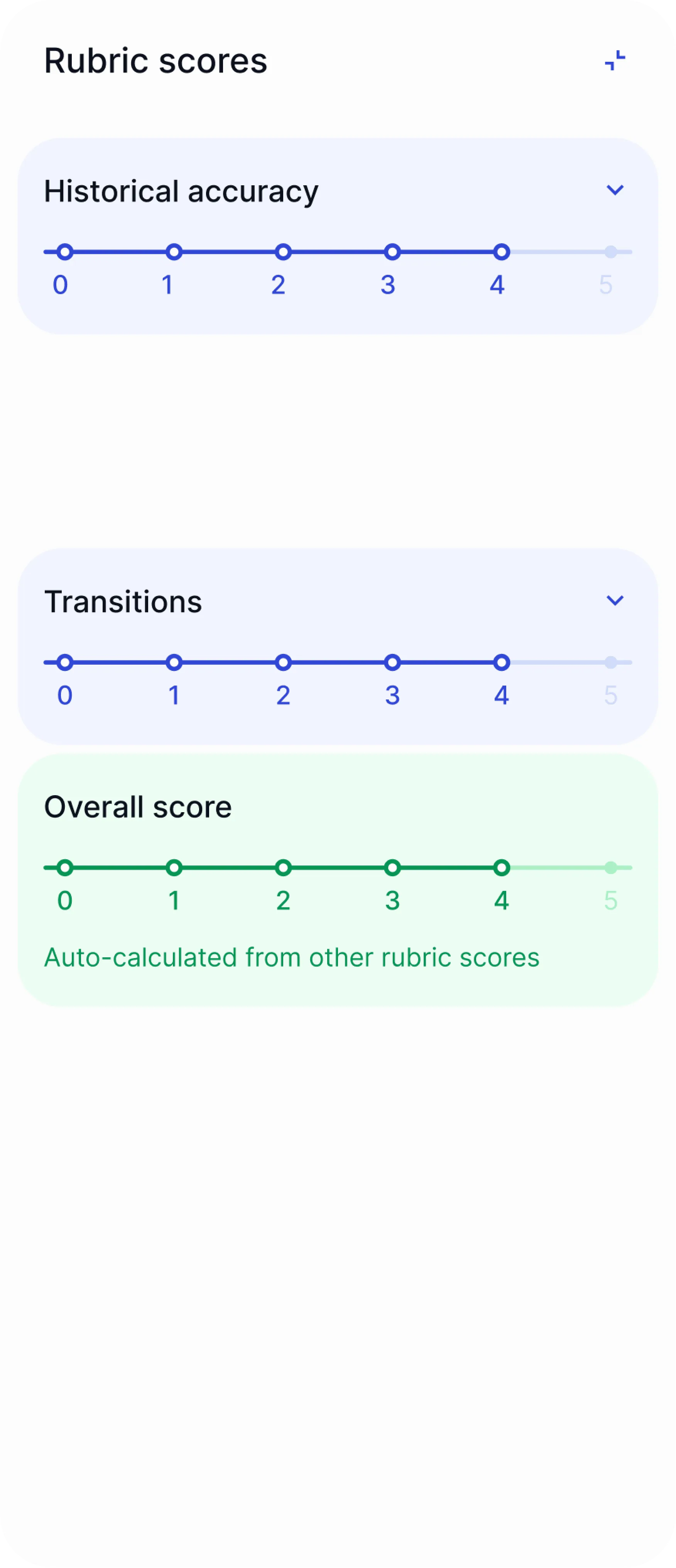
the rubric feeds directly into EnlightenAI’s grading assistantEvery free rubric generator stops at the document. You still have to grade against it by hand. EnlightenAI’s rubric generator feeds directly into the platform’s grading assistant, so the rubric you just built becomes the standard EnlightenAI scores every submission against.
That means no re-entering criteria into a separate grading tool, and no drift between what the rubric says and what actually gets scored. Generate the rubric, assign it, and grade the stack in the same place.
And it’s still fully yours. Every generated rubric is editable, exportable as PDF or Google Doc, and reusable across future assignments in the same course.
The same rubric works just as well behind an AI quiz maker built from the same assignment.
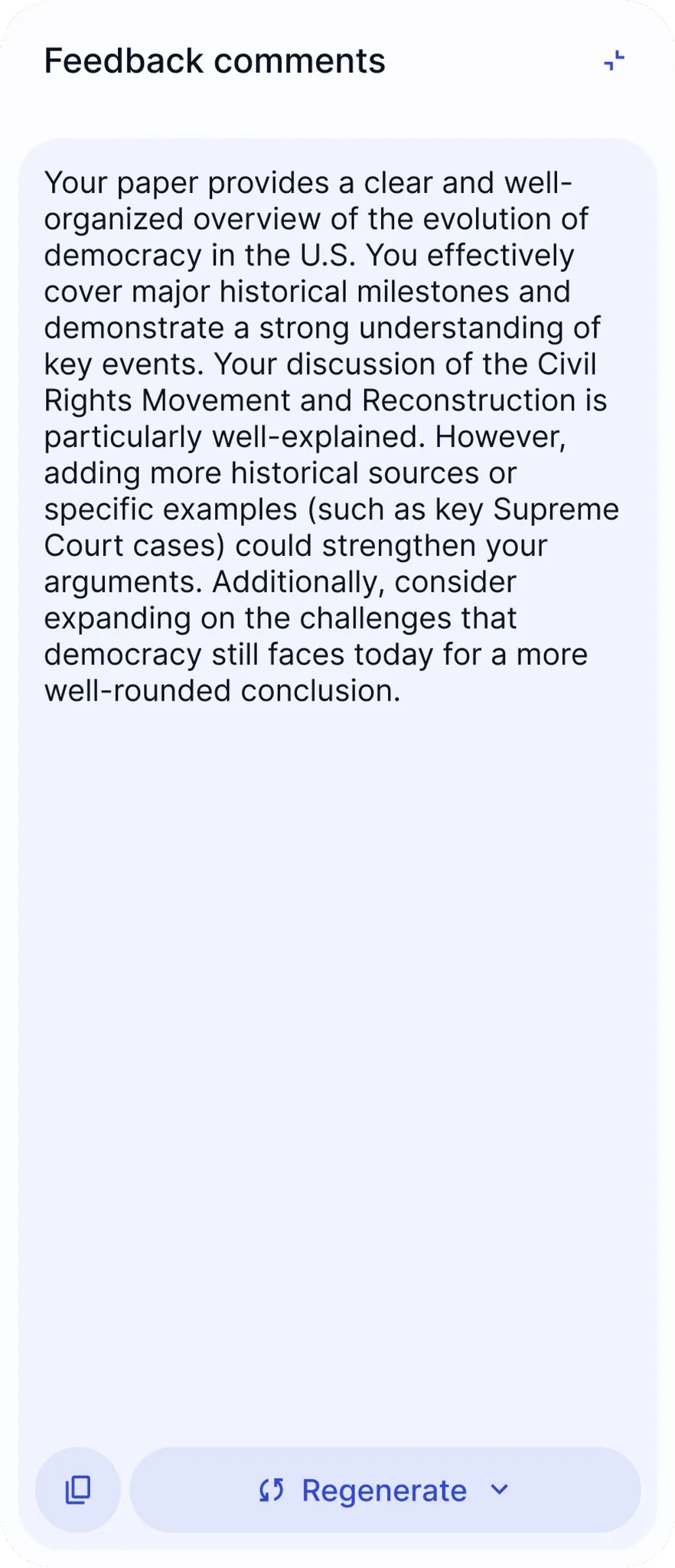



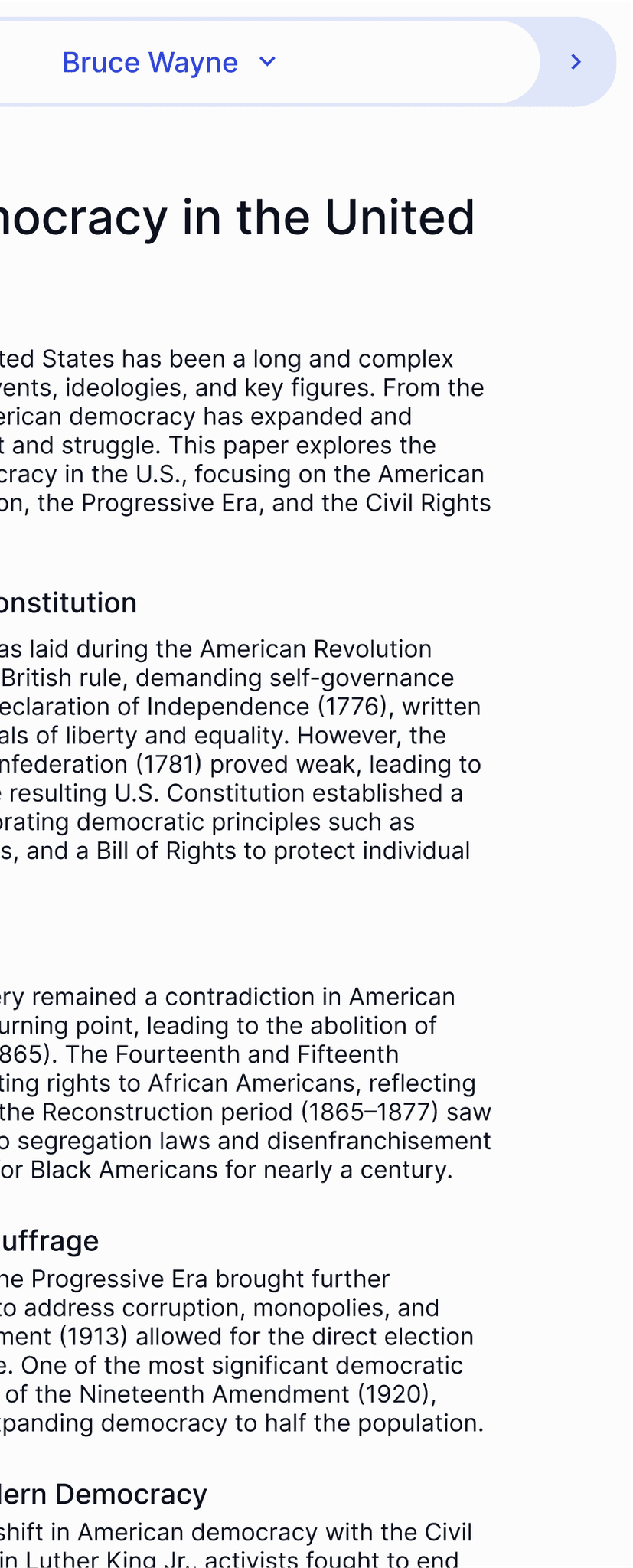

I built the rubric and started grading against it in the same sitting. No exporting, no re-typing criteria.
Yes. Generating a rubric requires no sign-up and no credit card. Describe the assignment, choose a scoring scale, and get a complete rubric back at no cost. Creating a free account lets you save the rubric and grade a full class stack against it right away.
The same free plan covers the AI assignment generator for teachers.
Yes. Set the point scale, grade level, and number of performance levels the rubric should use, from a simple 3-point scale to a detailed 5-point breakdown. Every criterion and its performance-level descriptions can be edited after generation. The same flexibility carries over to the AI worksheet generator for teachers when you need matching practice materials.
It connects. Most rubric makers hand you a table and stop there. EnlightenAI’s custom rubrics feed directly into the grading assistant, so a teacher using it as an essay grader for teachers grades against the exact rubric just generated, with no re-entry step in between.
Yes. Describe the standard alongside the assignment — Common Core, NGSS for a science lab report, or a state-specific rubric like STAAR or CAASPP — and the generated criteria reflect that standard’s language and expectations. The same standards alignment carries over to the AI study guide maker.
A general-purpose chatbot can draft a rubric, but the output is a block of text you have to reformat, and it has no connection to how the assignment actually gets graded. EnlightenAI’s AI-powered rubric generator returns a structured table format built for grading from the start, and that same rubric becomes the scoring standard the moment you start grading.
Yes. The learning objectives and criteria in a generated rubric carry over cleanly into EnlightenAI’s AI lesson plan generator and AI worksheet generator, so an assignment description written once can produce a rubric, a lesson plan, and a worksheet that all point at the same objectives.
A table with assessment criteria as rows and performance levels as columns, each cell describing what that score actually looks like in student work. Performance levels can follow a simple point scale or reflect increasing depth similar to Bloom’s Taxonomy, from basic recall to more independent analysis, depending on the assignment.
No sign-up. No credit card. Describe the assignment, set your scale, and generate. When you’re ready to grade a full class stack against it, get started free.
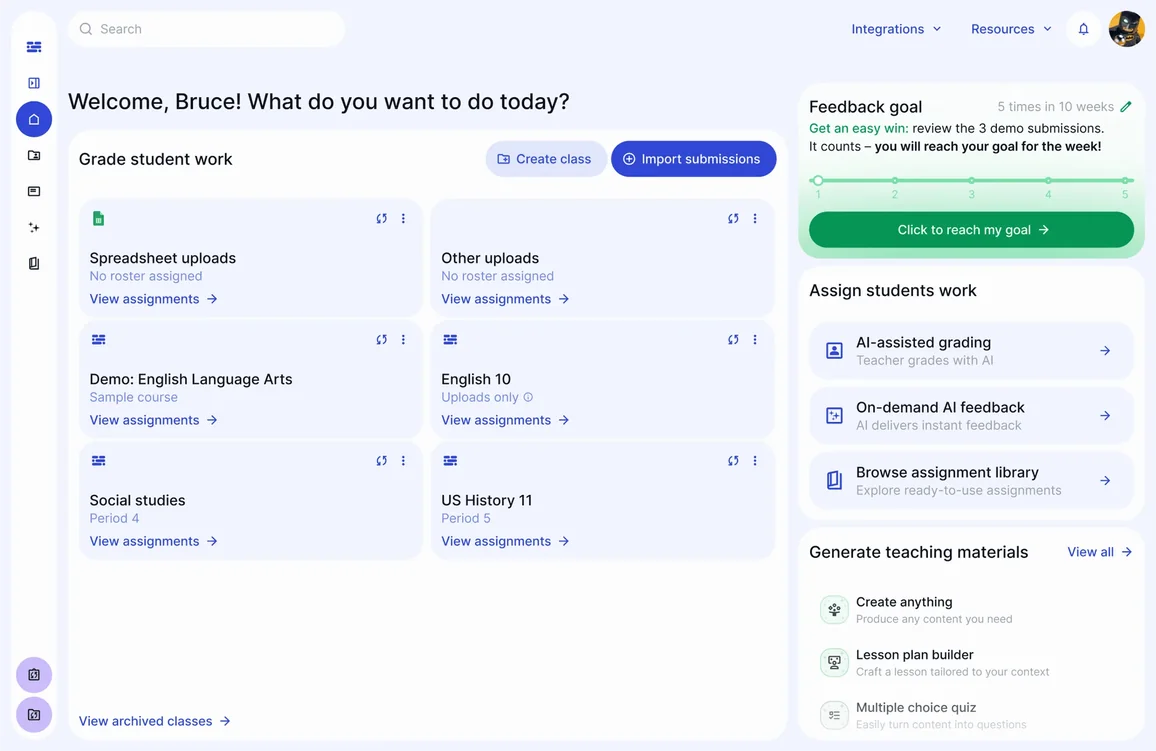
 Canvas
 Clever
 Illuminate
 Google Drive
 Google Docs
 Microsoft Word
 PDF
PDF


