< 30 sec
to generate a complete lesson plan
from topic to full structured plan
Type your lesson topic, grade level and subject. Get a standards-aligned lesson plan in under 30 seconds. No sign-up required.
Generate a lesson plan →Sign up free to save, export to Google Docs or PDF, and connect lesson plans to assessments and grading data.
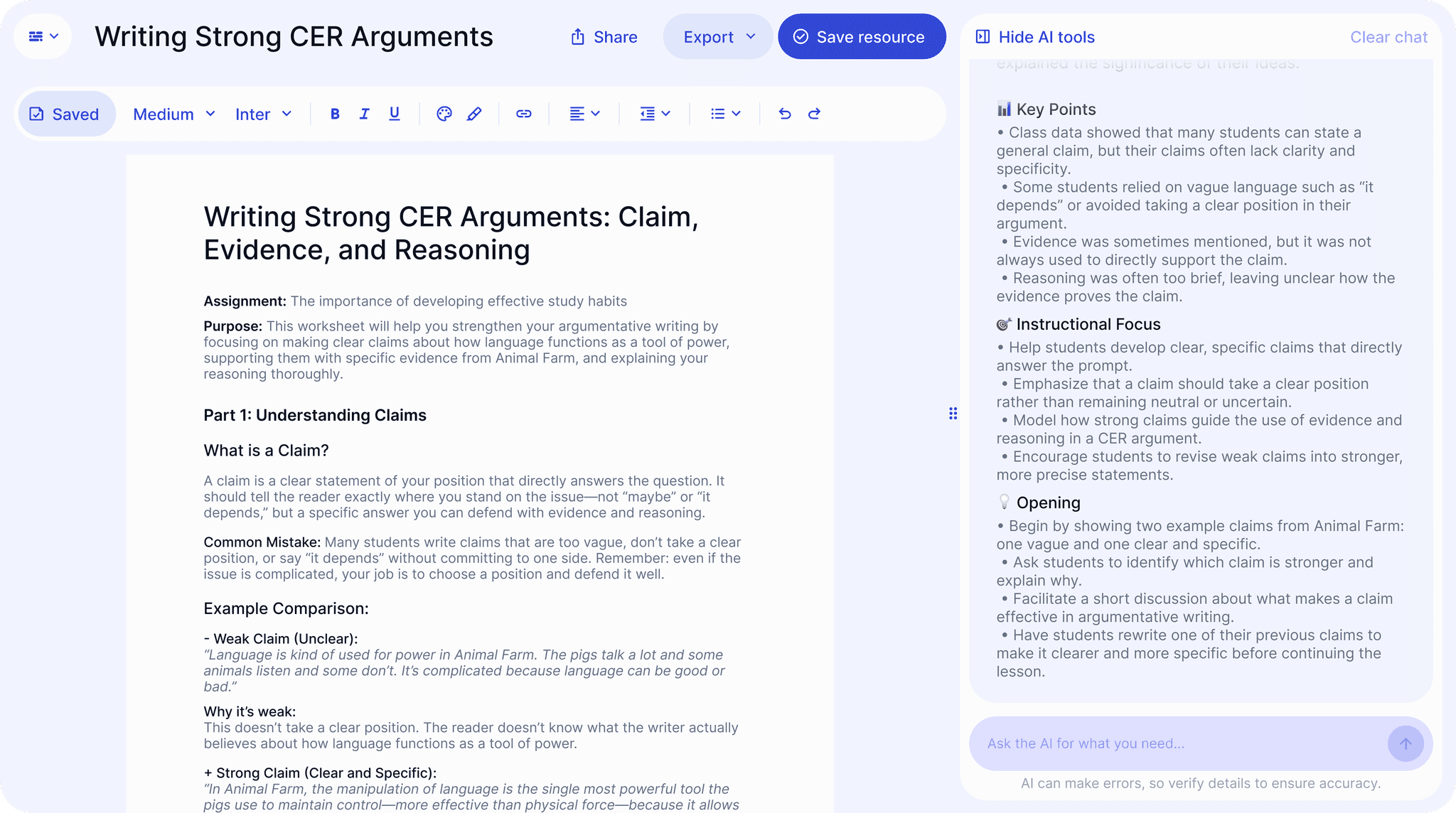










































to generate a complete lesson plan
from topic to full structured planno sign-up required to generate
save and export with a free accountall grade levels and core subjects
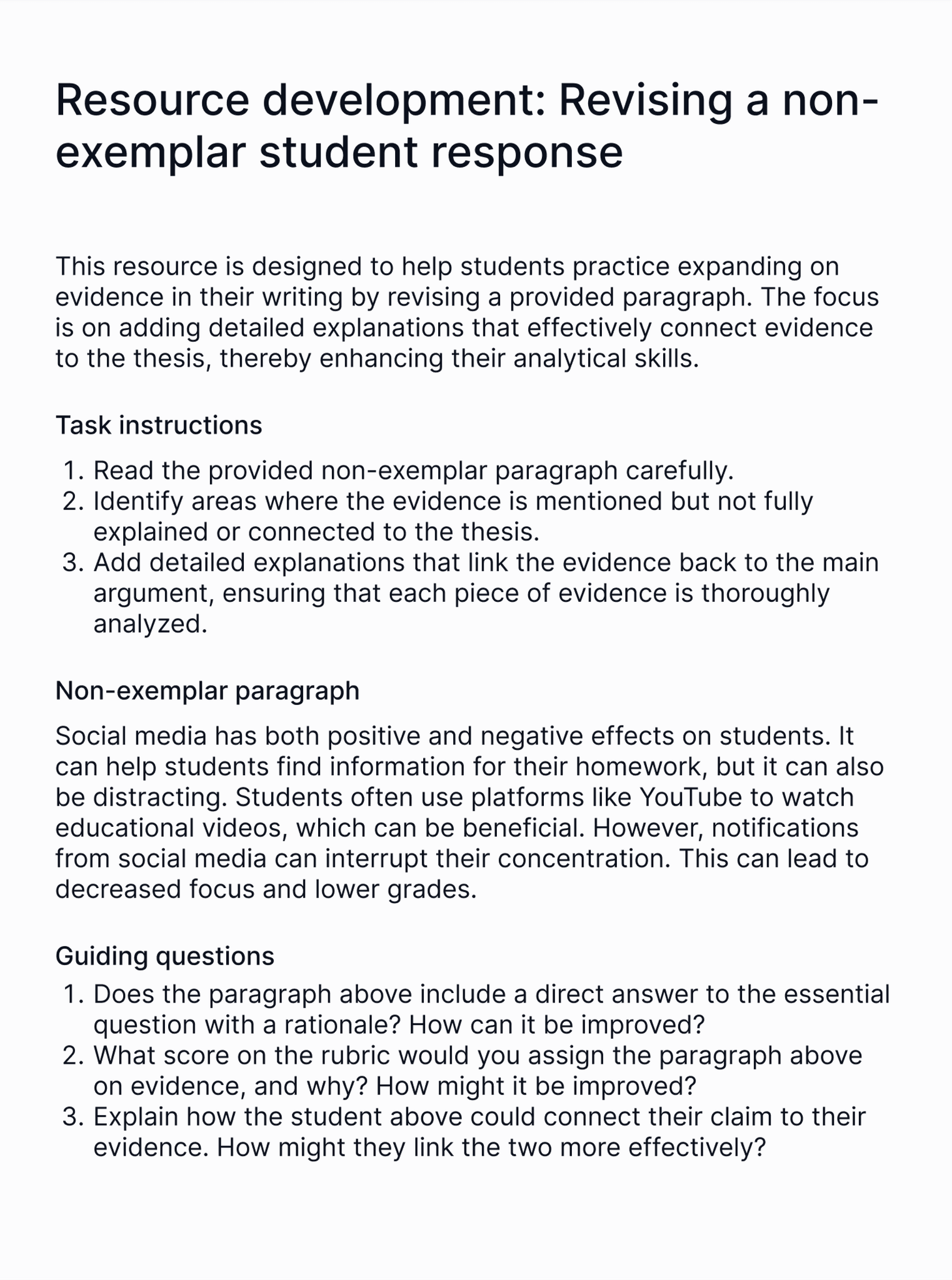
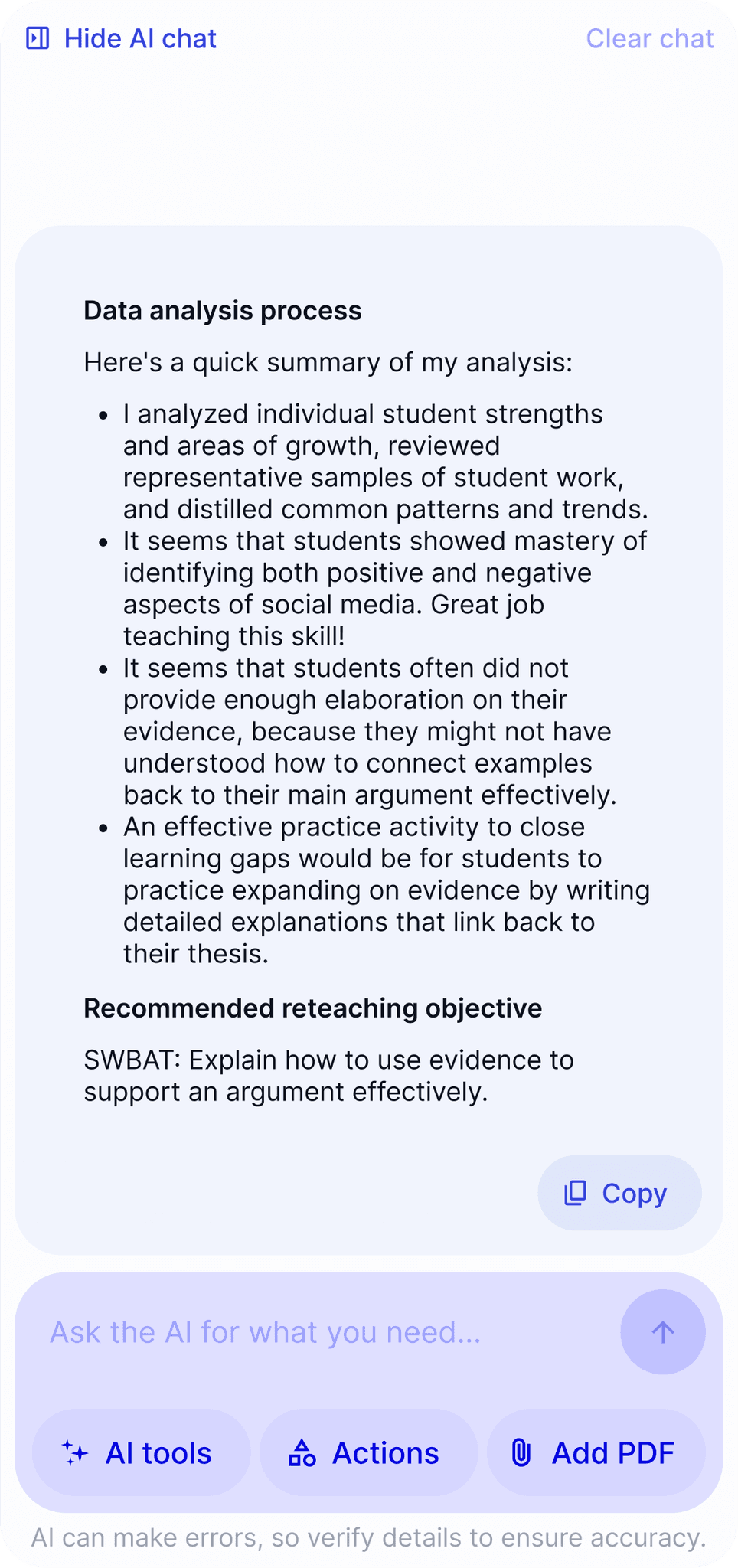
ELA, social studies, history and moreEvery free lesson plan generator gives you a lesson plan template. EnlightenAI connects to grading data, surfaces learning objectives students struggled with, and suggests reteaching plans built around your class needs.
In a study with DREAM Charter Schools, EnlightenAI scored 0.77 QWK on grading accuracy, higher than teacher-to-teacher consistency on the same guide. The same AI that grades with that precision generates lesson plans from the resulting data.
And everything is yours. Every one of your generated plans is fully editable, exportable as PDF or Google Doc, and saved to your account.
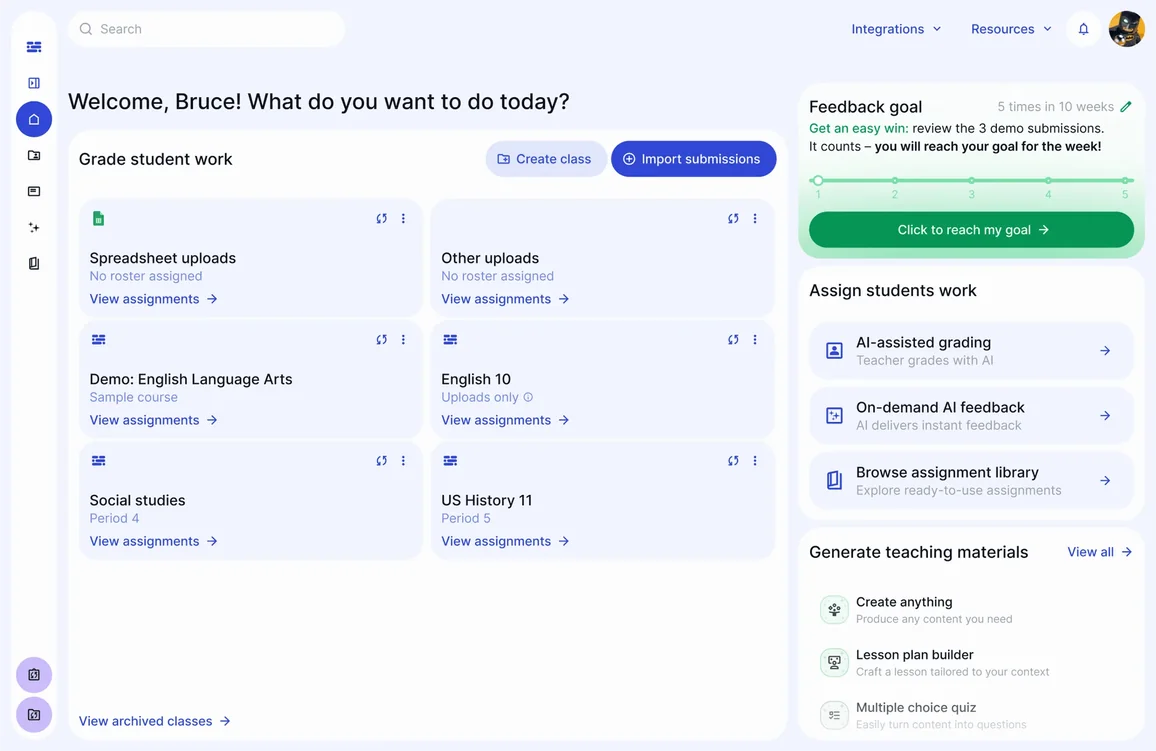
Plans connect back to the assignments and rubrics already in your workflow, including your AI essay grader, your AI grading tool, and exam-specific plans like AP English lesson plans, the STAAR writing grader, and the CAASPP writing grader.



“From grading to reteaching in minutes. That used to take me a full planning period.”
Yes. EnlightenAI’s free lesson plan generator lets you generate complete, standards-aligned lesson plans without creating an account. Sign up free to save plans, export to PDF or Google Docs, and connect them to your class grading data. The same free-to-start model applies to the AI assignment generator for teachers.
Yes. The ai lesson plan generator supports all core subjects including ELA, math, science, social studies, and history across grades 3–12. It also accepts optional standards input (Common Core, NGSS, TEKS, AP) to align generated plans to your curriculum requirements.
Yes. After generating a plan, you can copy it to the clipboard, download it as a PDF, or open it directly in Google Docs. Exporting and saving requires a free EnlightenAI account. Get started at enlightenme.ai/signup. Practice materials built from the same topic, like an AI worksheet generator for teachers set, export the same way.
When you grade student writing in EnlightenAI, the platform identifies which objectives students struggled with. The lesson plan maker ai uses those class-wide trends to suggest lesson plans built around those specific gaps, not just generic topic coverage.
Turn those same gaps into a quick AI quiz maker check or an AI study guide maker recap before moving on.
No sign-up. No credit card. Just enter your topic, grade, and subject. When you’re ready to save, export, and connect plans to your grading data, get started free.
 Canvas
 Clever
 Illuminate
 Google Drive
 Google Docs
 Microsoft Word
 PDF
PDF


