Key takeaways
The best AI software for teachers depends on the job, not a single winner. Planning, grading, and tutoring pull in different directions.
All-in-one workspaces are strong for admin, weak for grading consistency. They still treat every essay like a first draft.
Rubric-consistent grading needs a tool trained on your rubric, not a shared workspace agent. That's a narrower job than most roundups admit.
Free tiers exist for nearly every category below. You can build a real stack without a district purchase order.
Best for: teachers who want one clear pick per job, not a 17-tool matrix to sort through.
Search "best ai software for teachers" and you'll find lists with fifteen or twenty tools stacked into one ranking, as if a lesson-plan generator and a grading tool are competing for the same job. They're not, and treating them like they are is why most of these roundups leave you with five new logins and no clearer sense of what to actually use Monday morning.
Generalists such as ChatGPT, Claude, Google Gemini, and NotebookLM can help across tasks; this list is organized by the job each tool is actually good at: planning, differentiation, tutoring, and grading and feedback. For that last category specifically, we'll be upfront about where a shared AI workspace runs out of road and where an AI grading assistant picks up.
A tool built to draft a lesson plan and a tool built to grade 140 essays against a rubric are solving different problems, even though both get marketed as "AI for teachers." Planning tools reward speed and variety. Grading tools reward the opposite: making the same judgment call the same way every time.
That's why the honest answer to "what's the best AI software for teachers" is a short stack, not a single app. Most teachers land on one workspace or planning tool plus one or two specialists, not a dozen separate logins. Below, the list is organized by job, not just by name.
AI software for teachers covered in this guide
This guide reviews six tools and how they compare across grading, planning, differentiation, and tutoring:
1. EnlightenAI
2. Brisk Teaching
3. Gradescope
4. MagicSchool AI
5. Diffit
6. Khanmigo
This is the category most "best AI software for teachers" lists treat as one bullet point next to fifteen others. It's actually the hardest job on this list, since grading has to be consistent across every student, not just fast for one.
1. EnlightenAI
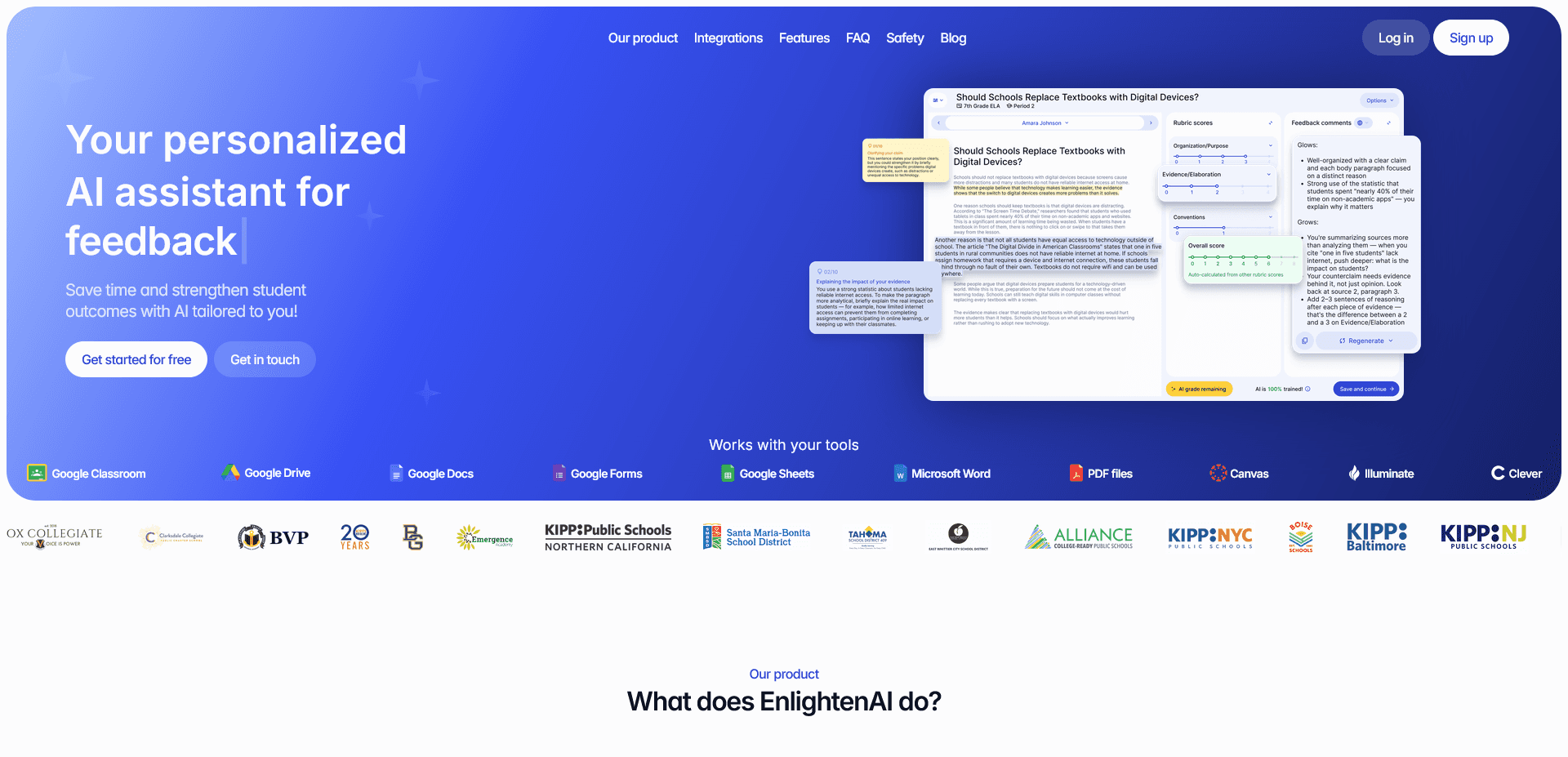
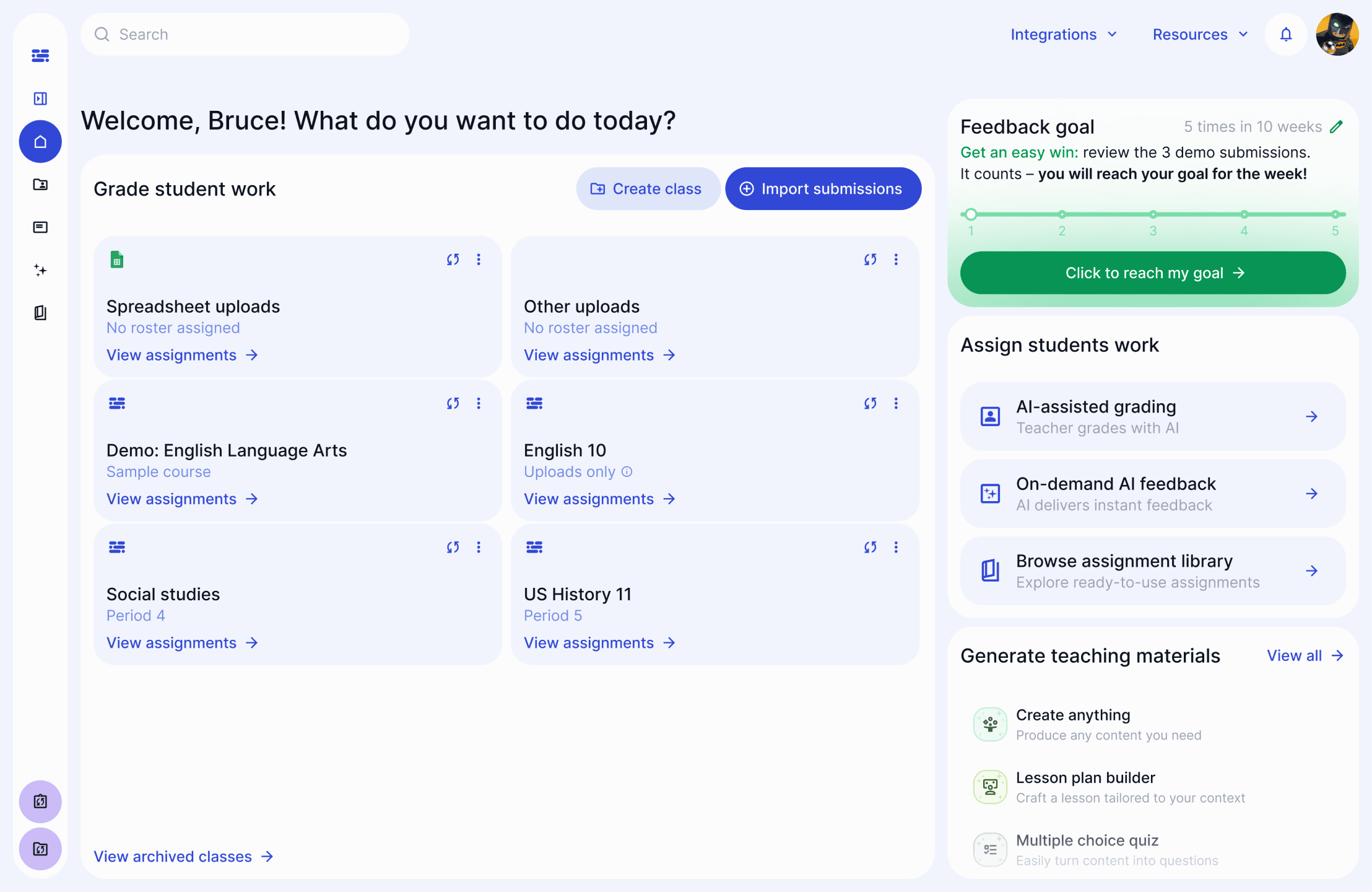
EnlightenAI is a TA trained on your specific rubric, so it scores and comments on every essay in a stack the same way it scored the first one, not just quickly but consistently. That consistency is the specific thing a shared AI workspace isn't built to hold onto, since it's trained on nothing in particular. Start with your actual rubric if you don't have one built out yet.
Best for: teachers and departments who need grading consistency across a full class set, not just a faster first pass, from any essay grader for teachers. See how the training works in pretraining your AI teaching assistant, or how accuracy holds up at scale in grading accuracy at a district level.
2. Brisk Teaching
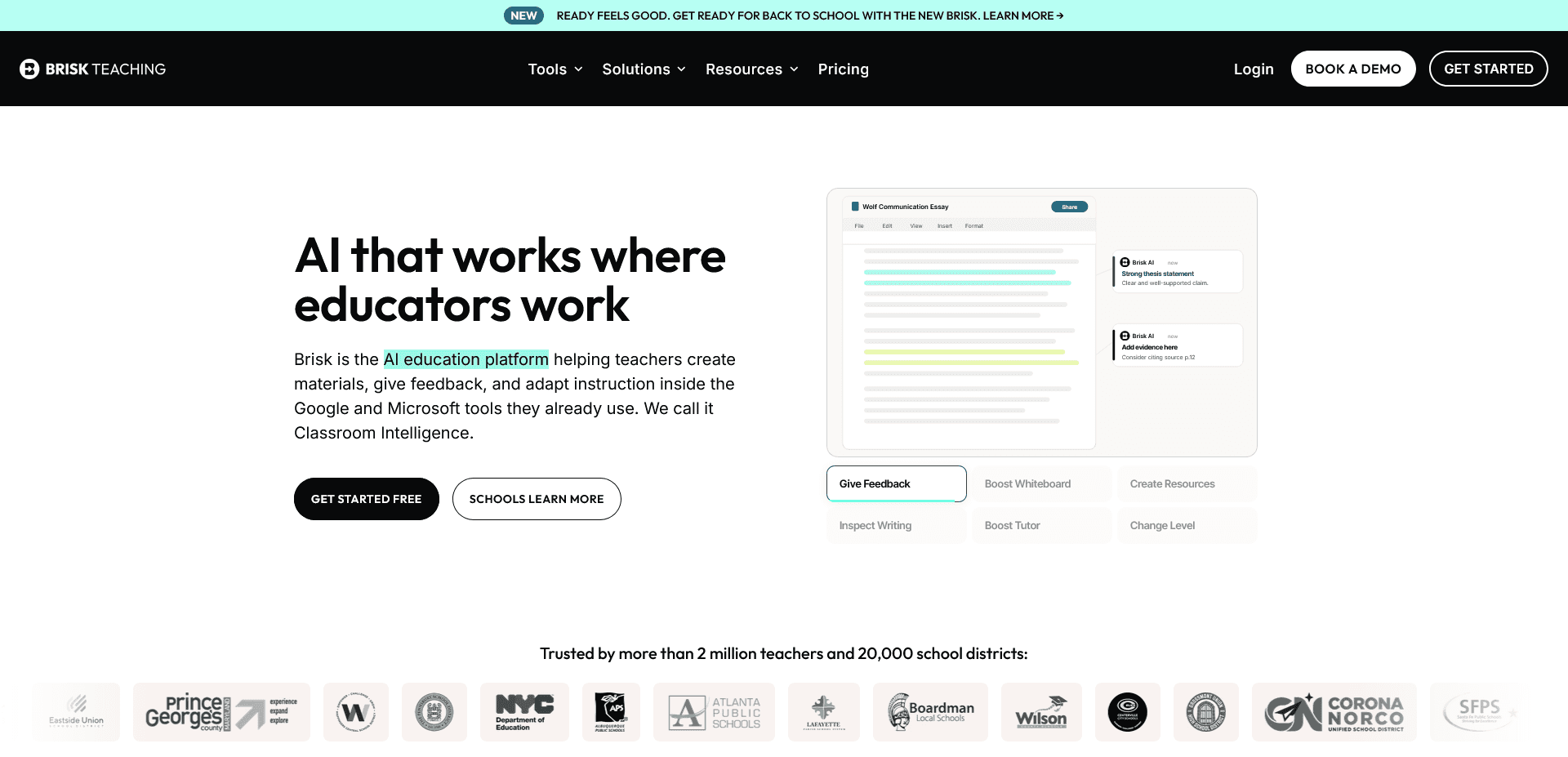
Brisk is a Chrome extension that layers personalized feedback directly onto a Google Doc, which makes feedback feel immediate since you never leave the student's draft. The tradeoff is scope, it's built around Google Workspace, so Canvas- or Microsoft-first schools get less out of it, and it comments inline rather than scoring a full class set against a shared rubric.
Best for: Google Classroom schools doing light-touch feedback on individual drafts.
3. Gradescope
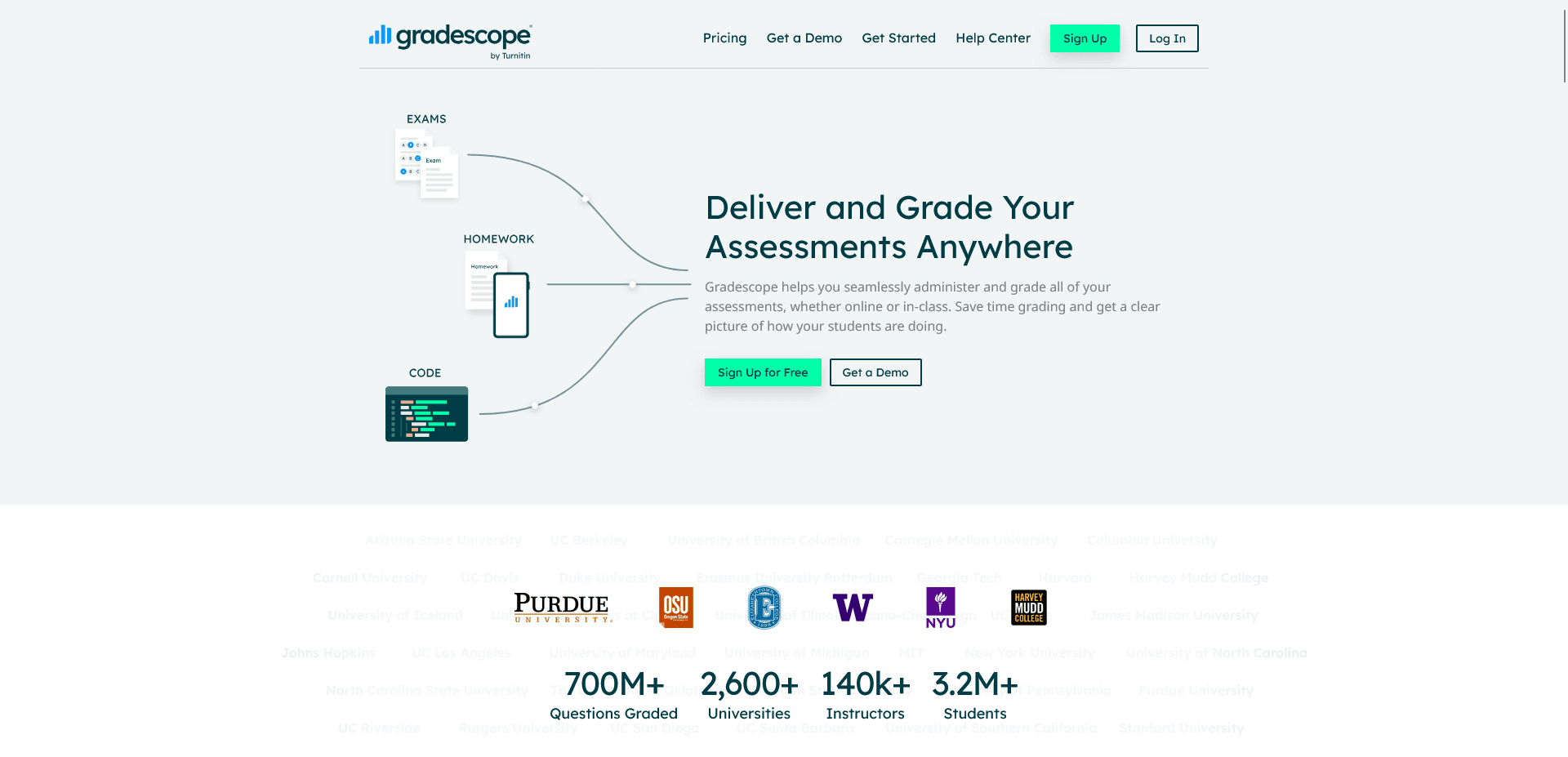
Gradescope is built for grading large stacks of exams, especially handwritten math and science work, and it groups similar answers so you score them once instead of 140 times. It's built for exams, not ongoing essay feedback, so it fits a final better than a first-draft writing conference.
Best for: high school and college teachers with large exam loads to grade at once.
EnlightenAI helps teachers deliver instant, rubric-aligned AI writing feedback so students can practice, revise, and improve faster. It's a simple way to start grading essays more efficiently.
4. MagicSchool AI
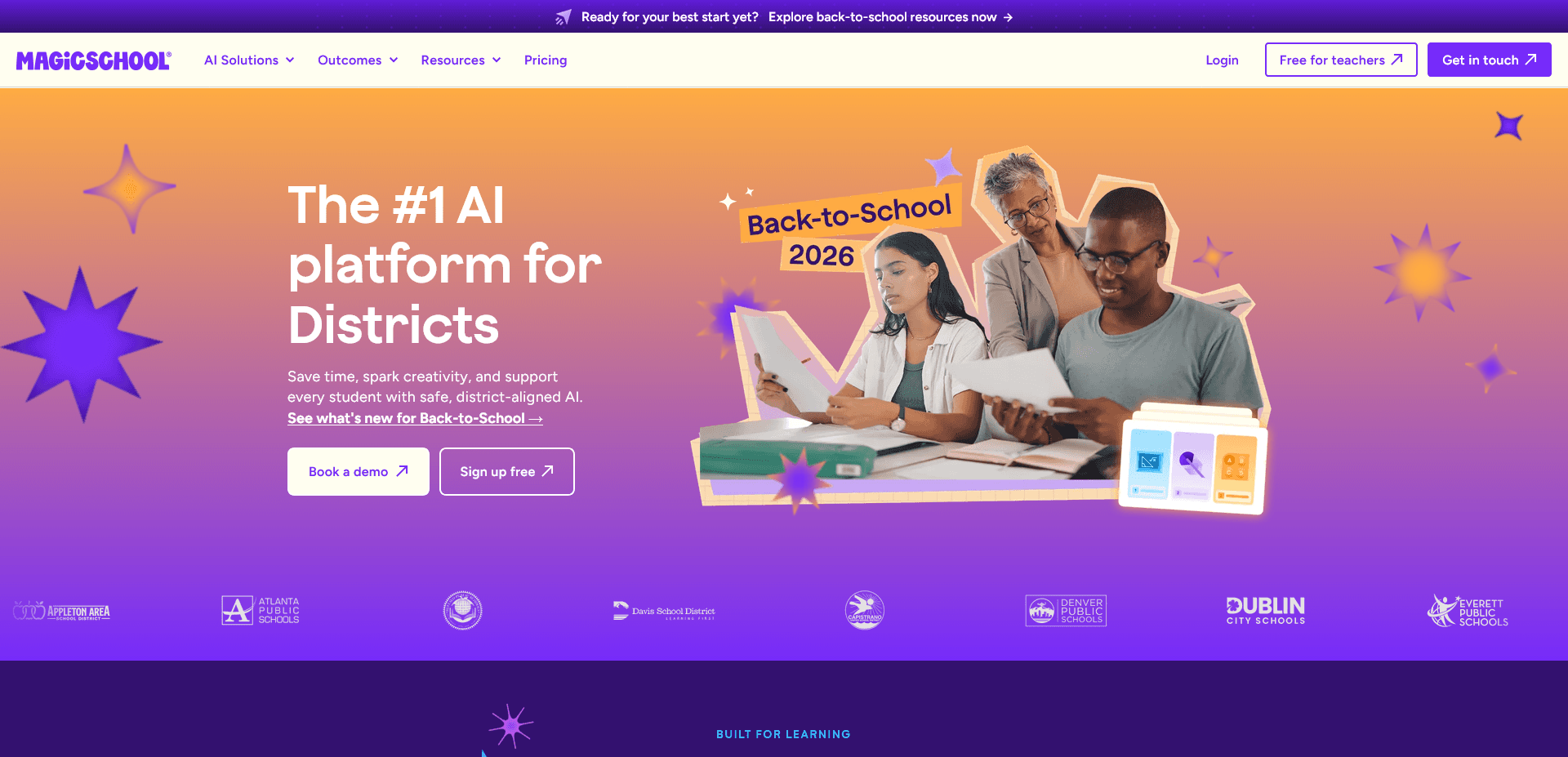
MagicSchool AI is built for teacher resource creation and covers single-purpose generators for lesson plans, learning objectives, worksheets, IEP drafts, a slide deck, and parent communication. Each tool is a one-shot form, so there's no shared memory between a Monday lesson plan and Tuesday's version of the same unit, you re-enter context every time.
Best for: a quick one-off lesson plan or rubric draft without setting up a workspace.
5. Diffit
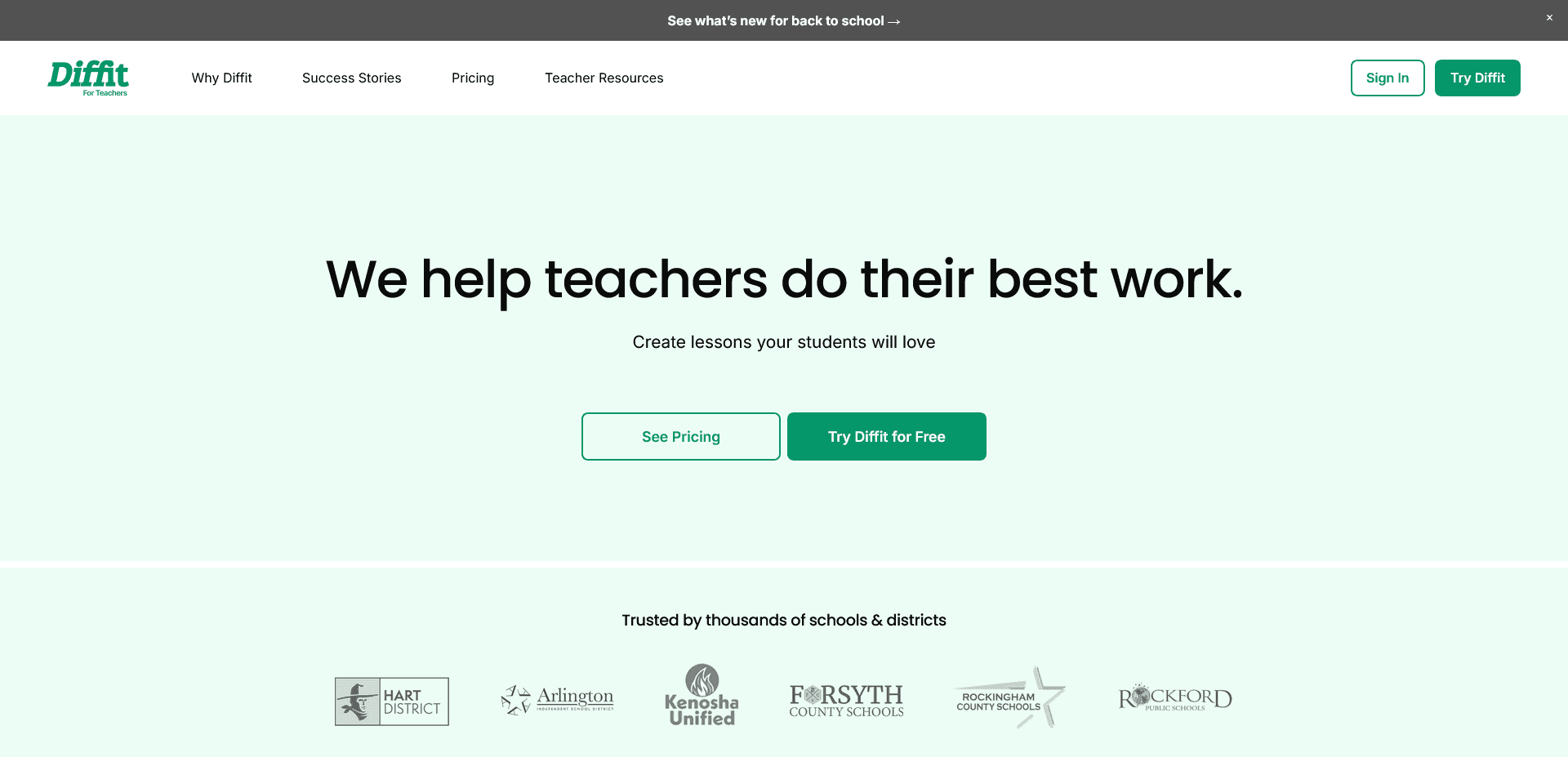
Diffit handles summarizing by turning any text, article, PDF, or transcript into a leveled reading passage, with vocabulary lists, worksheets, and comprehension questions attached. It does one job well and nothing else, so it pairs with a planning tool rather than replacing one.
Best for: ELA and ESL classrooms with a wide spread of reading levels in one room.
6. Khanmigo
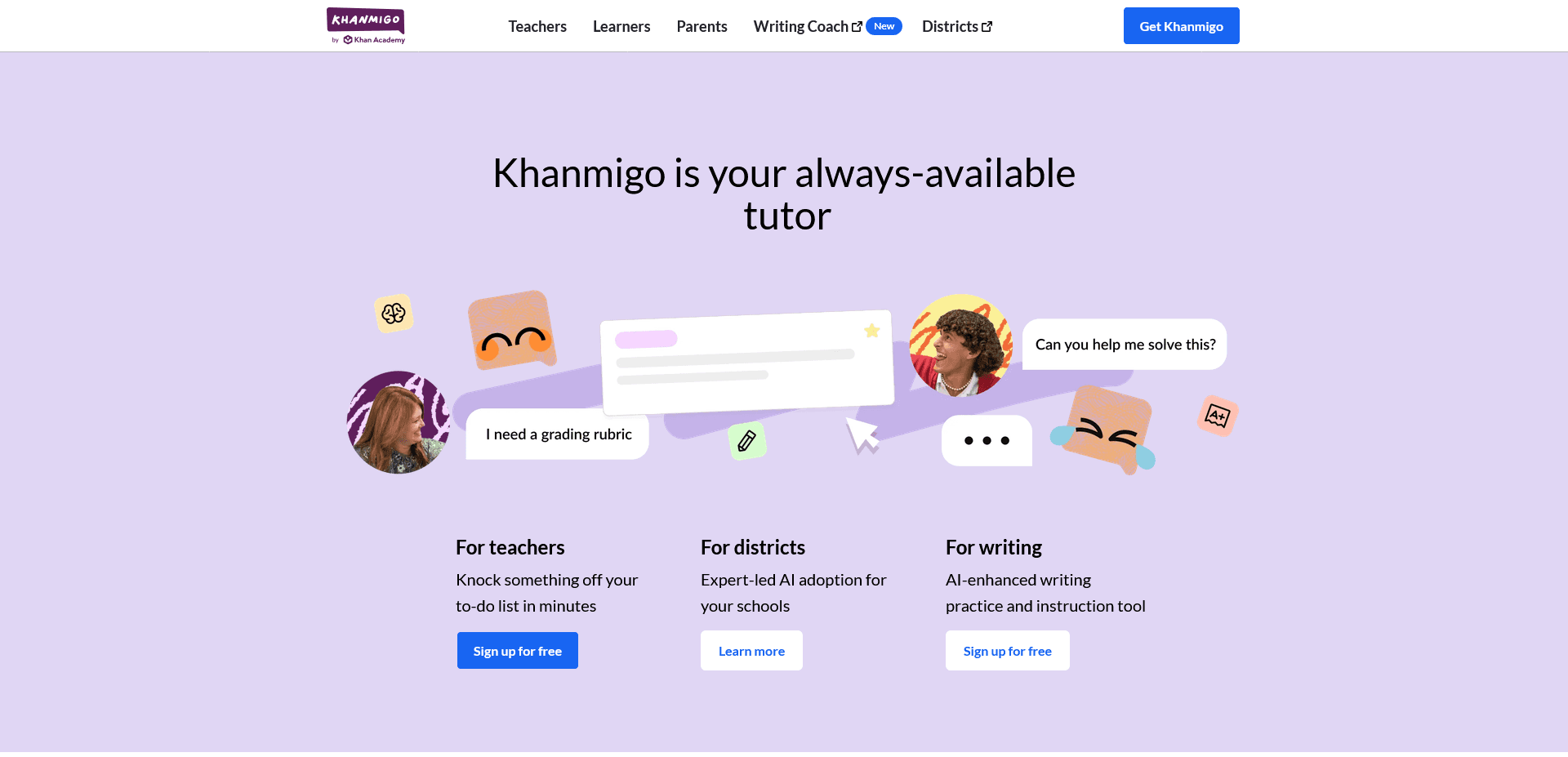
Khanmigo is Khan Academy's AI tutor, built like a guided chatbot that uses interactive lessons and questions to walk a student through their own reasoning instead of handing over an answer. It's free for verified US educators, which makes it one of the lowest-friction tools on this list to actually try.
Best for: math and science teachers who want a supervised, curriculum-aligned tutor for homework support.
If grading is the part of your week a workspace tool never quite fixes, that's the specific gap a rubric-trained grading tool is built to close.
You don't need a new login for every job on this list, but grading is the one job worth being picky about. A workspace agent trained on nothing in particular will draft a comment, but it won't hold the same rubric standard on essay 140 that it held on essay 1.
Start with the assignments already on your desk. Get started for free.