The free AI worksheet generator that grades what it prints

The free AI worksheet generator that grades what it prints

The free AI worksheet generator that grades what it prints

Describe a topic, set the learning objectives and difficulty level, and get customized printable worksheets with an answer key in seconds. No sign-up required to generate.

Describe a topic, set the learning objectives and difficulty level, and get customized printable worksheets with an answer key in seconds. No sign-up required to generate.

Sign up free to save worksheets, export them, and grade written responses the moment they come back.

< 20 sec

< 20 sec

to generate a complete worksheet

topic to print-ready worksheet

Free

Free

no sign-up required to generate

save and grade with a free account

1 click

1 click

from worksheet to grading

written responses feed directly into the TA

Why educators choose EnlightenAI

Why educators choose EnlightenAI

Most worksheet creation tools stop at the PDF. Once students hand it back, you're grading by hand again. EnlightenAI's AI-generated worksheets connect directly to the grading assistant, so classroom activities, differentiated practice, and open-ended questions get scored in the same workflow.

Need three versions of the same worksheet for three ability groups? Generate leveled versions in one pass, all built from the same topic and standard, so every student gets appropriately challenged without you writing three worksheets.


And it's still fully yours. Every generated worksheet is editable, exportable as PDF or Google Doc, and reusable across sections and future terms.

Yellow badge button labeled ‘Data-driven resources’ and Blue button labeled ‘Bulk send feedback’.
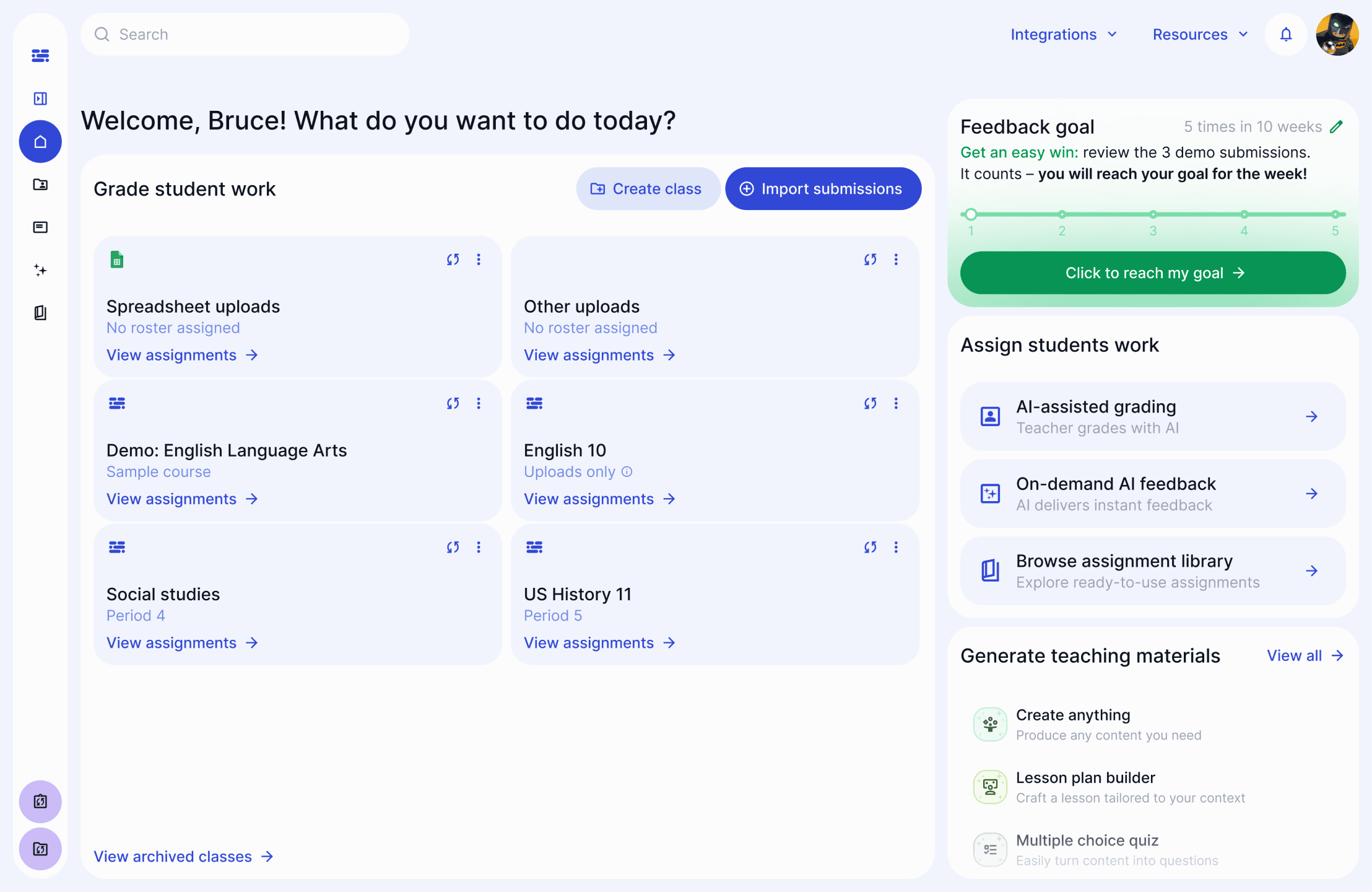
Teacher dashboard showing rubric scores for multiple students, including individual category scores and total scores, with options to send or view feedback.
Yellow notification banner prompting the user to implement recommendations, with a link and a dismiss option.
Class average row showing category scores: 2.8 out of 5, 3.4 out of 5, 3.7 out of 5, 0, and a total score of 3.7 out of 5.
Table row showing student Emily Nguyen’s rubric scores, including scores of 3.0, 4.0, 5.0, and 0.0, with a total score of 3.5 out of 5 and options to send or view feedback.
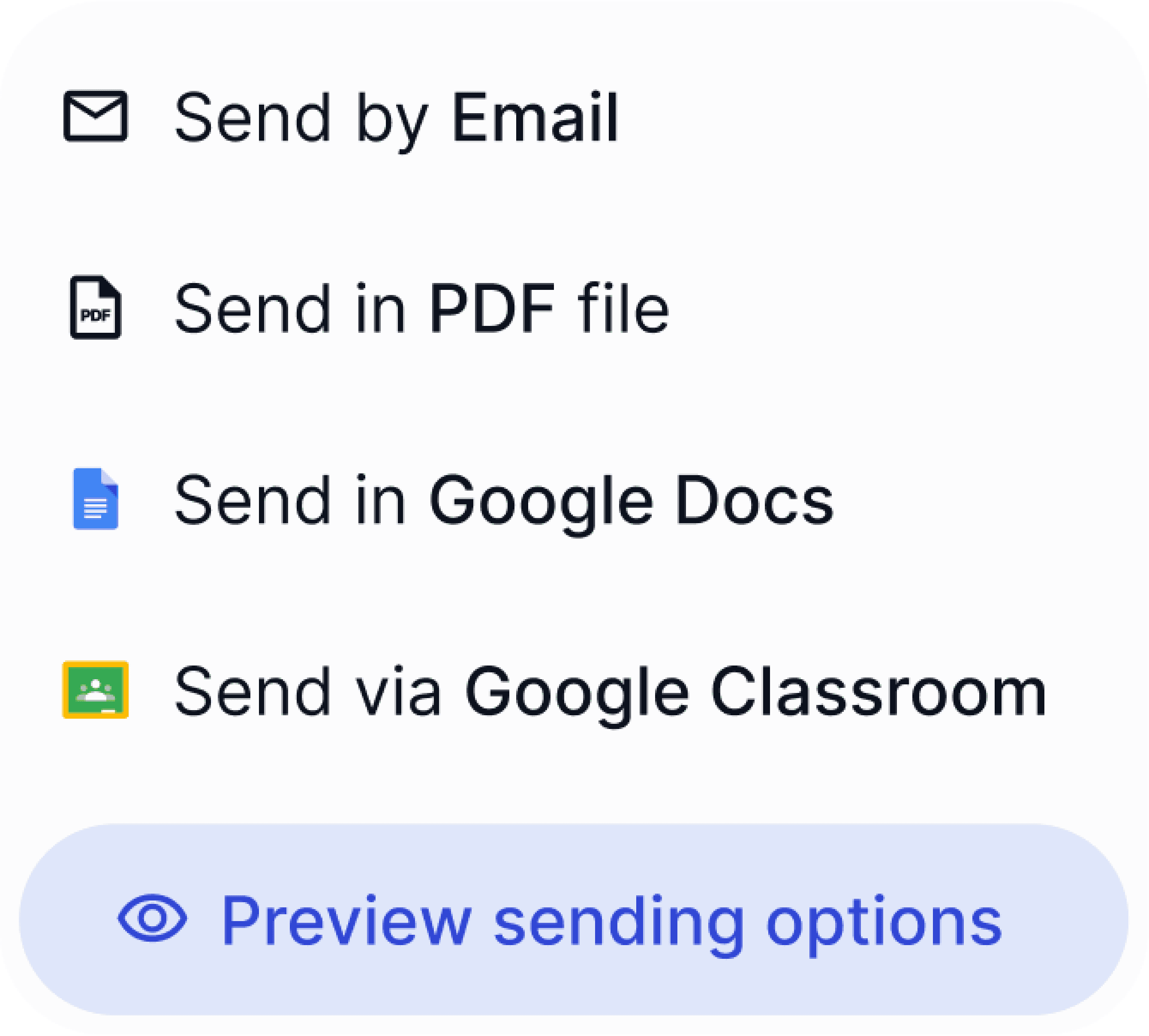
Popup menu displaying options for sending feedback: Send by Email, Send as PDF file, Send in Google Docs, or Send via Google Classroom, with a button for previewing sending options.

I built a differentiated worksheet for three reading levels in under a minute. That used to eat my whole prep period.

SG

Sean Galvin

6th grade Social Studies

Built to integrate

Works with the tools you already use

Works with the tools you already use

Works with the tools you already use

Canvas

Clever

Illuminate

Google Drive

Google Docs

Canvas

Clever

Illuminate

Google Drive

Google Docs

Microsoft Word

PDF

Microsoft Word

PDF

Canvas

Clever

Illuminate

Google Drive

Google Docs

Microsoft Word

PDF

Illuminate

Google Drive

Google Docs

Microsoft Word

PDF

Frequently Asked Questions

FAQs: AI Worksheet Generator

Frequently Asked Questions

FAQs: AI Worksheet Generator

Frequently Asked Questions

FAQs: AI Worksheet Generator

Is the AI worksheet generator actually free?

Can ChatGPT make worksheets for my class?

Is there a free worksheet generator I can use online without an account?

Can I download a generated worksheet as a PDF?

Can I create differentiated or leveled versions of the same worksheet?

Does this worksheet generator for teachers work by grade?

Can I use a worksheet as a formative assessment?

Can I pair a generated worksheet with a lesson plan?

I generated a review sheet the period before the test instead of the weekend before. My students actually used it.

SG

Sean Galvin

6th grade Social Studies

I generated a review sheet the period before the test instead of the weekend before. My students actually used it.

SG

Sean Galvin

6th grade Social Studies