
Key takeaways
Most essay grading AI is built for students, not teachers. The teacher use case requires rubric scoring, not just writing feedback.
Essays are harder to automate than any other assignment type because there is no single correct answer. The rubric is the answer key, and most AI ignores it.
Grade level matters more in essays than in any other format. AI trained on adult academic writing struggles with grades 3-8 in ways most reviews do not mention.
EnlightenAI: rubric-calibrated, grades 3-12, permanent free plan, 0.77 QWK in DREAM Charter Schools study.
Introduction
Search for an AI essay grader and most results are for students checking drafts before submission. This article is for teachers grading 35 essays against a rubric, deciding which AI paper grader actually holds up.
The honest answer: some do, most do not. The difference is whether the AI grades against your rubric, custom rubrics and grading standards, or quietly substitutes generic criteria. That separates a true grading assistant from a tool that adds review work. See what rubric-calibrated AI essay grading for teachers actually looks like before reading the list.
Essay grading AI tools covered in this guide
The six AI grading tools below are evaluated for teacher essay grading, ordered by essay-specific fit.
CoGrader
EssayGrader AI
Brisk
GradeWithAI
Gradescope
The 6 best essay grading AI tools for teachers, honestly evaluated
“Best for” is a verdict, not a hedge. Where a tool is a poor fit for essay grading it is named as such rather than softened into a neutral summary.
1. EnlightenAI
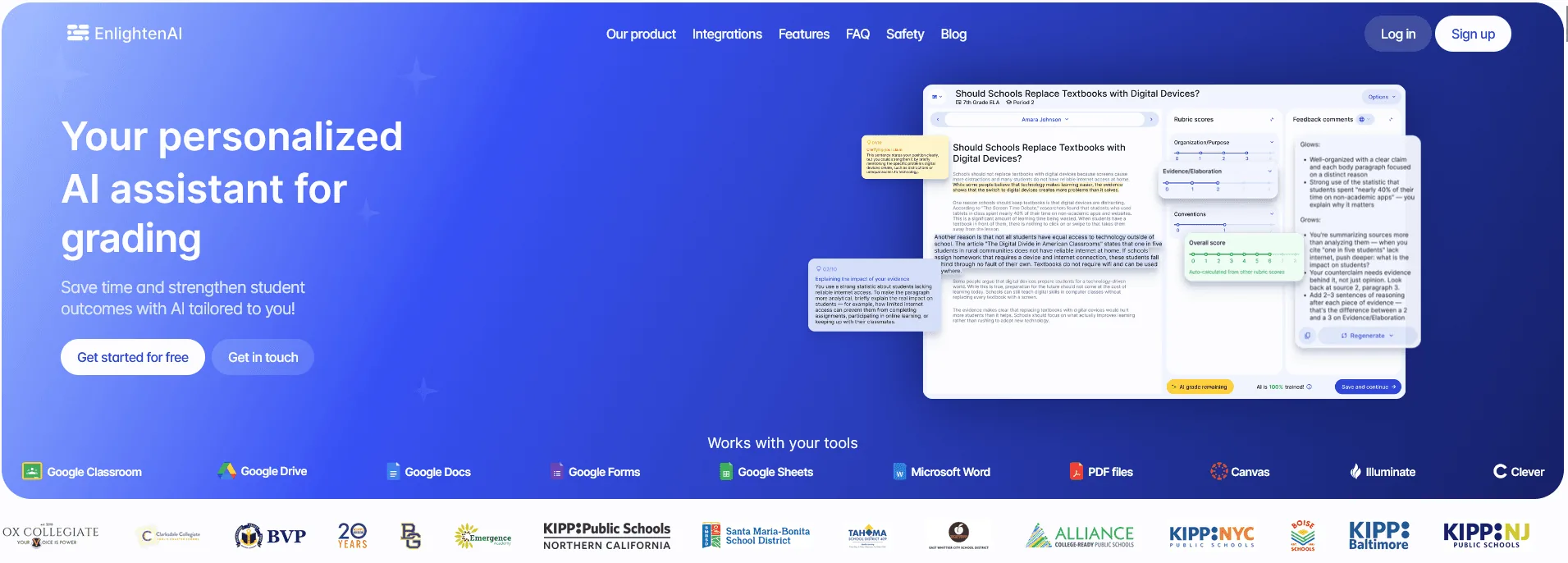
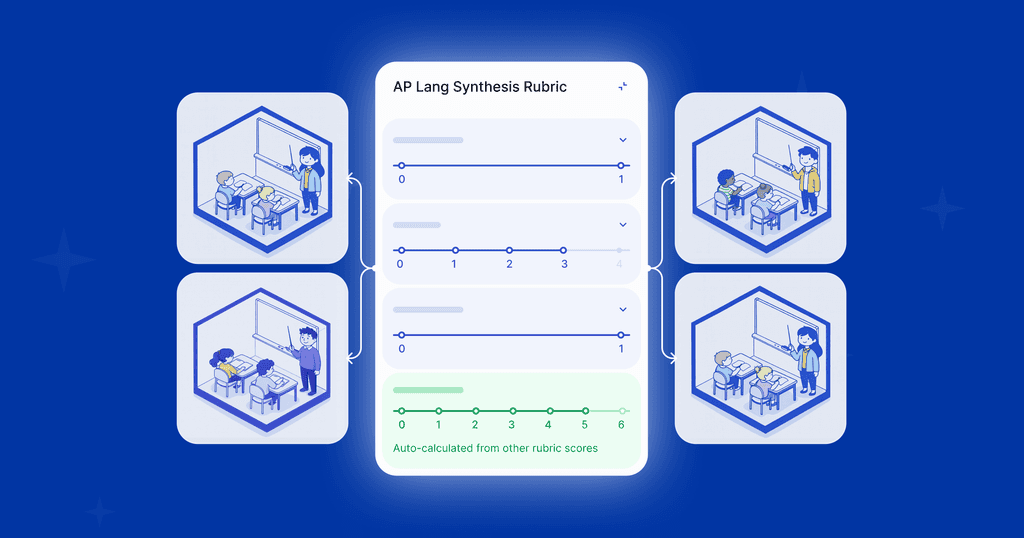
EnlightenAI functions as a TA calibrated to the teacher’s rubric, grading criteria and essay standard, not a fixed template. . Grade the first five essays together and it grades the rest against your specific criteria, returning per-criterion scores with inline comments the teacher reviews before releasing. It covers grades 3-12, integrates with Google Classroom, Canvas, Clever, Illuminate, Google Drive, and Microsoft Word, and is iKeepSafe certified for FERPA, COPPA, and CSPC.
In a study with DREAM Charter Schools, EnlightenAI scored 0.77 QWK alongside a teacher vs. 0.52 for teacher-to-teacher agreement on the same essays. Calibration to a specific teacher’s rubric can outperform peer consistency. See rubric-based essay grading to run it on your own assignments.
This same logic is what makes grading against your own rubric possible at scale, not just on a single assignment.
Best for: teachers who grade essays against their own rubric and need a first pass close enough to approve, not rewrite.
2. CoGrader
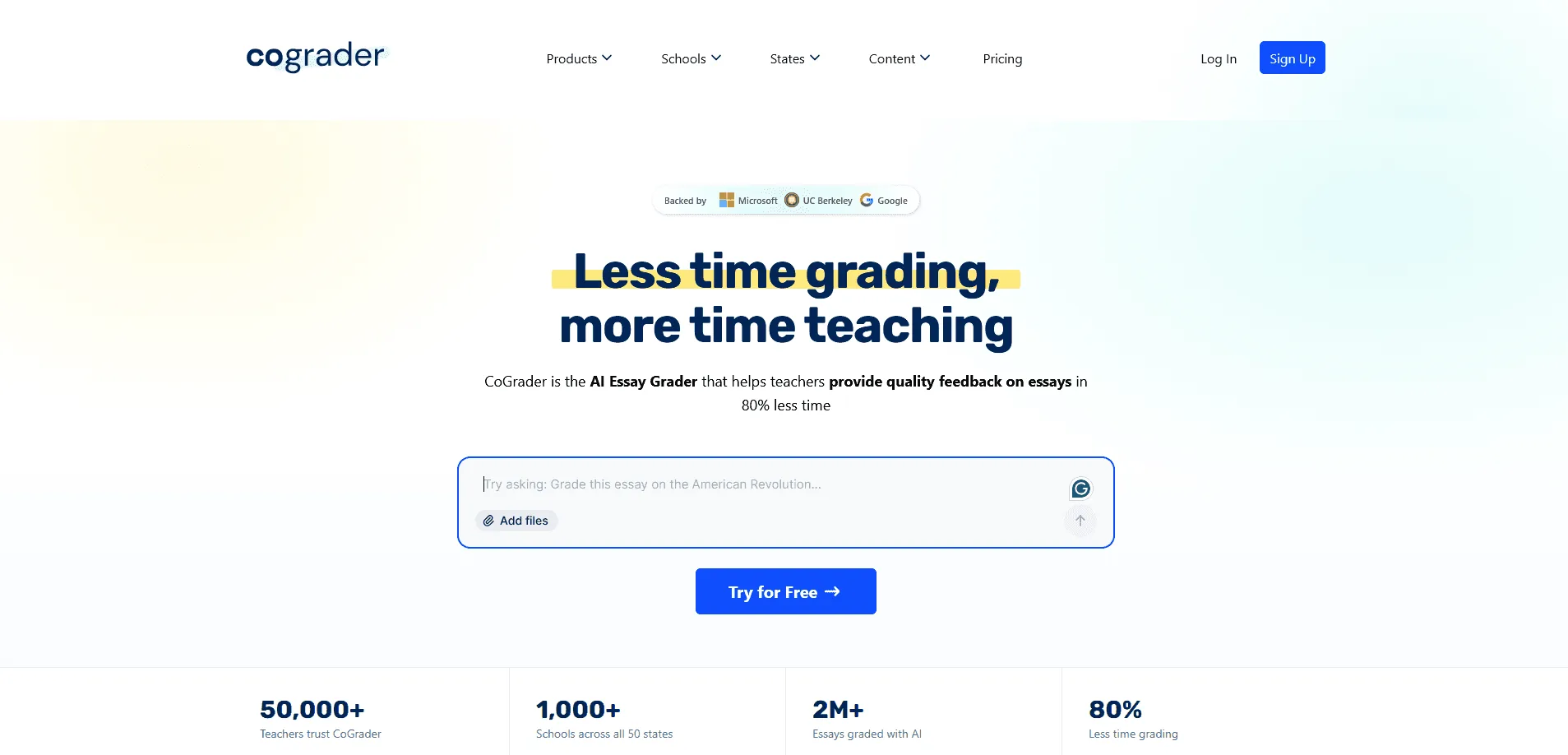
CoGrader is essay-focused by design, built around a rubric library organised by grade level with Google Classroom as its primary intake. It works well when your essay rubric already maps to a standard in its library, but calibration to a custom rubric is limited. Open-ended writing only, which is appropriate for this list.
Best for: English teachers whose essay rubric maps to a common ELA standard and who grade through Google Classroom.
3. EssayGrader AI
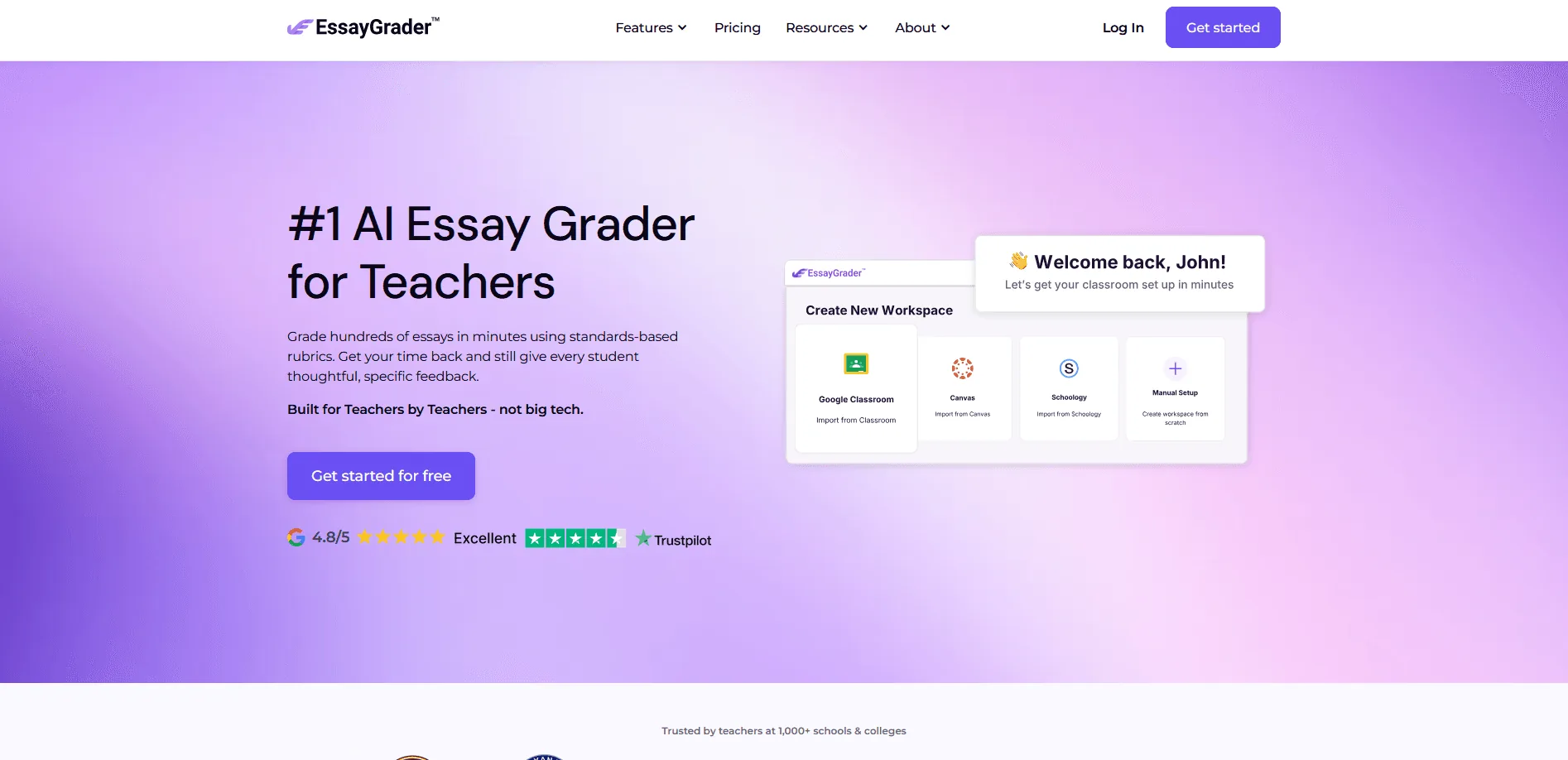
EssayGrader AI does one thing: grades essays. That focus gives it more per-essay depth than multi-purpose platforms, with over 500 rubrics mapped to CCSS, AP, IB, STAAR, and Florida B.E.S.T. The free plan’s 50-essay monthly cap runs out before most class loads, so regular classroom use almost always requires a paid plan.
Best for: teachers whose essay rubric aligns with a specific state or exam standard and who want a single-purpose workflow built around that.
4. Brisk
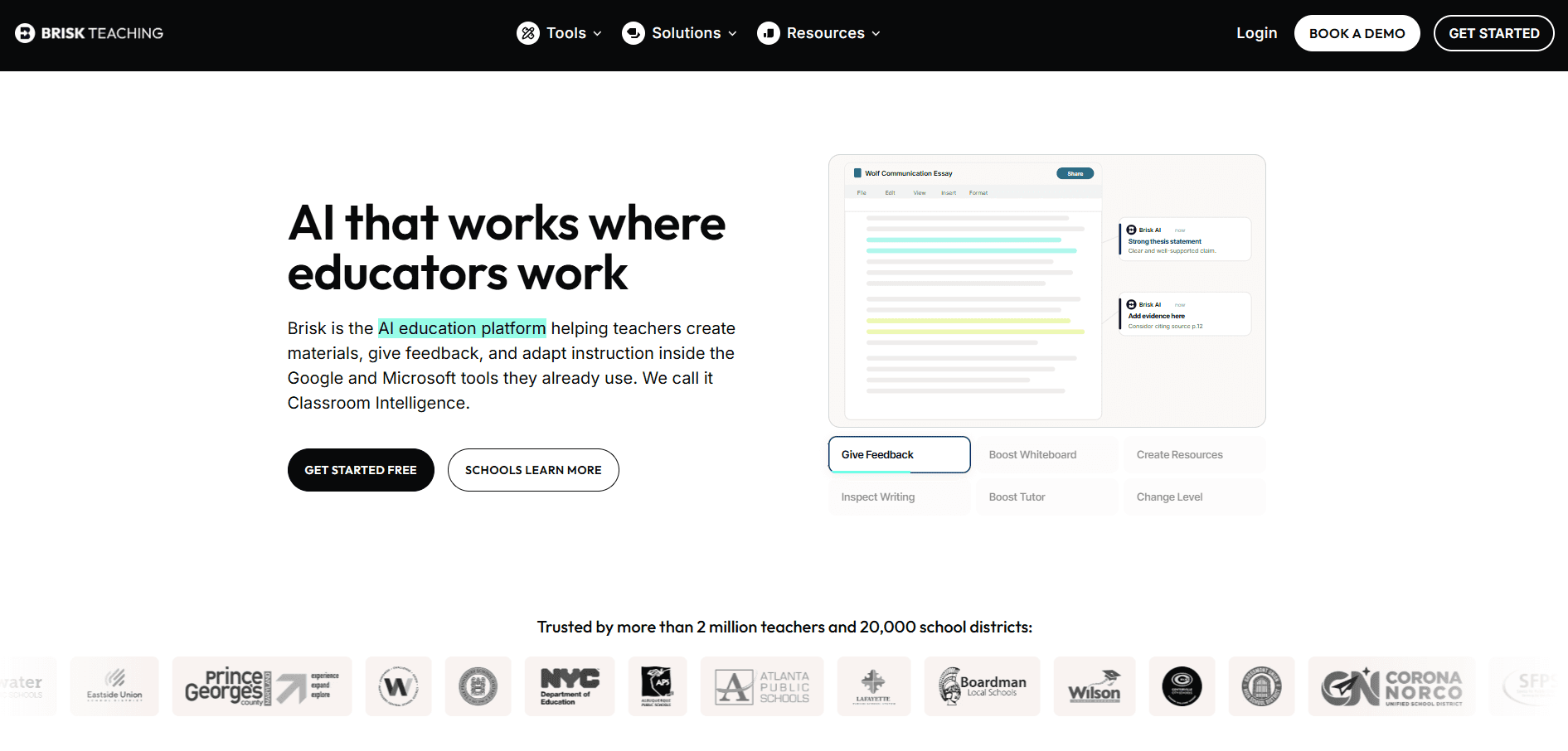
Brisk generates rubric-criteria feedback and comments on essays inside Google Docs via a Chrome extension. It does not assign a score, which puts it in the writing feedback tool category by the definition above, not the essay grader category. Useful as a comment-generation aid; not a replacement for a rubric-scoring workflow.
Best for: teachers who want AI-assisted essay comments inside Google Docs while assigning the rubric score themselves.
5. GradeWithAI
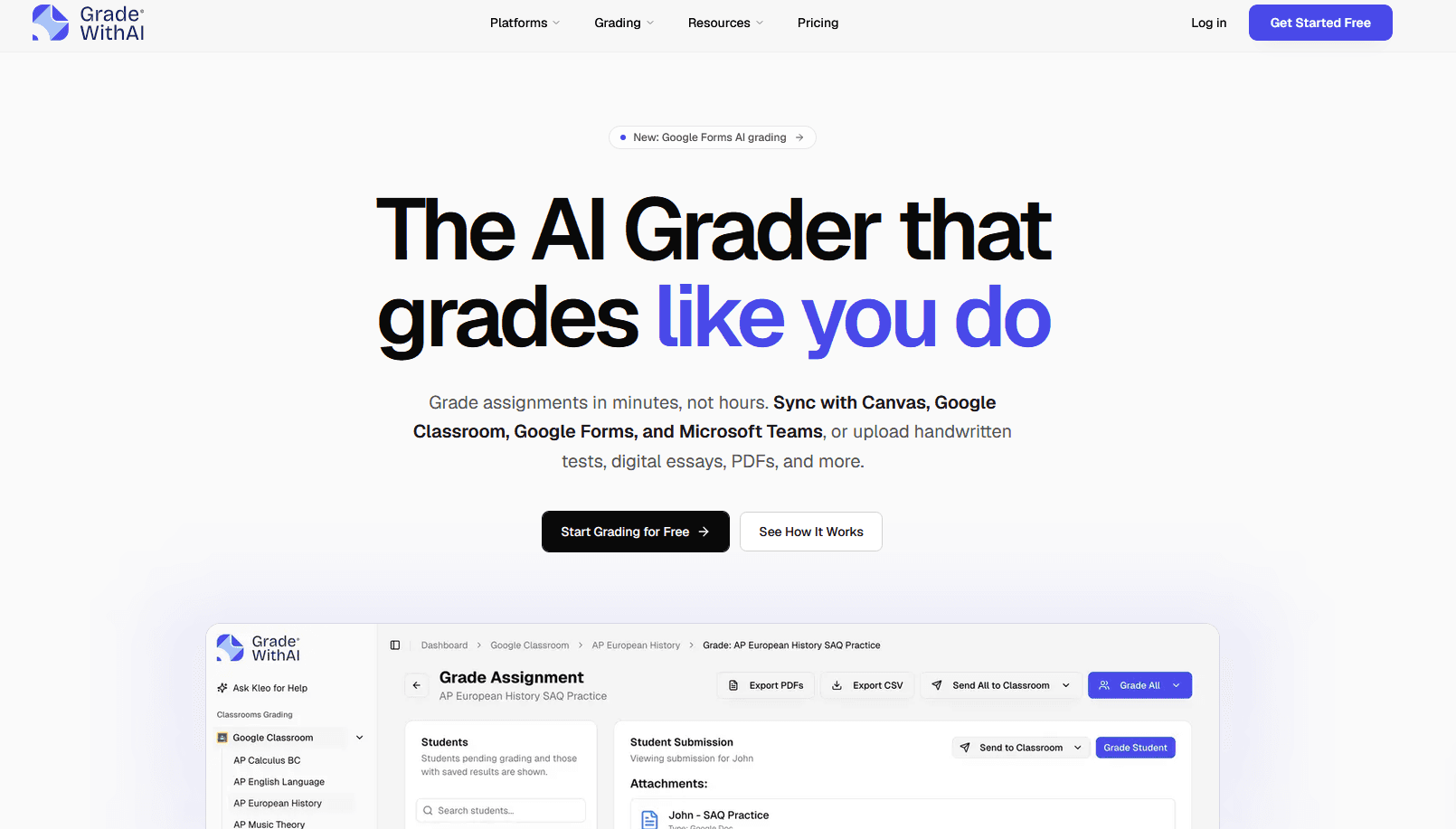
GradeWithAI handles essays alongside handwritten work, Google Forms, and Canvas submissions in one platform. The breadth is both the feature and the limitation: covering this many formats means less depth on any single one. Adequate for essay grading inside a mixed-format workflow, not the strongest pick if essays are the primary use case.
Best for: teachers managing mixed submission formats who need essays handled alongside other assignment types in a single tool.
6. Gradescope
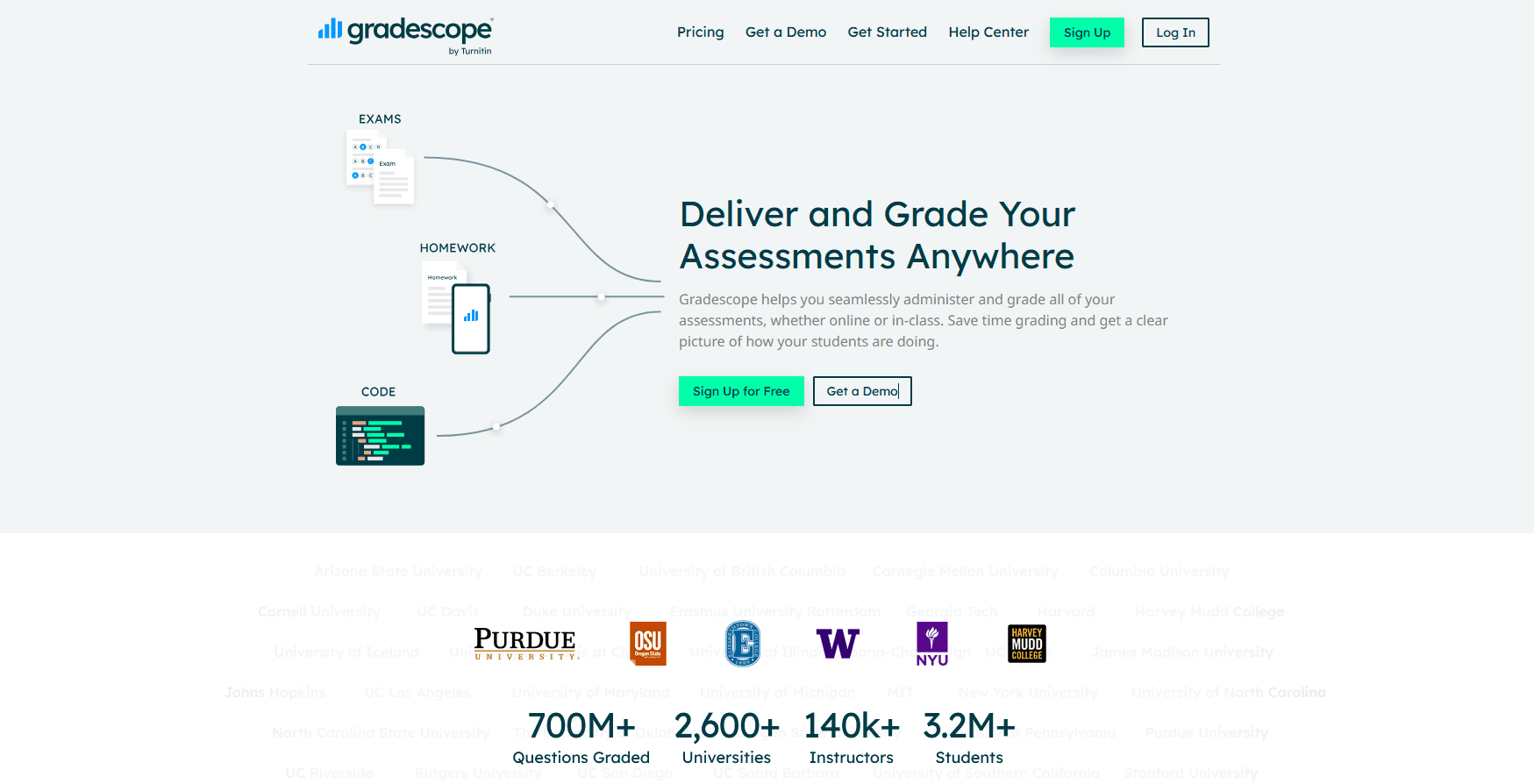
Gradescope is not built for open-ended essay grading, and most roundups that include it here do not say so. Its core strength is structured work where one answer applies across many responses: STEM exams, problem sets, short-answer questions. That answer-grouping efficiency does not translate to essays where every response is different. Skip it for a K-12 essay grading workflow.
Best for: STEM departments and universities grading structured exams at scale. Not recommended for open-ended essay grading.
See how calibration to your essay rubric works in practice: AI essay grader for teachers.
Choosing the ap lang grader means finding support that respects teacher judgment and AP standards.
The right ai essay grader should extend, not replace, teacher expertise.
Why essay grading is harder to automate than any other assignment type
Multiple choice has a key. Math has a correct answer. Essays have a rubric, and the rubric is the entire answer key. Most AI grading tools were not designed with that distinction in mind. They apply a generic writing quality model, evaluating grammar, structure, and vocabulary against an abstract standard rather than against the specific criteria a teacher is actually marking.
The result is feedback that sounds plausible but does not match how the assignment was graded. A student who writes a grammatically clean essay with a weak central argument scores well from a generic AI and poorly from a rubric-trained one, and the teacher is the one who has to reconcile the difference. That is the core failure mode of most essay grading AI. Read what makes AI grading accurate for what the evidence actually says.
The difference between an essay grading AI and a writing feedback tool
The practical test: after the AI runs, can you assign a rubric score without reading the essay yourself? If yes, it is an essay grading AI. If you still need to read the essay to decide the score, it is a writing feedback tool with an AI layer on top. Most tools marketed as essay grading AI are the second thing.
A genuine essay grading AI does all four of these:
Grades against your rubric criteria, not a generic writing standard.
Returns a score per criterion, not a general quality rating.
Produces a first pass the teacher approves, not a comment list the teacher then scores themselves.
Calibrates to the teacher who uses it, so the feedback voice matches that teacher's marking style.
A writing feedback tool flags grammar, tone, and structure against a generic academic standard. Useful for students revising their own work. Not useful for a teacher who needs a rubric-referenced score to enter into a gradebook.
How essay grading AI performs differently across grade levels
Grade level is the variable most essay grading AI reviews ignore, and it is the one that most determines whether a tool works in your specific classroom. Most AI in this category was trained primarily on high school and college-level academic writing, which creates a performance gap that shows up most clearly in grades 3-8.
Grades 3-5
At this level, essays are short opinion pieces and narratives with simple rubric criteria: does the student have a clear main idea, do they use supporting details, does the piece have a beginning and an end. Most essay grading AI performs worst here because the AI is calibrated against adult prose patterns the student is not yet using. A tool trained on AP-level essays will consistently over-penalise grades 3-5 writers for stylistic choices that are completely appropriate at their level. Read rubric-based feedback in early grades for what calibrated feedback actually looks like at this level.
Grades 6-8
Argumentative writing and evidence-based responses enter the rubric at this stage. This is where rubric calibration matters most, because the difference between a 3 and a 4 on an evidence criterion often comes down to a teacher judgment call the AI needs to learn, not a structural rule it can apply universally. Tools with strong rubric flexibility hold up well here; generic essay graders start producing scores the teacher overrides more often than not.
Grades 9-12
Most essay grading AI is built and tested at this level, so performance is strongest here across the board. The risk at this stage is over-reliance: because the AI performs more consistently on high school writing, teachers are more likely to return scores without review, removing the human calibration step that keeps feedback accurate. AP and IB essay rubrics are well represented in most tools' standard libraries, but custom rubric calibration still outperforms library-based scoring for teachers with established marking standards. See training your AI teaching assistant for how calibration works in practice.
FAQs: Best Essay Grading AI
An essay grading AI returns a rubric-referenced score per criterion that the teacher reviews and approves. A writing feedback tool generates comments on grammar, structure, and tone against a generic standard, leaving the teacher to assign the score themselves. The practical test: after it runs, can you enter a grade without reading the essay? If not, it is a feedback tool. Read what makes AI grading accurate for how to evaluate the difference before trialling a tool.
Most essay grading AI performs strongest on argumentative and analytical writing, where rubric criteria like thesis development and evidence use are well-defined. Narrative and opinion writing, which dominates grades 3-6, uses different criteria where AI consistency drops significantly. EnlightenAI calibrates to the specific rubric and genre the teacher assigns, making it more reliable across formats than tools with fixed rubric libraries. See rubric-based feedback in early grades for how this applies to grades 3-5 specifically.
The fastest check: grade a deliberately weak essay that is grammatically clean. A generic AI will score it reasonably well because the writing surface is polished. A rubric-calibrated tool will score it low on the criteria the essay fails, regardless of prose quality. If the AI cannot distinguish between a clean essay with no argument and one with a strong central claim, it is using a writing quality standard rather than your rubric. EnlightenAI's calibration approach is documented at grading against your own rubric.
With a rubric-calibrated tool and a teacher review step, yes. Without calibration, the feedback is plausible but inconsistent enough that some students receive comments that do not match how the essay was scored. In the New York Regents dataset, EnlightenAI matched the teacher who trained it exactly 70% of the time, with the remaining 30% within one point on a 5-point scale. That level of accuracy supports a review-and-approve workflow before anything reaches a student. Check EnlightenAI's student data safety practices before returning AI-assisted feedback to students.