Set up your assignment
with
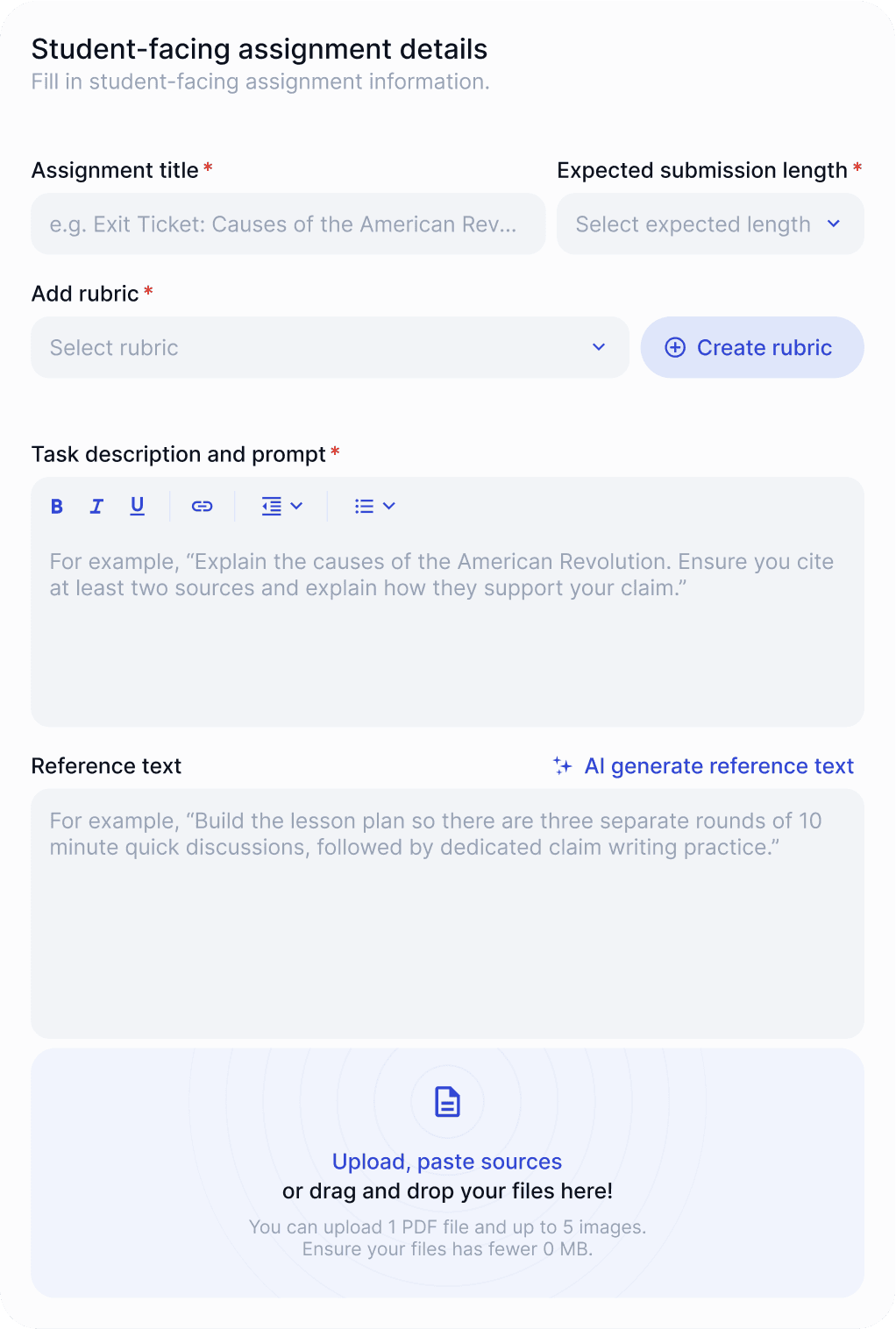
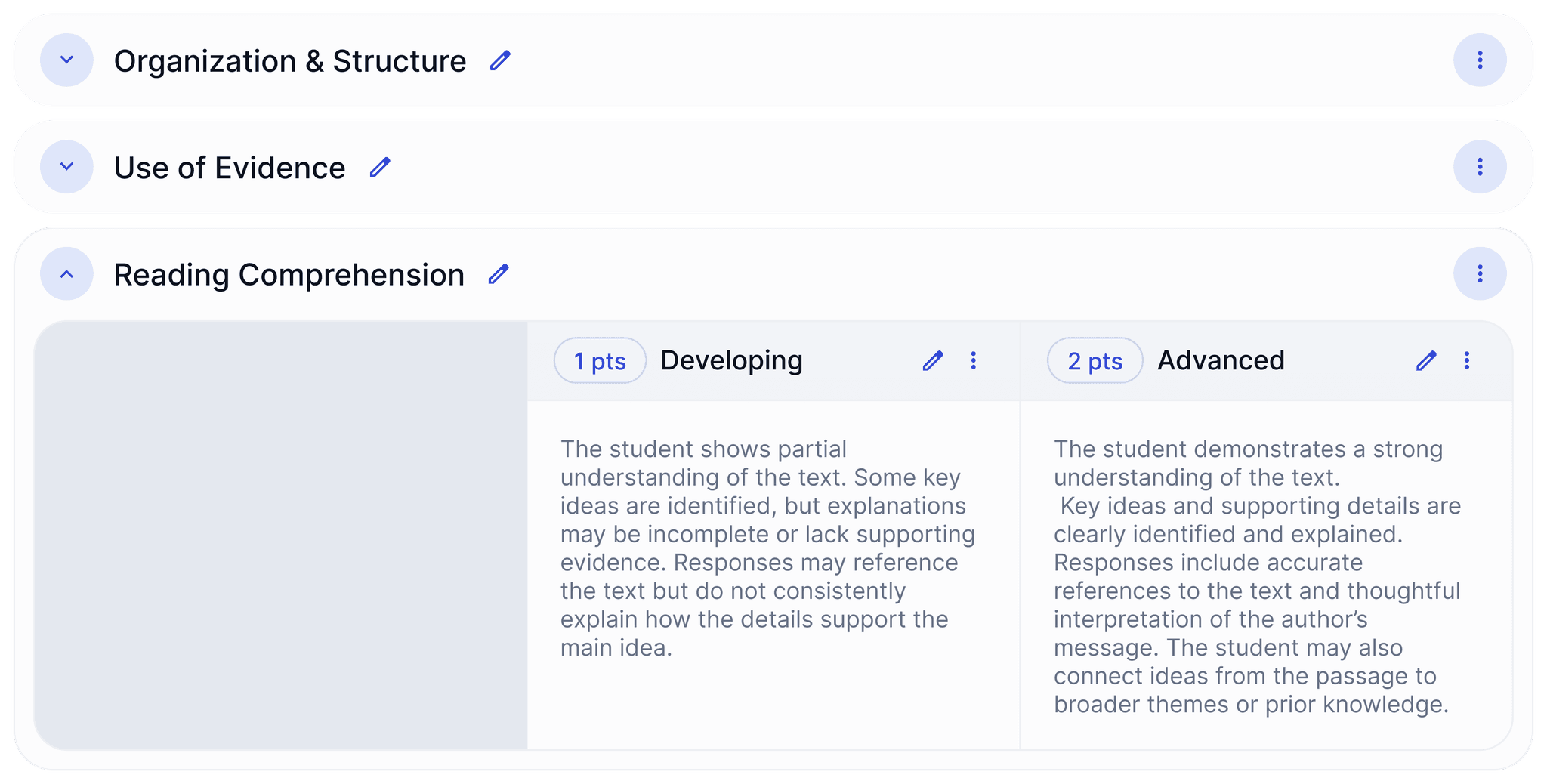
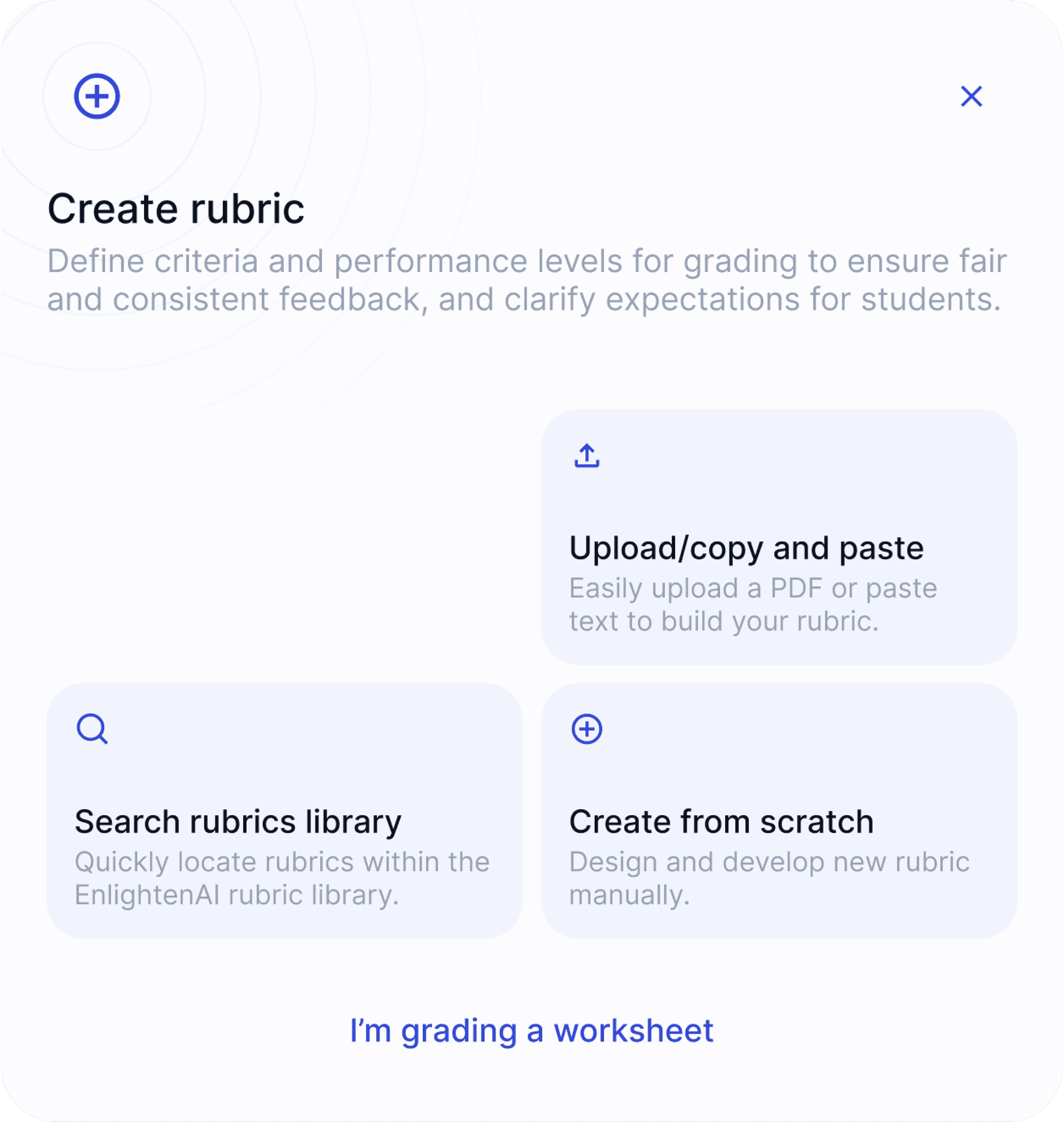
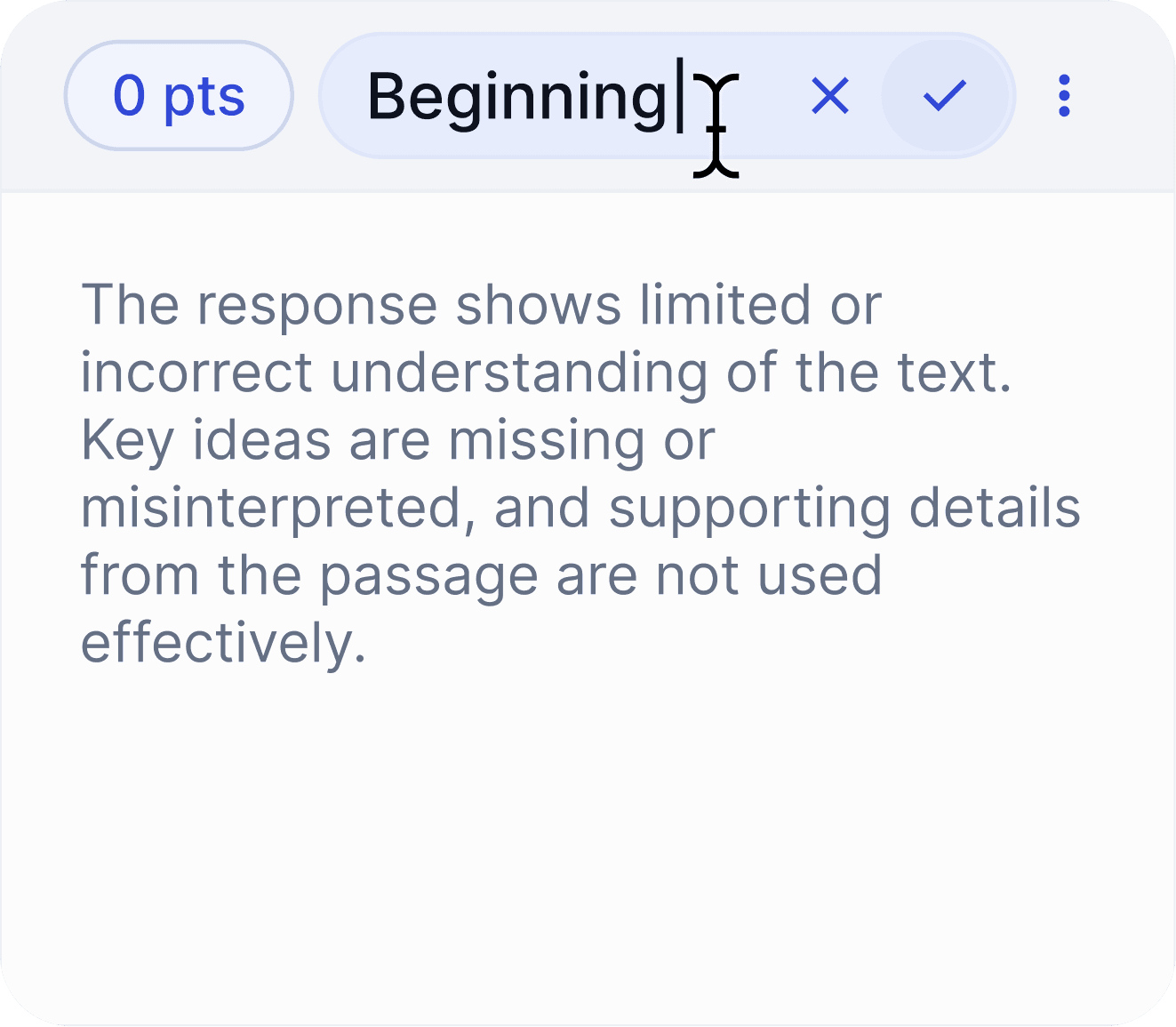
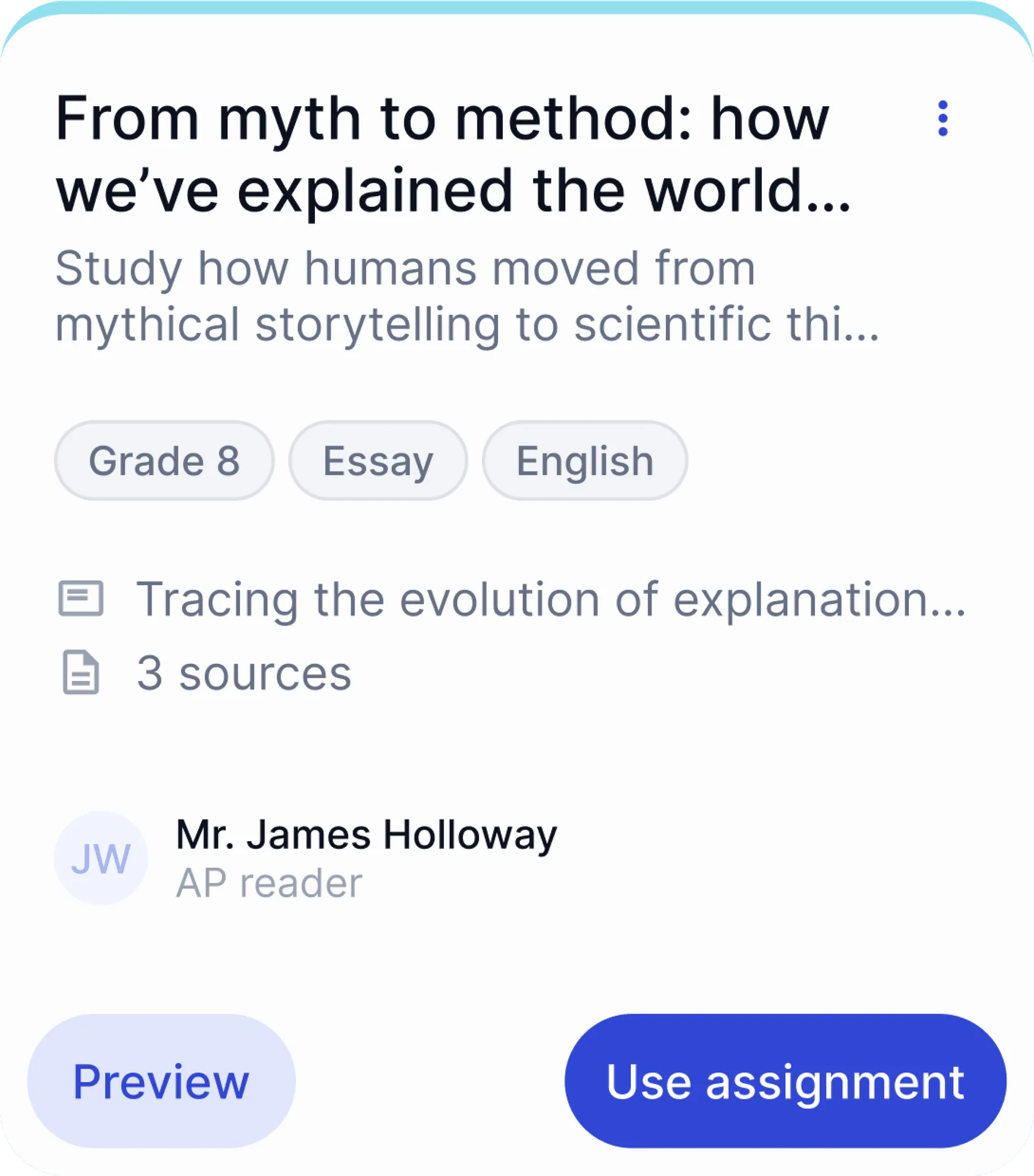
a rubric and instructions
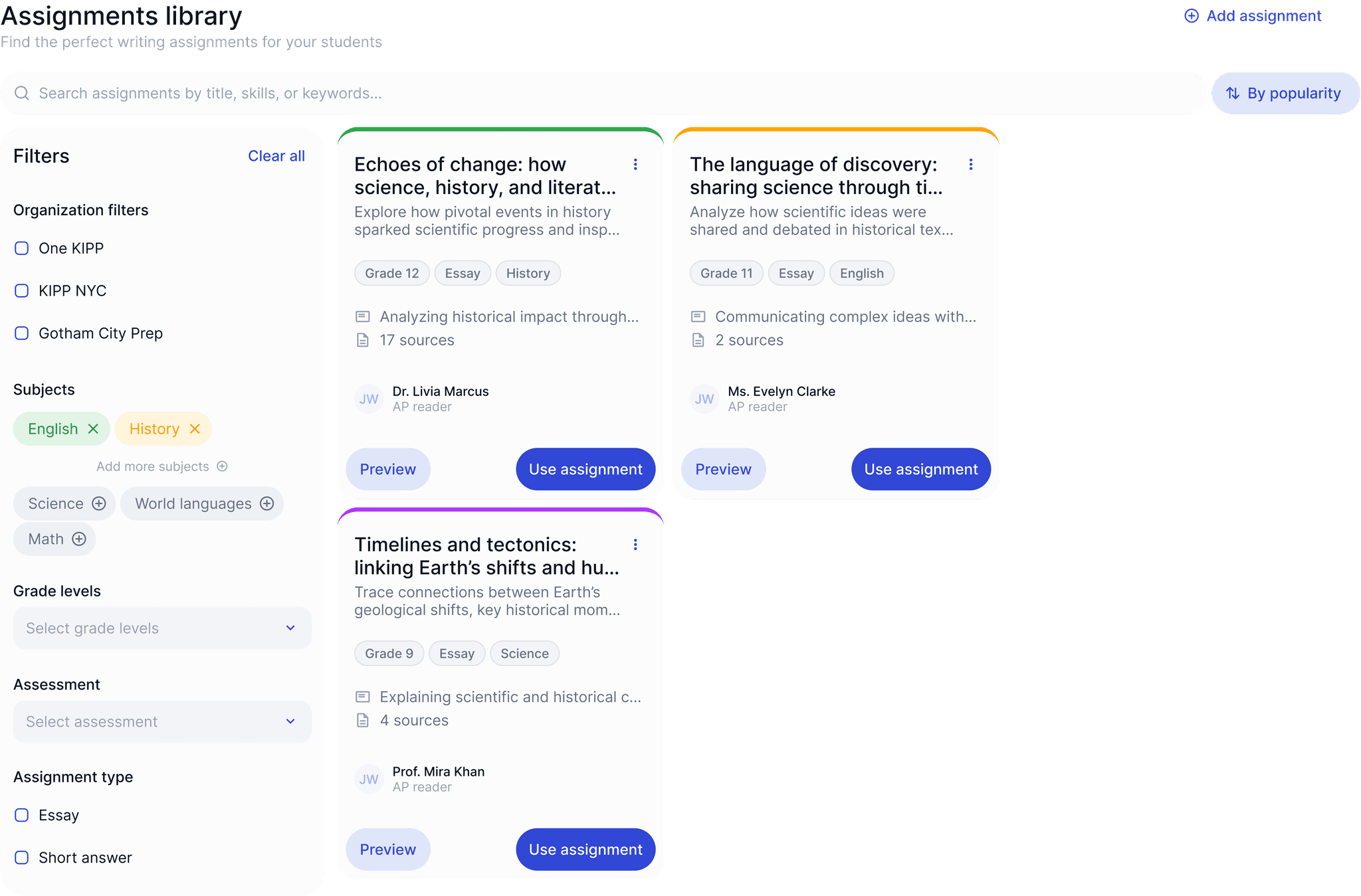
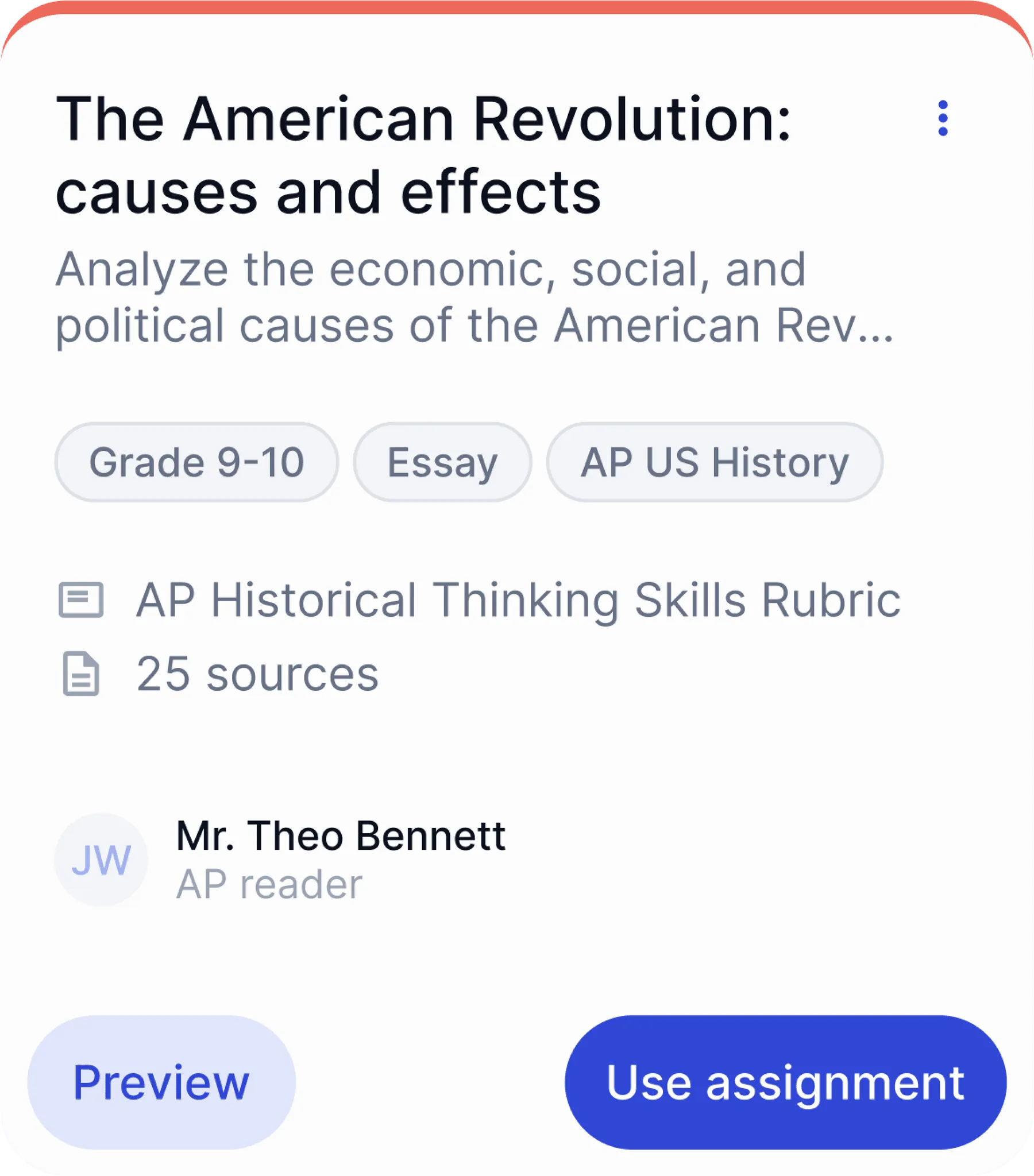
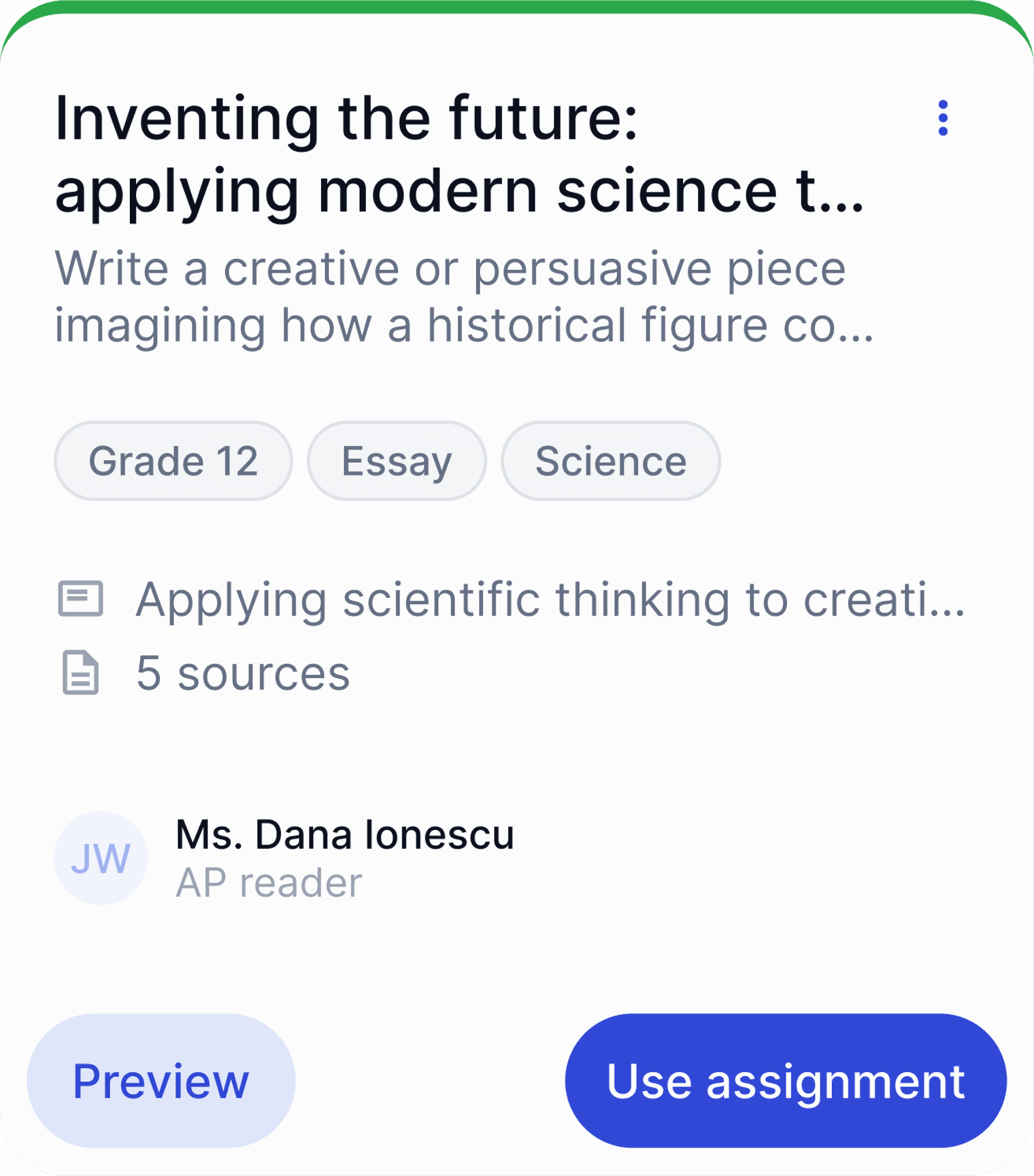
Import your student work, or create
a new assignment in EnlightenAI.

Save time and strengthen student
outcomes with AI tailored to you!
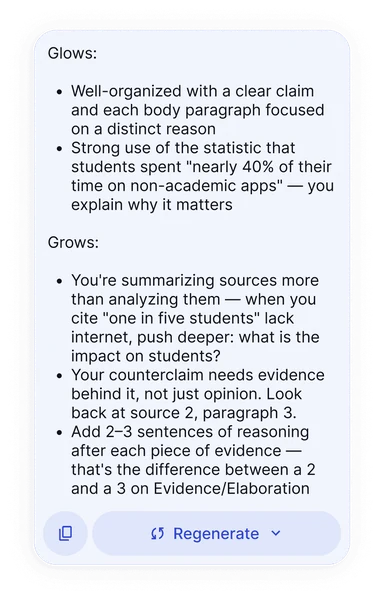
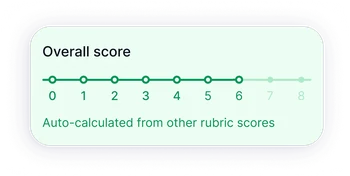
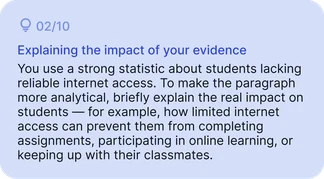
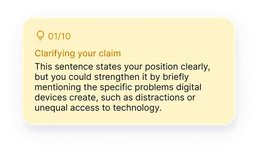










































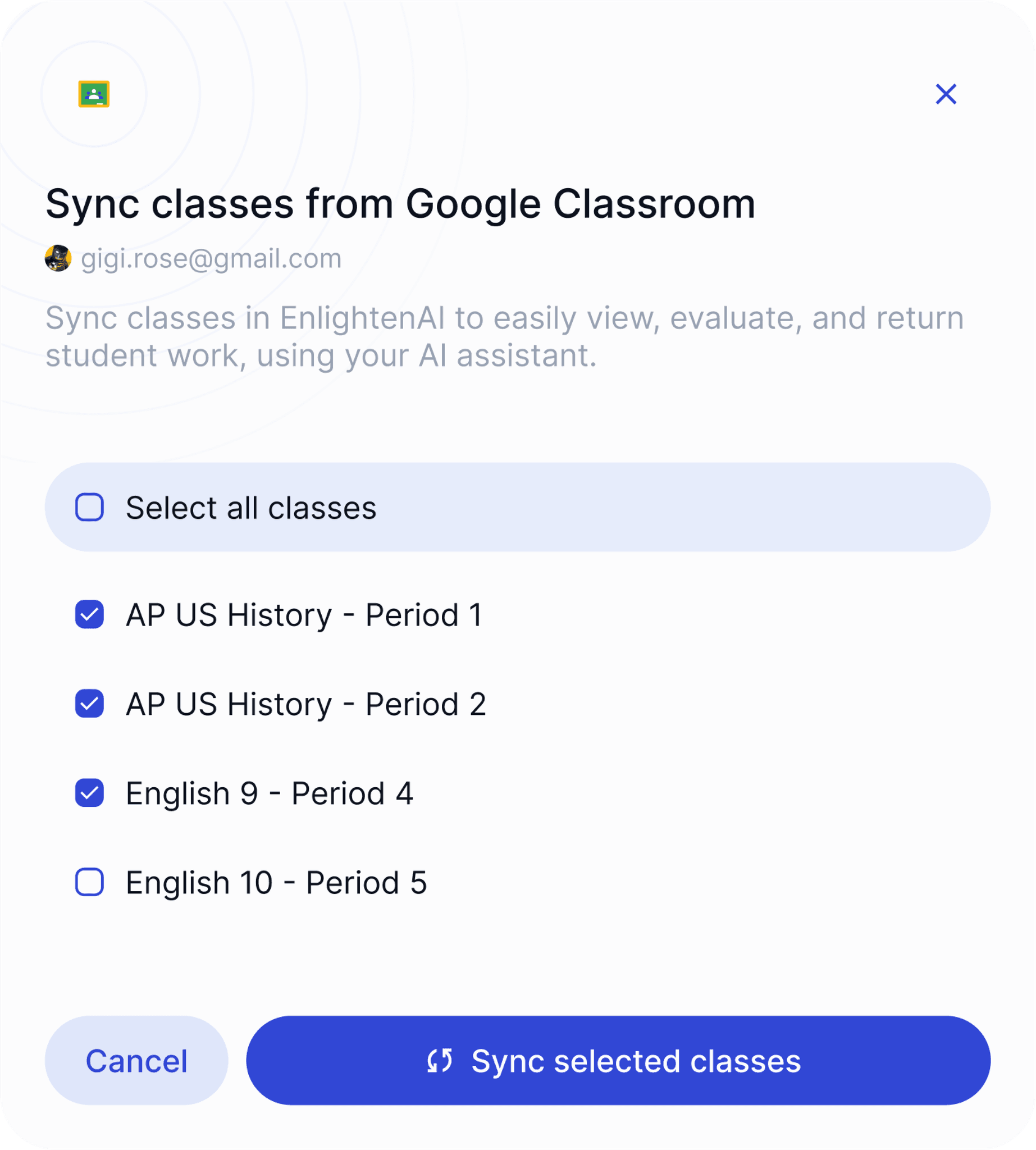
EnlightenAI integrates seamlessly into your workflow, offering direct compatibility with Google Classroom, Google Docs, Google Sheets,
PDFs, Canvas, Illuminate, and more.
It works across grade levels, subject areas,
geographies, languages, and curricula.


Import your student work, or create
a new assignment in EnlightenAI.
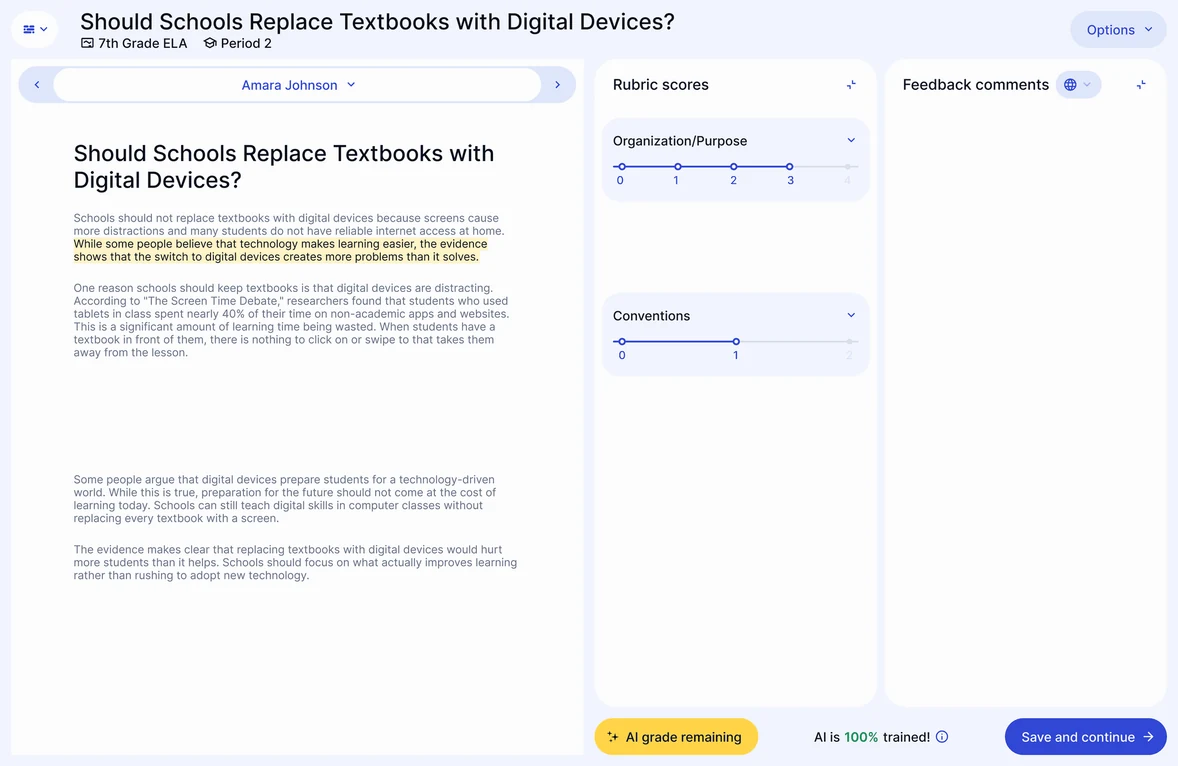
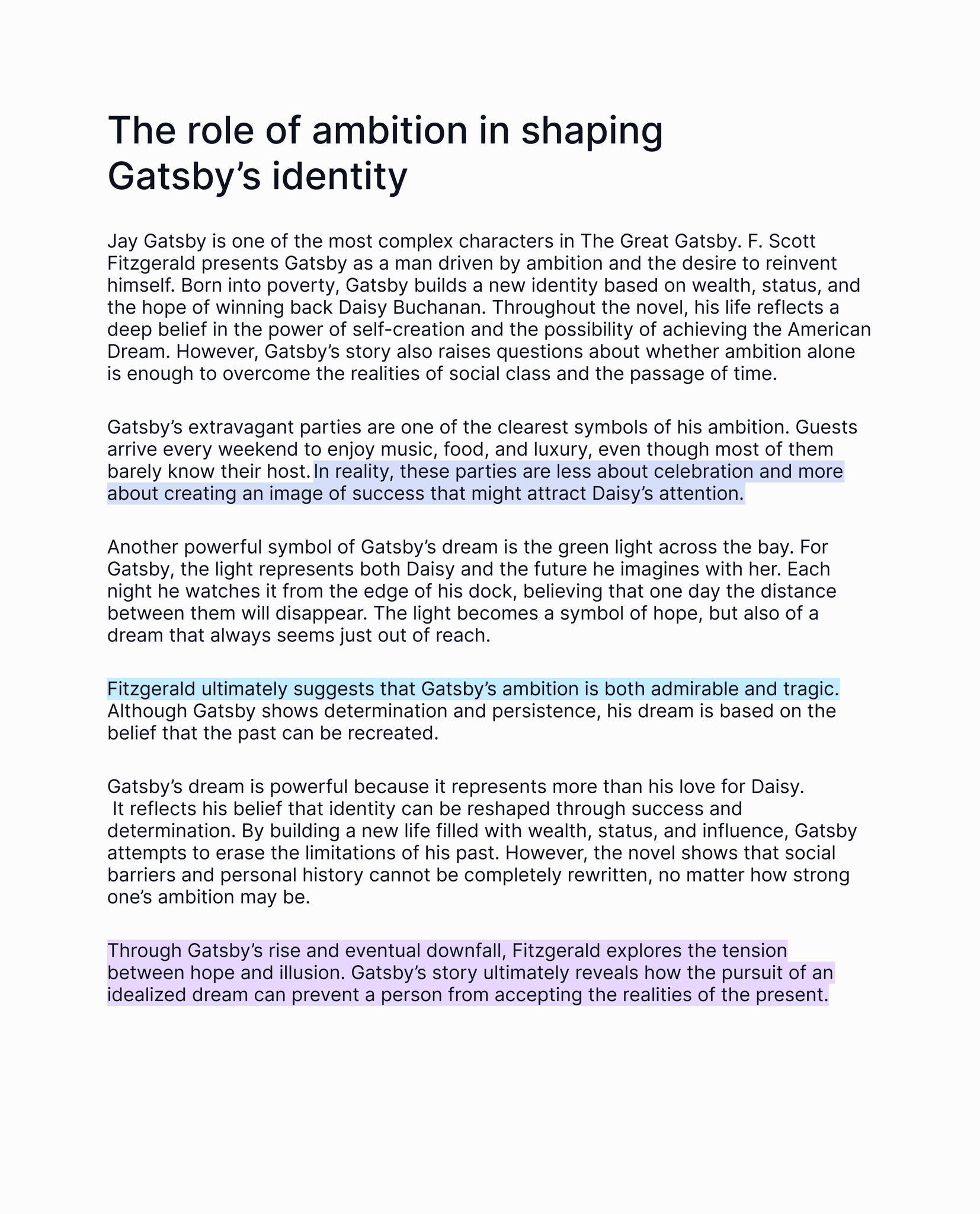
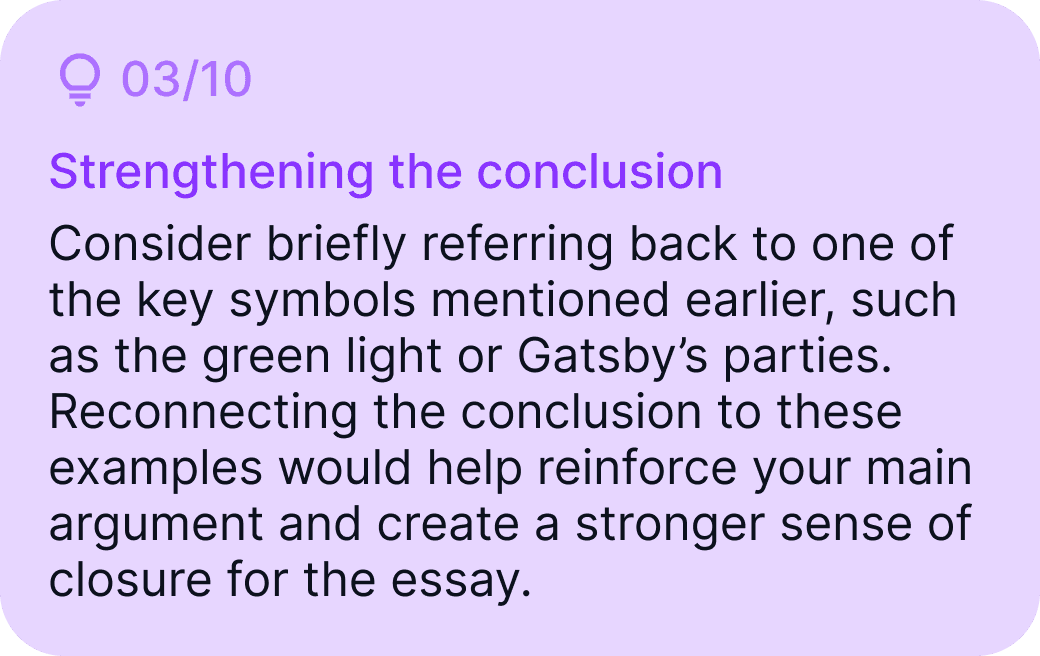
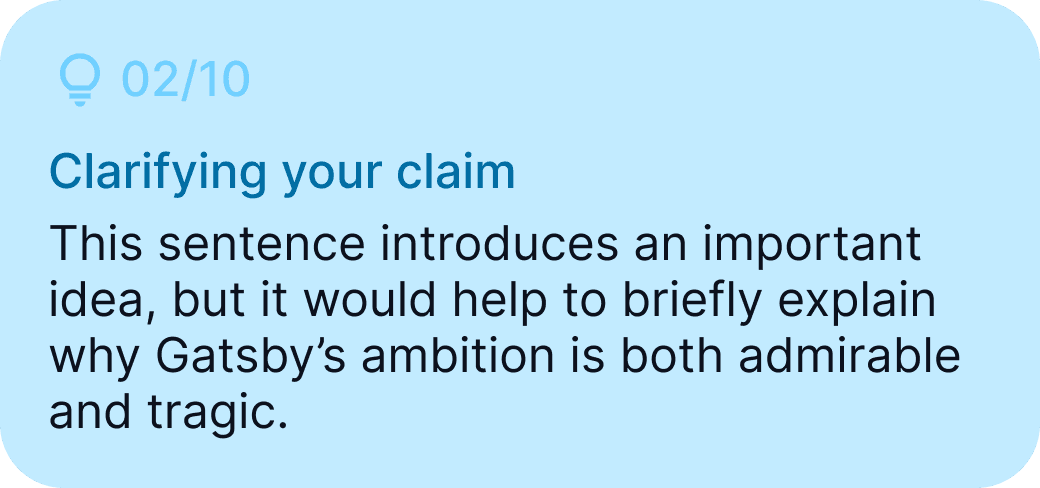
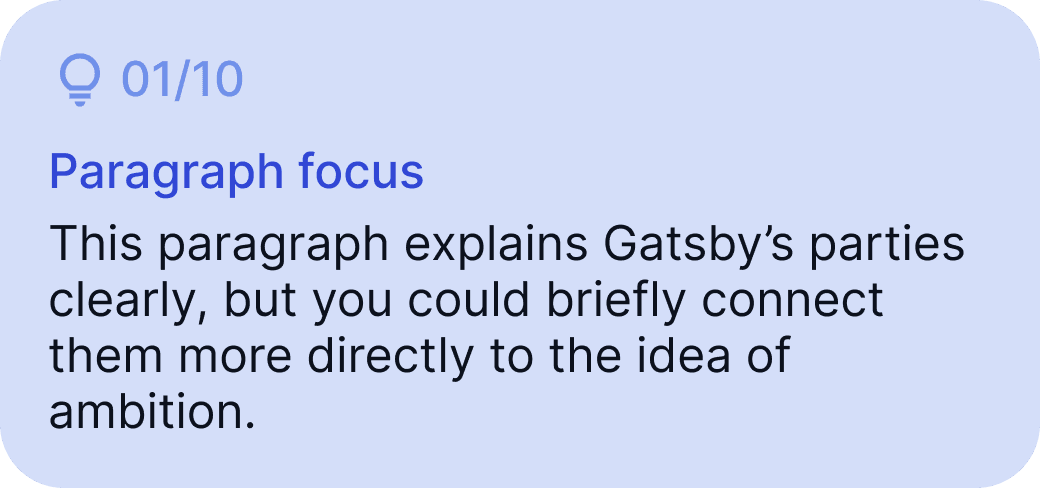
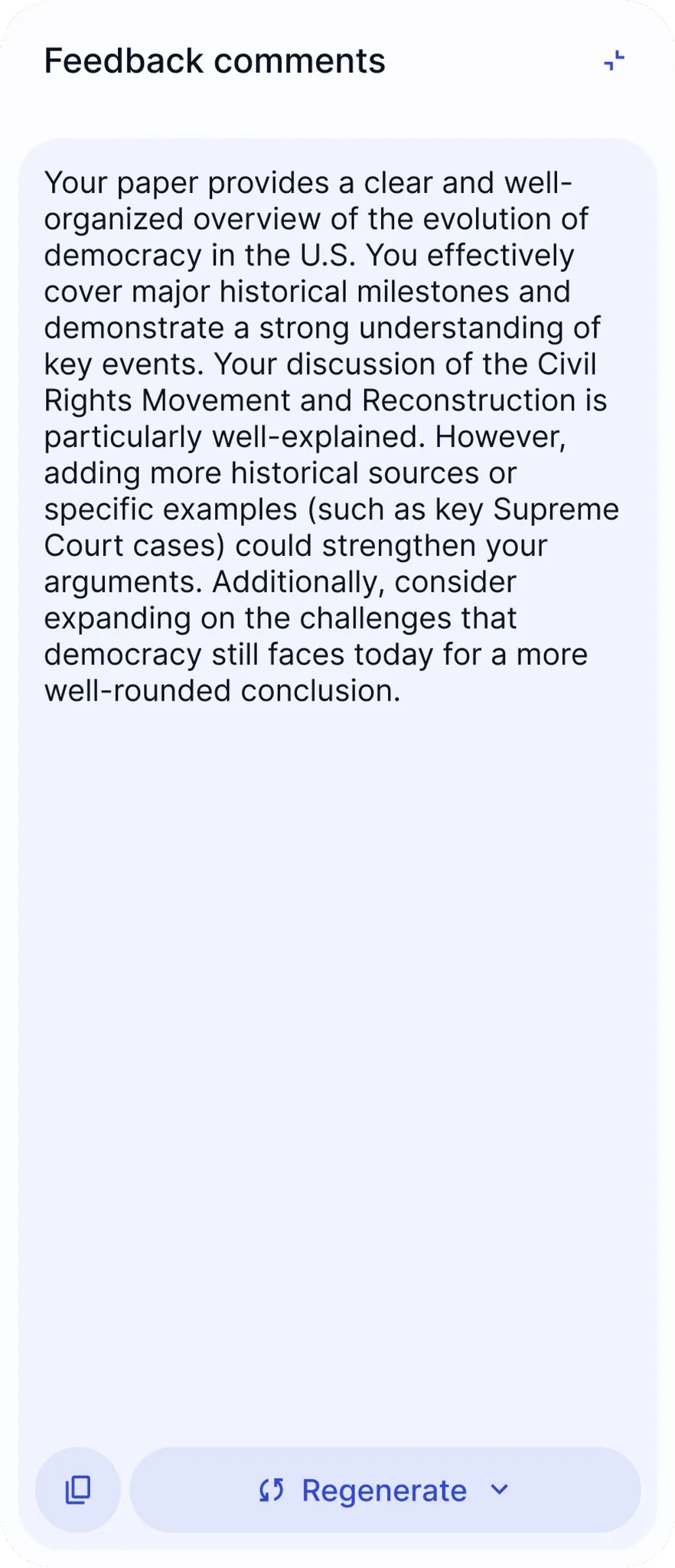
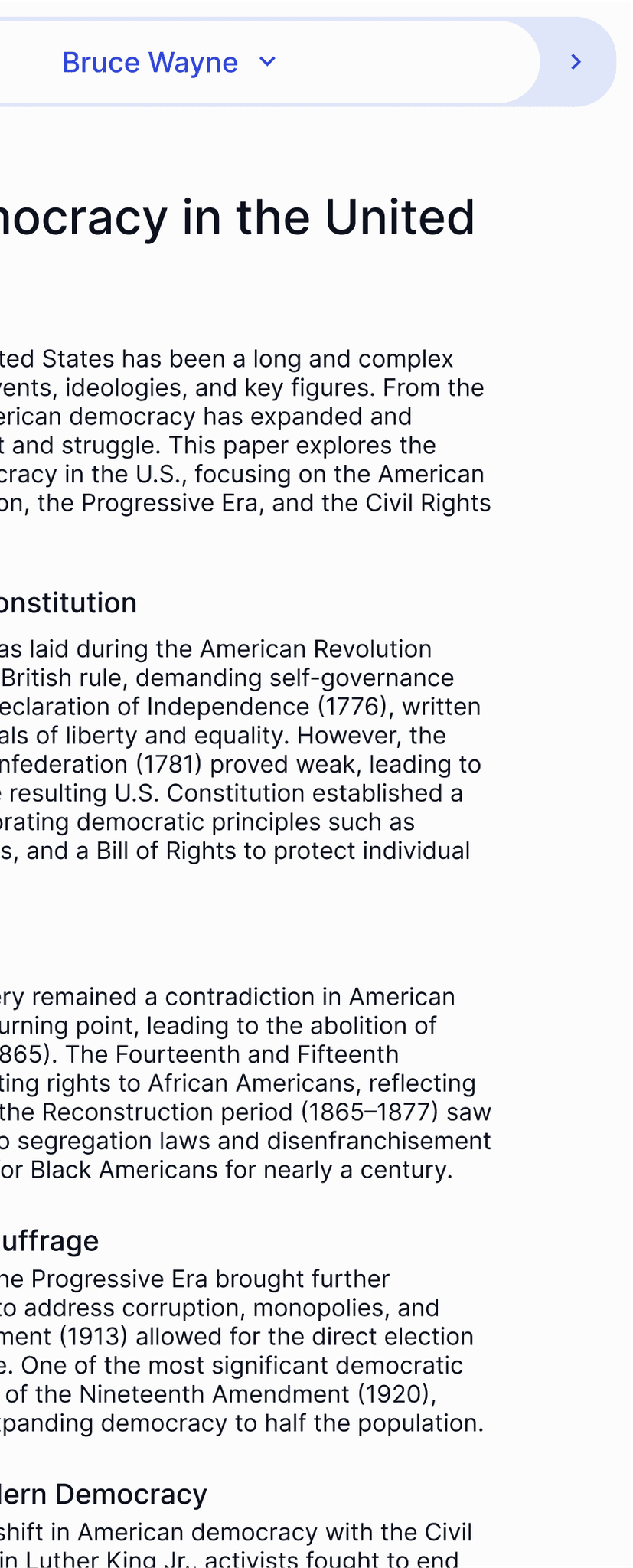
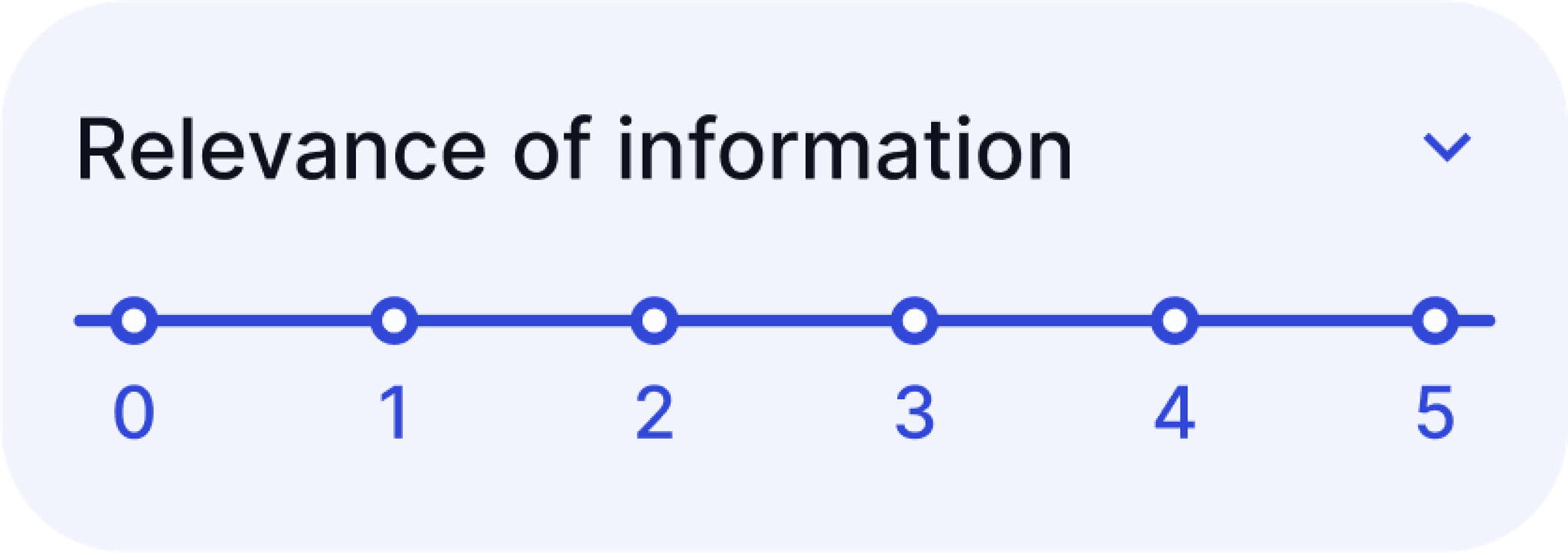
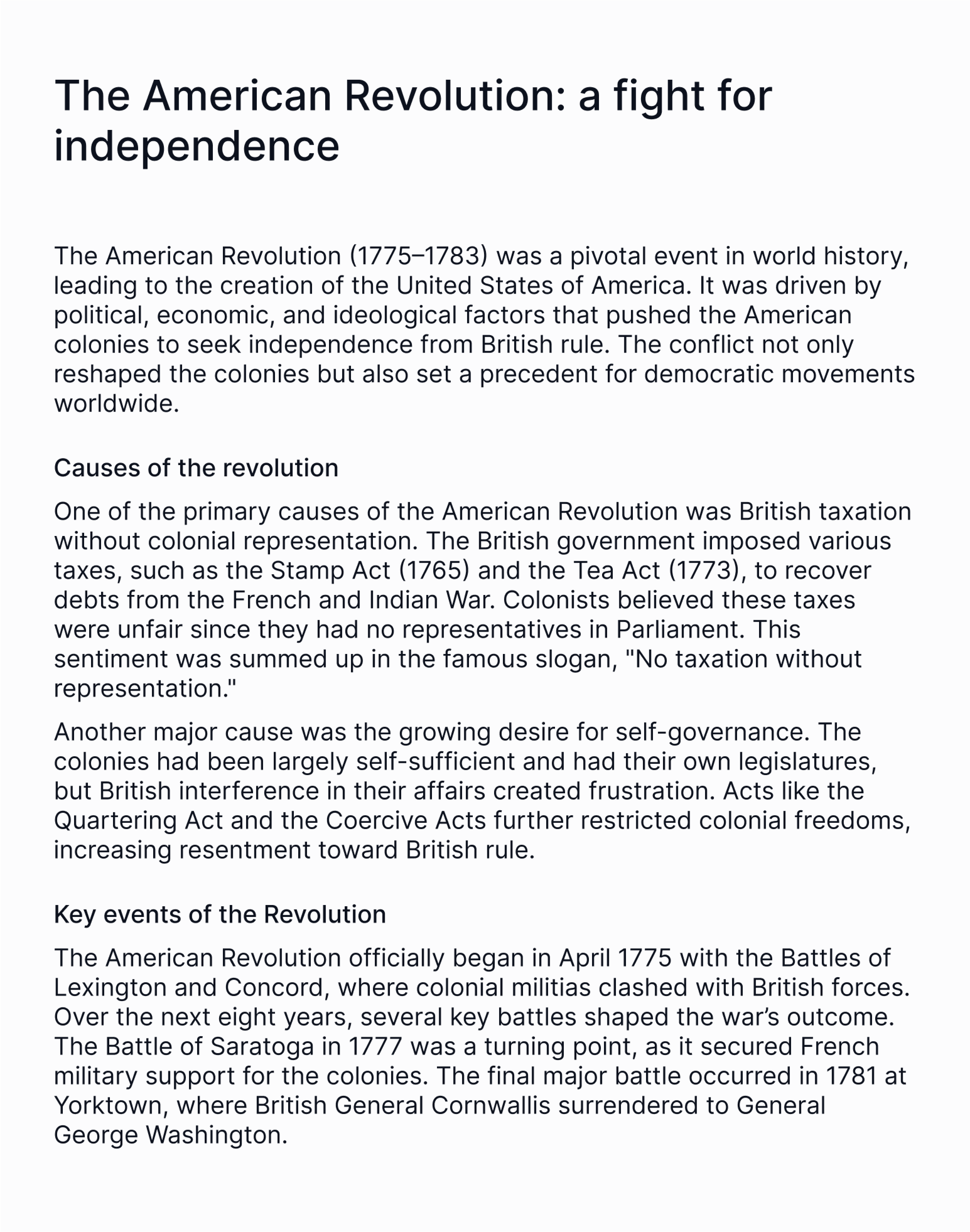
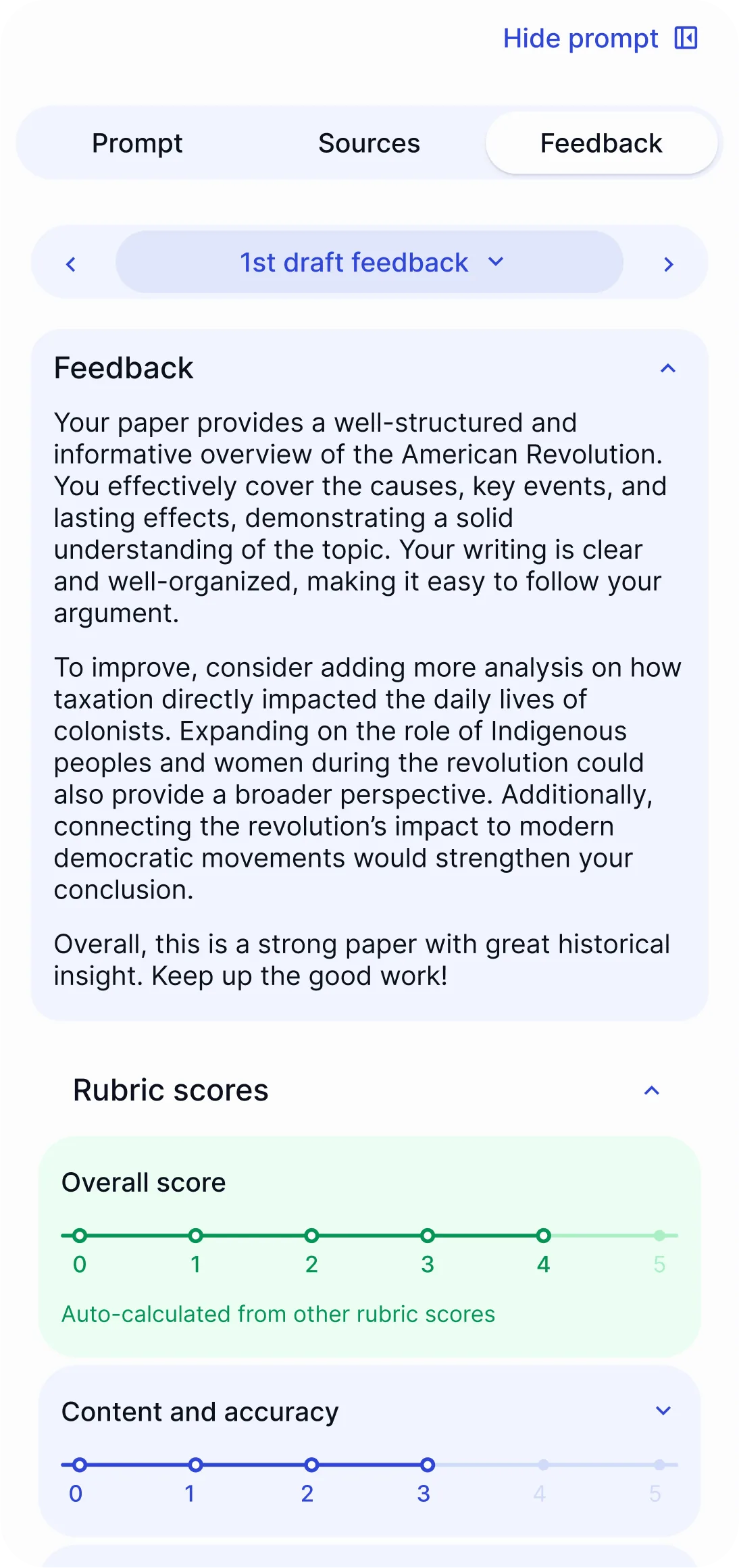
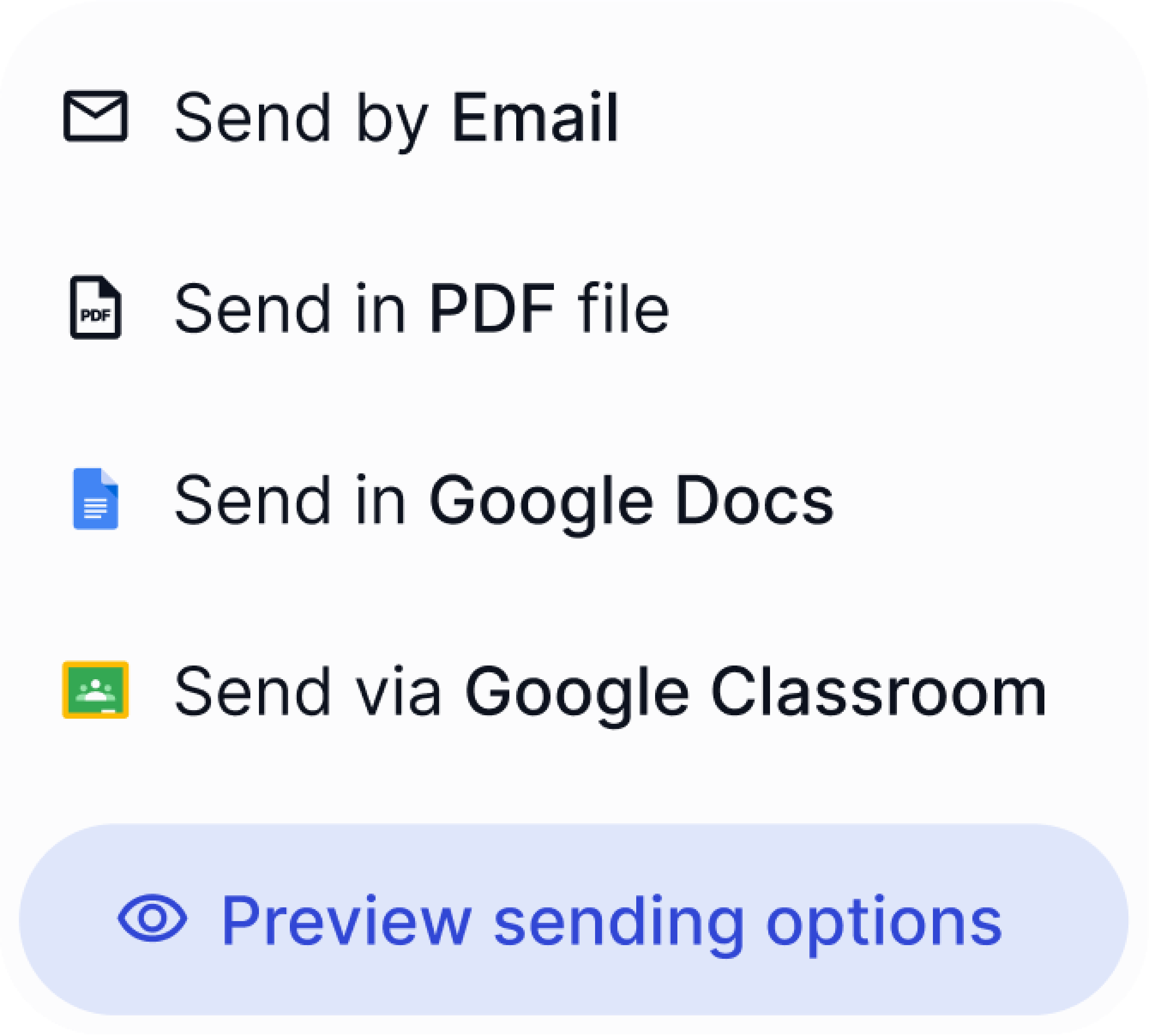
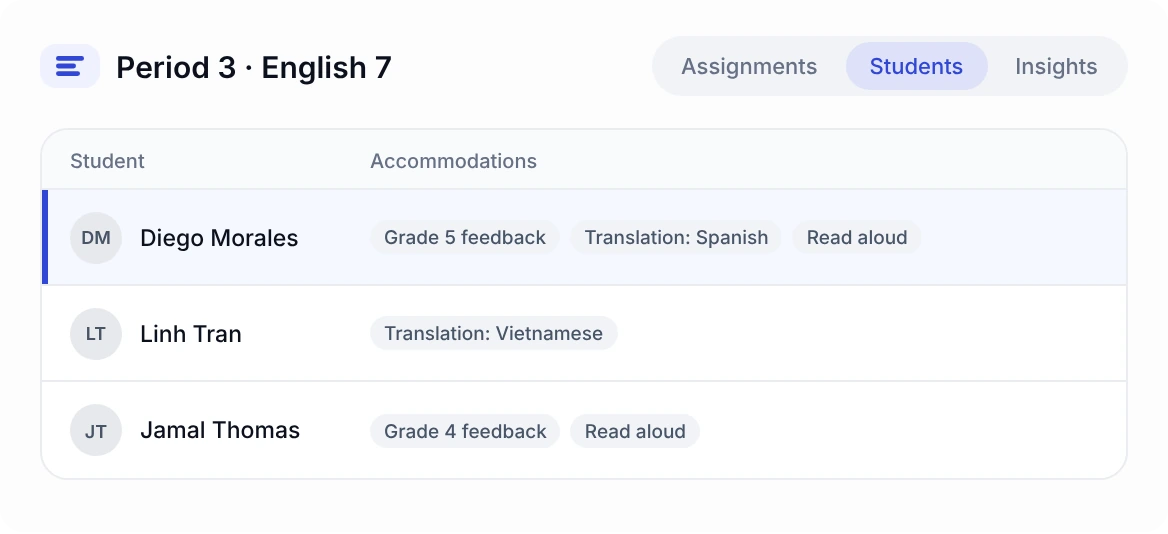
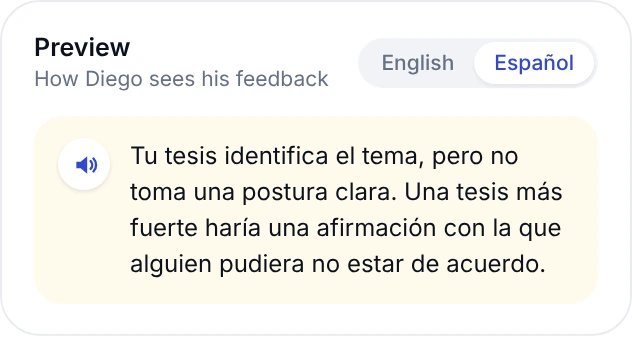
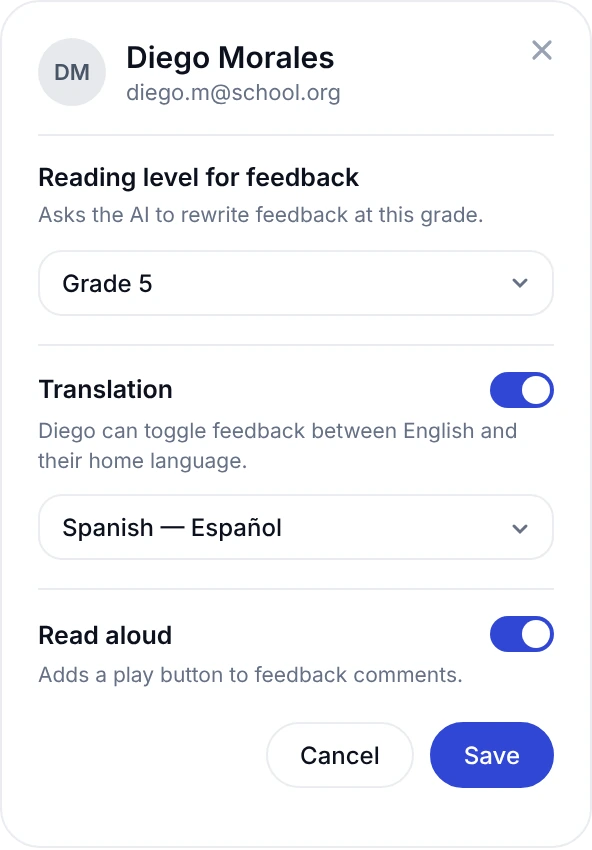
Grade with AI assistance, or set the AI up to deliver instant feedback.
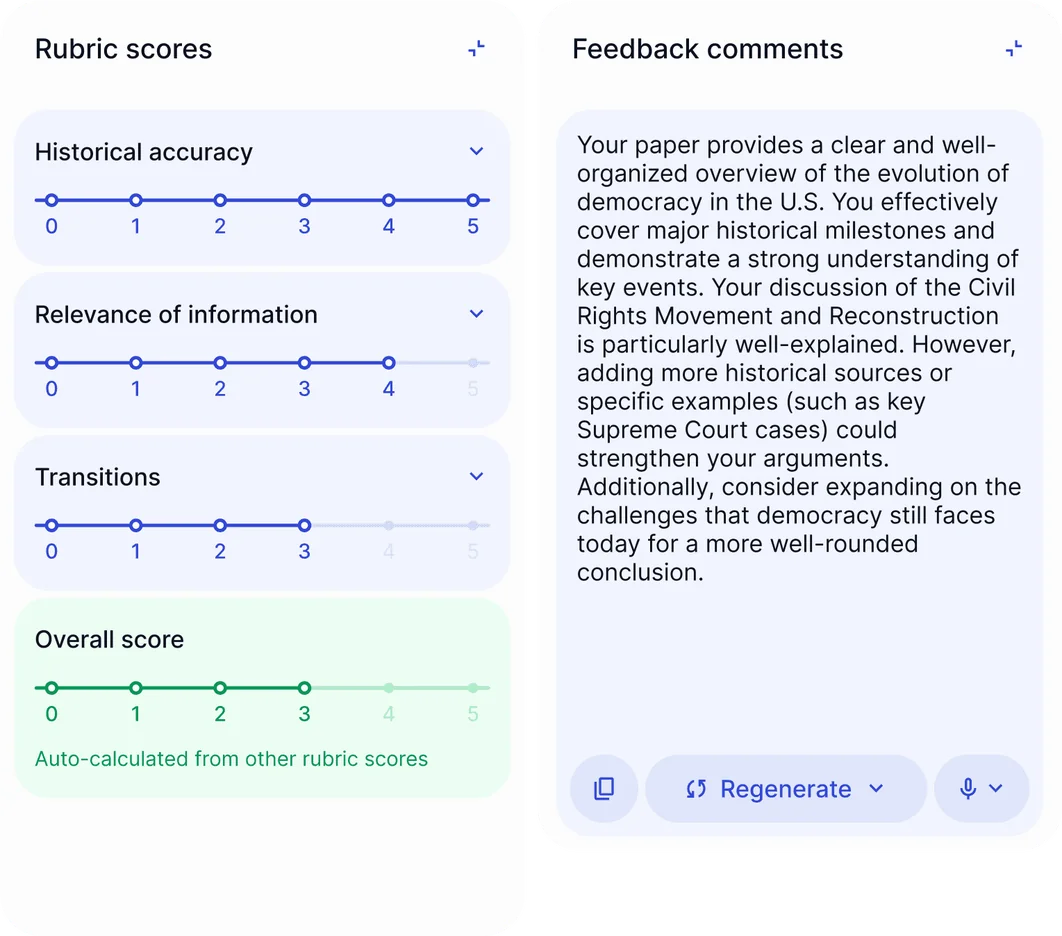
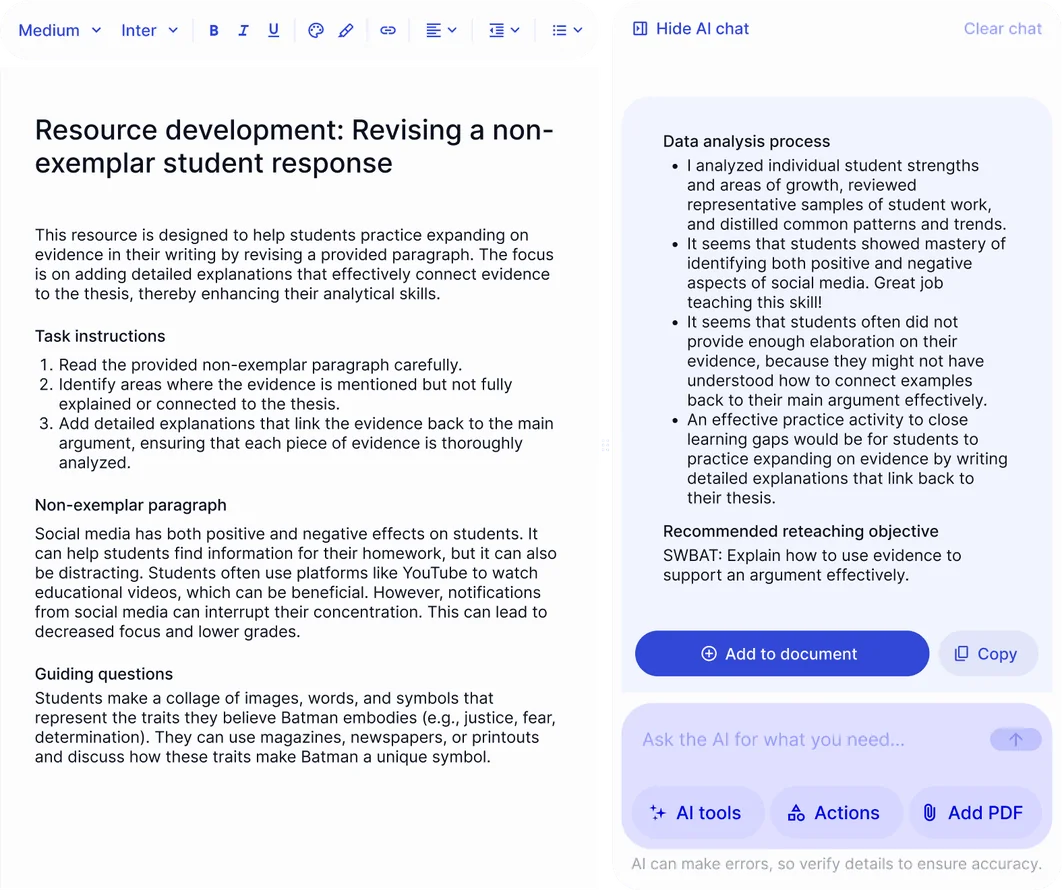
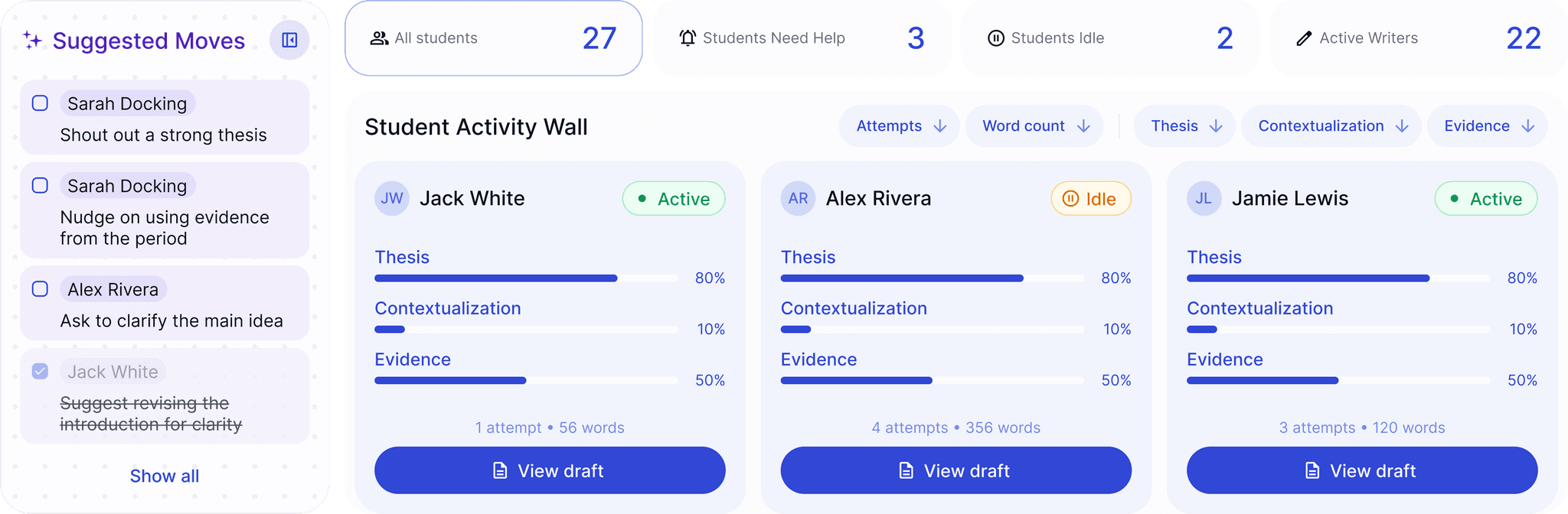
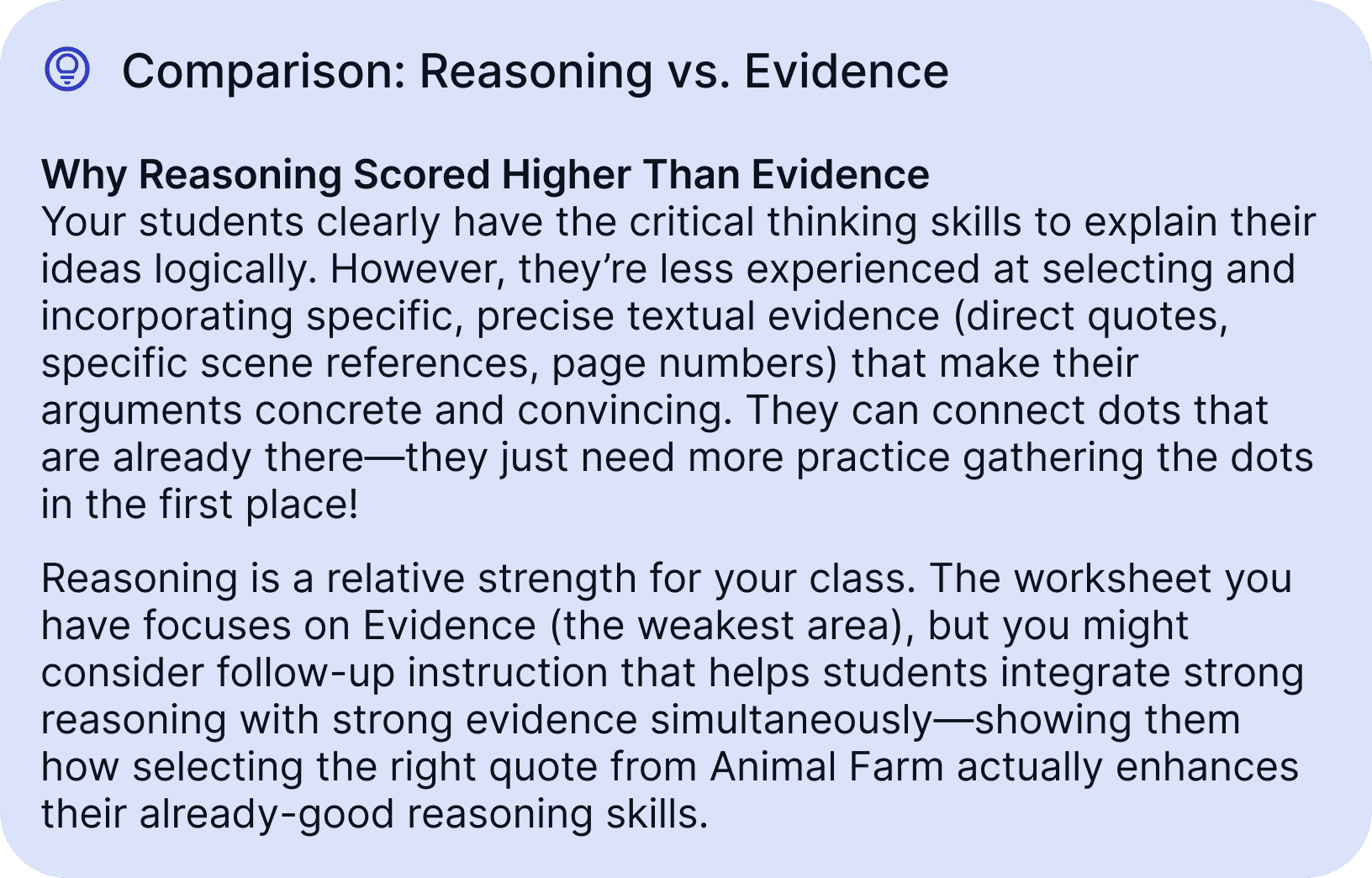
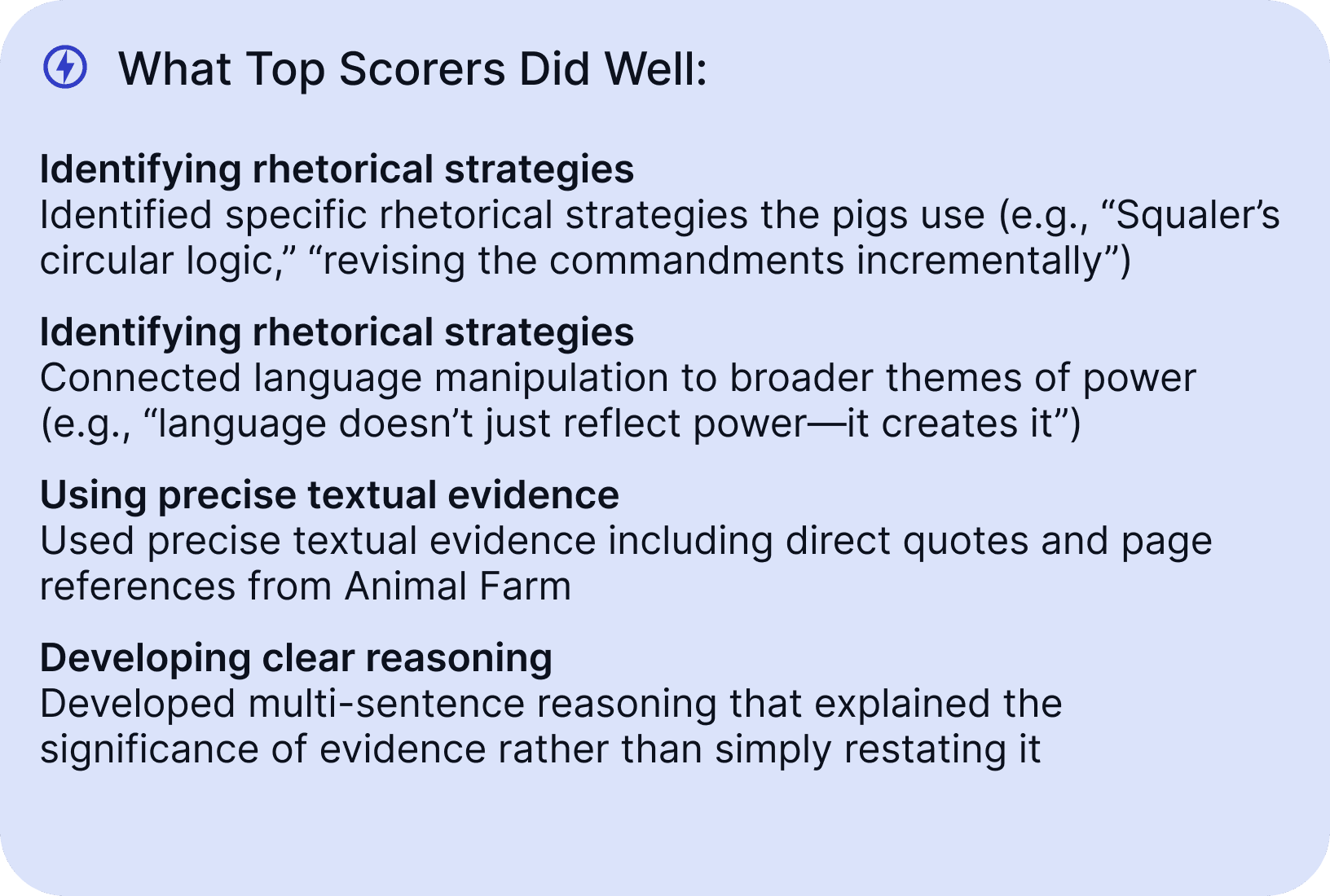
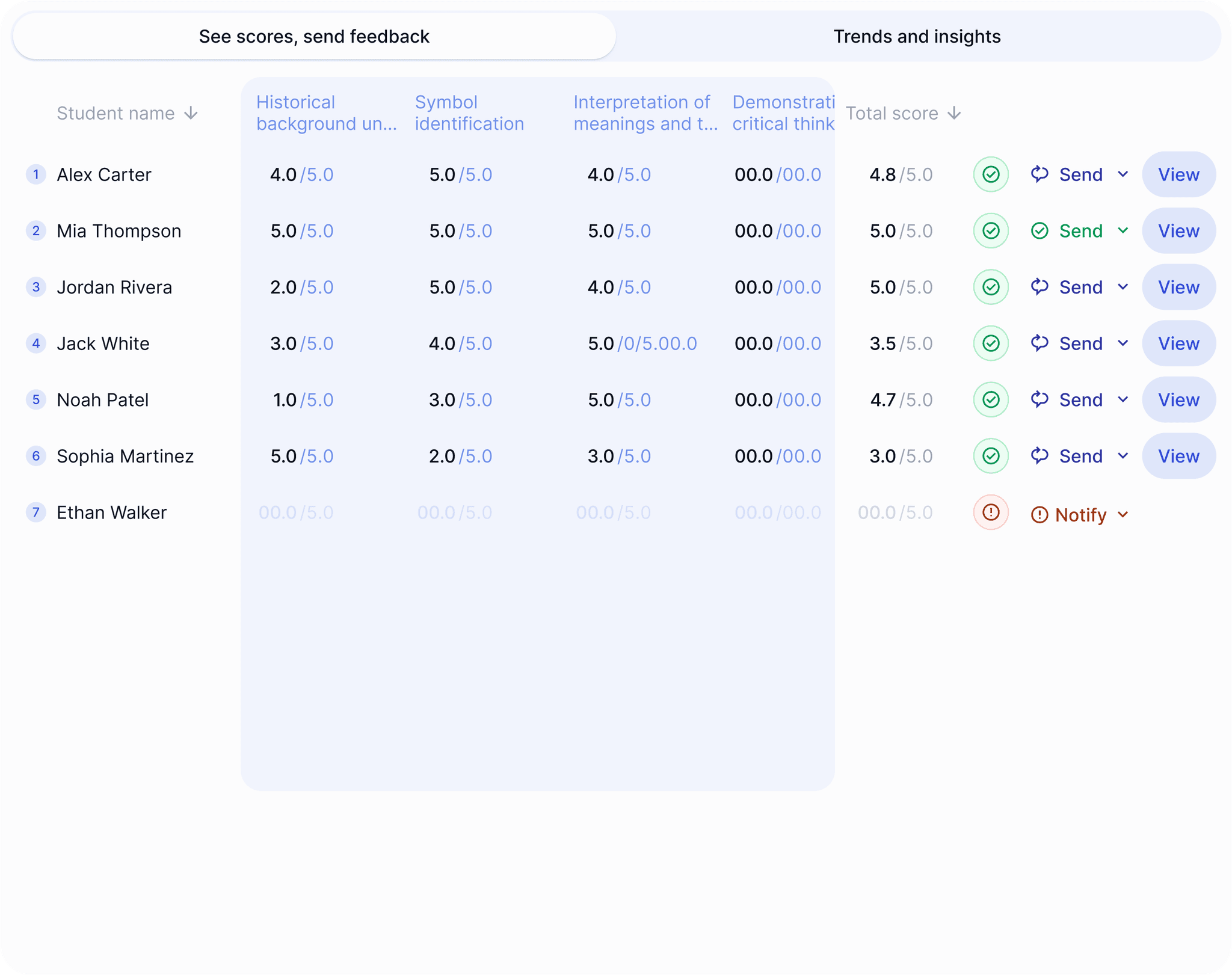
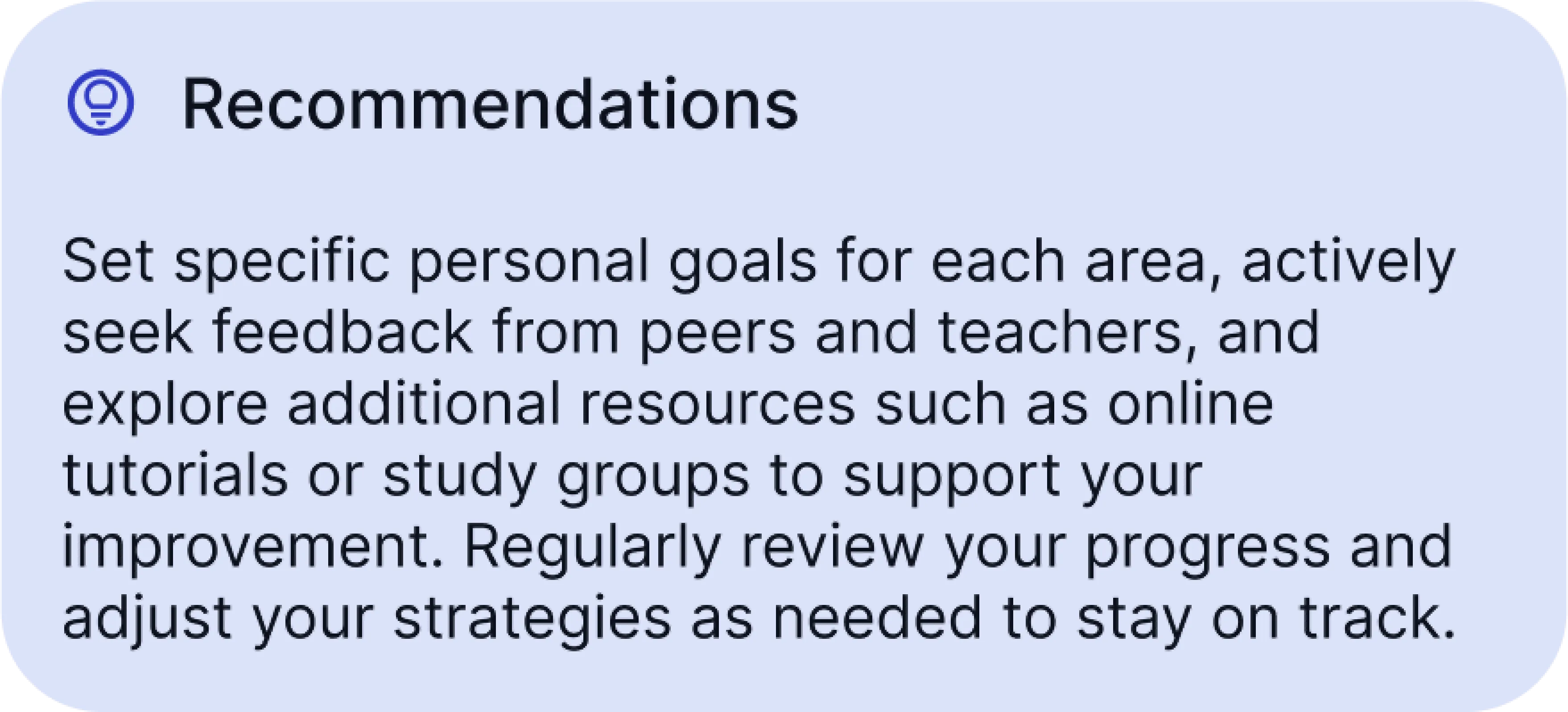
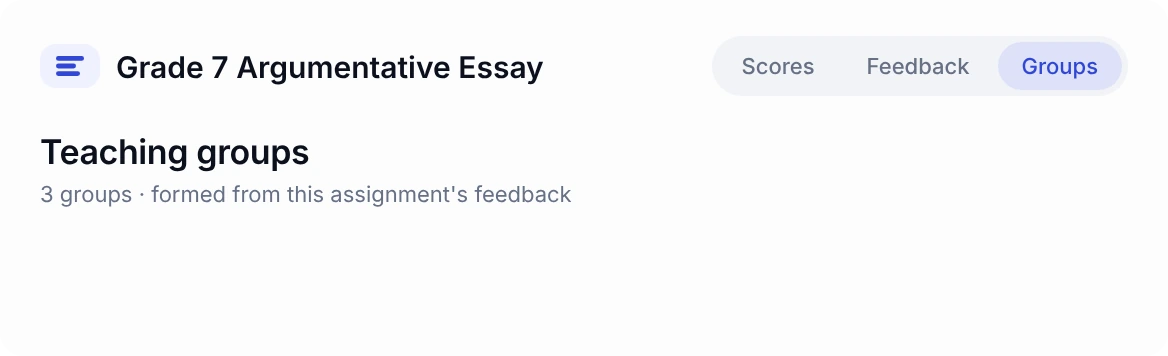
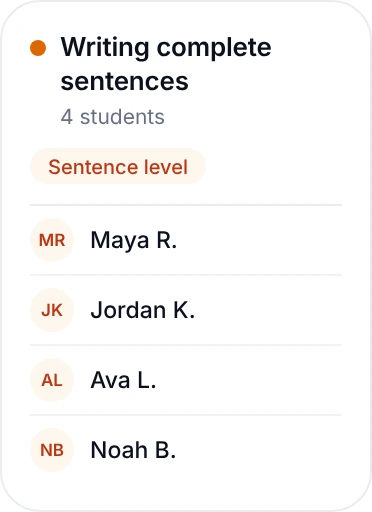
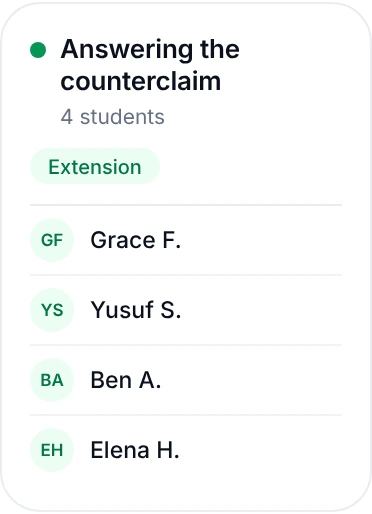
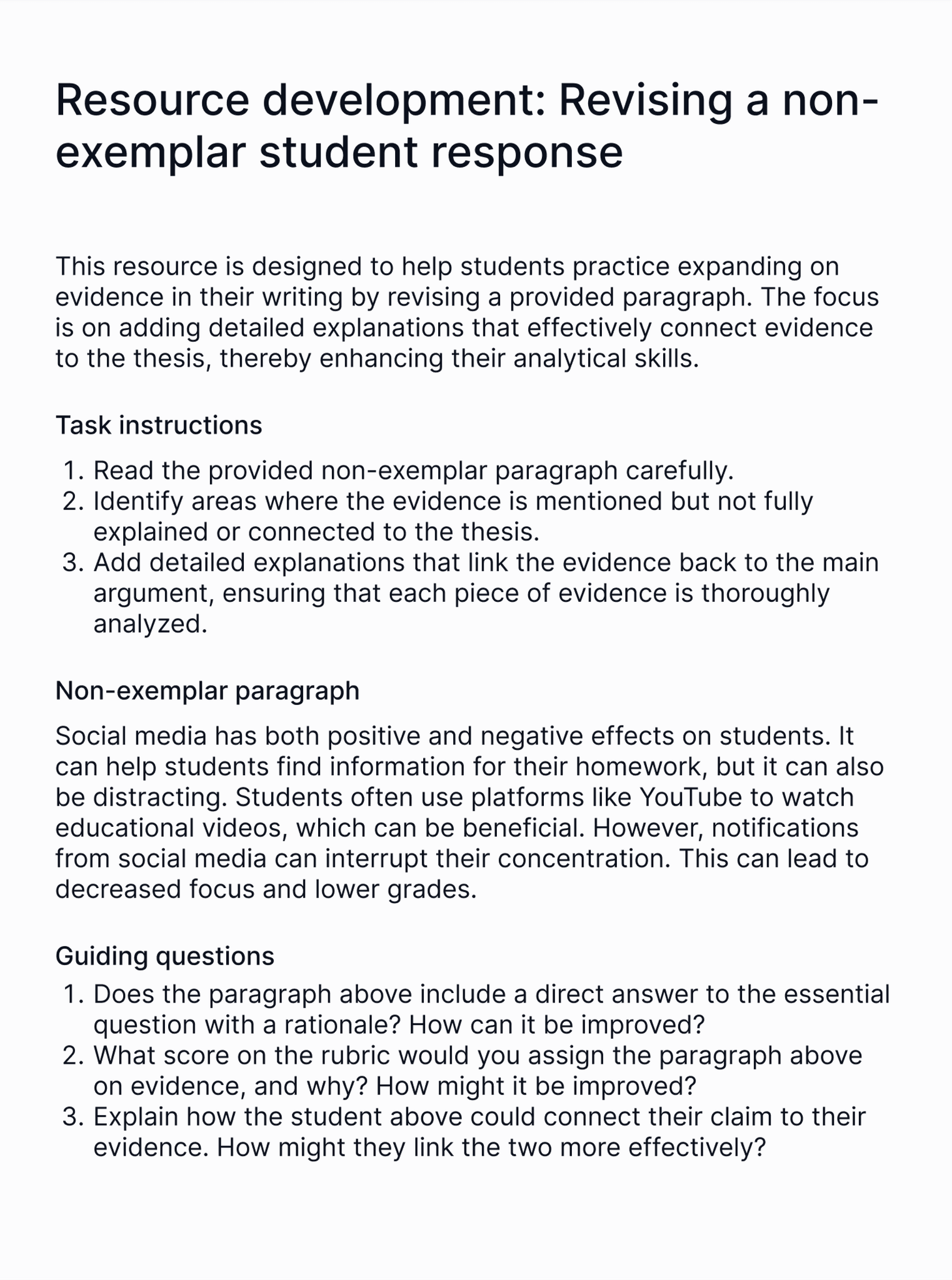
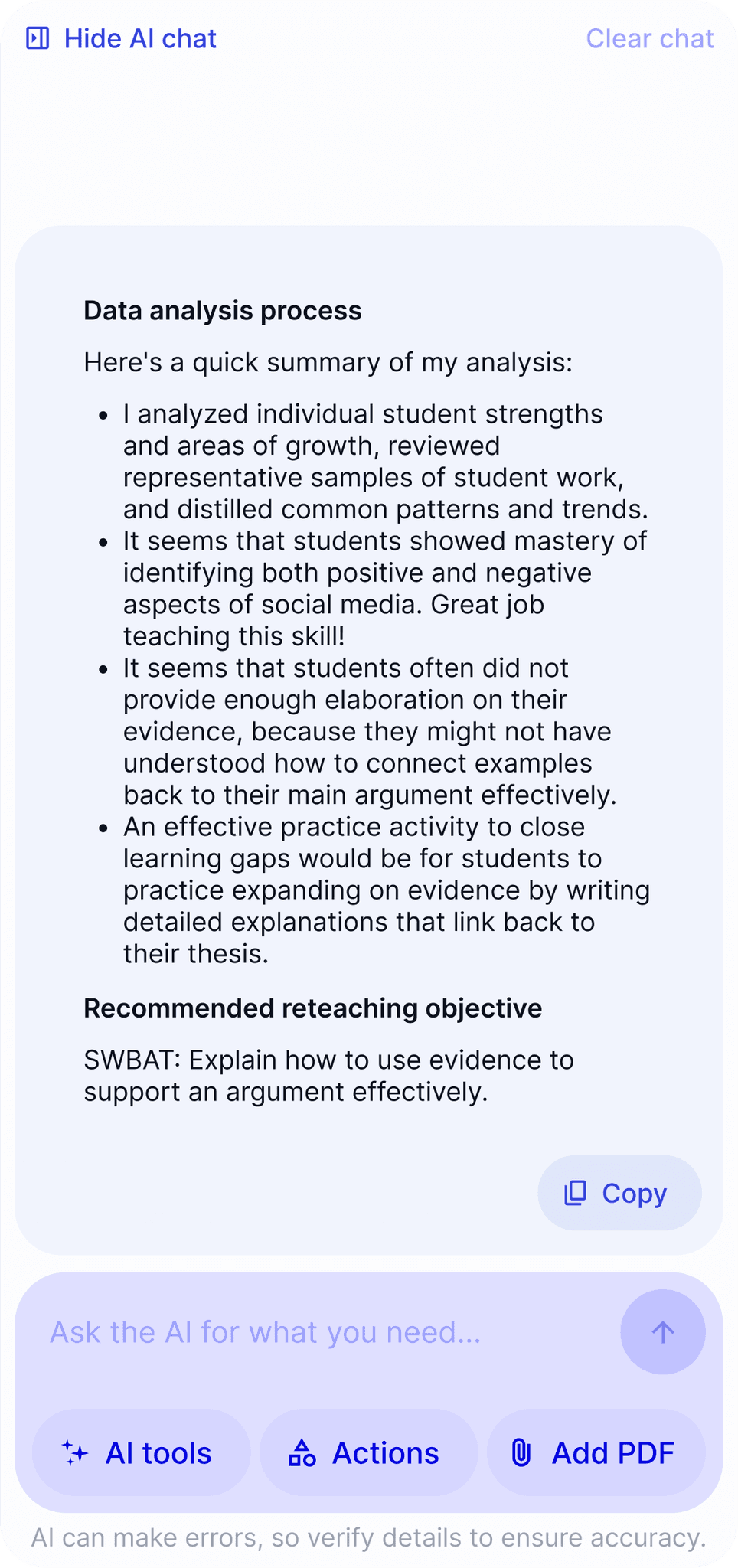
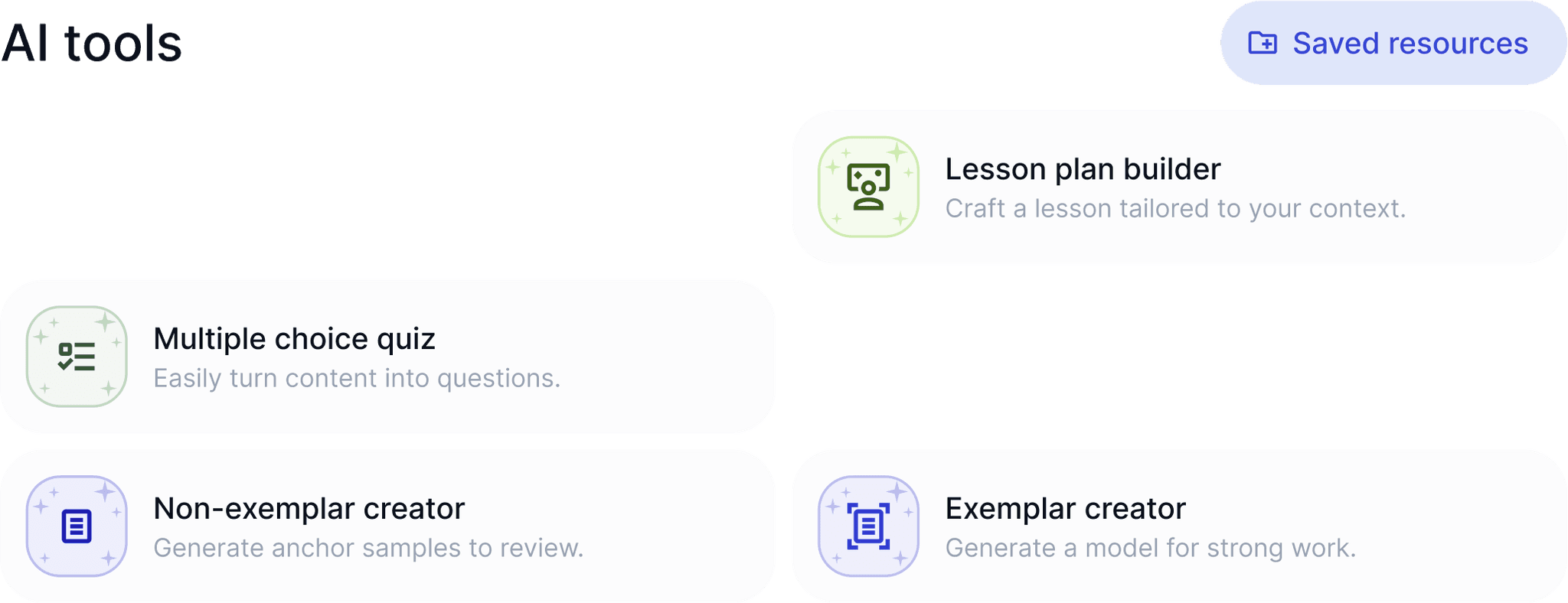
Edit scores and feedback, then generate custom resources to target student needs.





















Estimated time saved by
teachers per year
Used in top-performing
schools worldwide
Teachers say they save time
with EnlightenAI
Student submissions graded
with feedback
Our accuracy in our
recent study
Teachers say they give better feedback with EnlightenAI
EnlightenAI is used by 10,000+ teachers across grades 3-12

EnlightenAI has been like handing an intelligent, diligent, and tireless teaching assistant a stack of papers and having them returned promptly and in alphabetical order, meticulously graded with commentary—no fatigue, frustration, or bias involved.
Grading, once my most dreaded task, became faster and far more efficient. With EnlightenAI handling the bulk of the grading, I was free to focus on what mattered most: meaningful instruction with my students and time with my family.
I no longer need to spend hours searching for resources or scheduling meetings – I can focus on what matters most: my students’ success.
The time savings with EnlightenAI have been phenomenal. No more ‘feedback block’ or weekends lost to endless screen time.
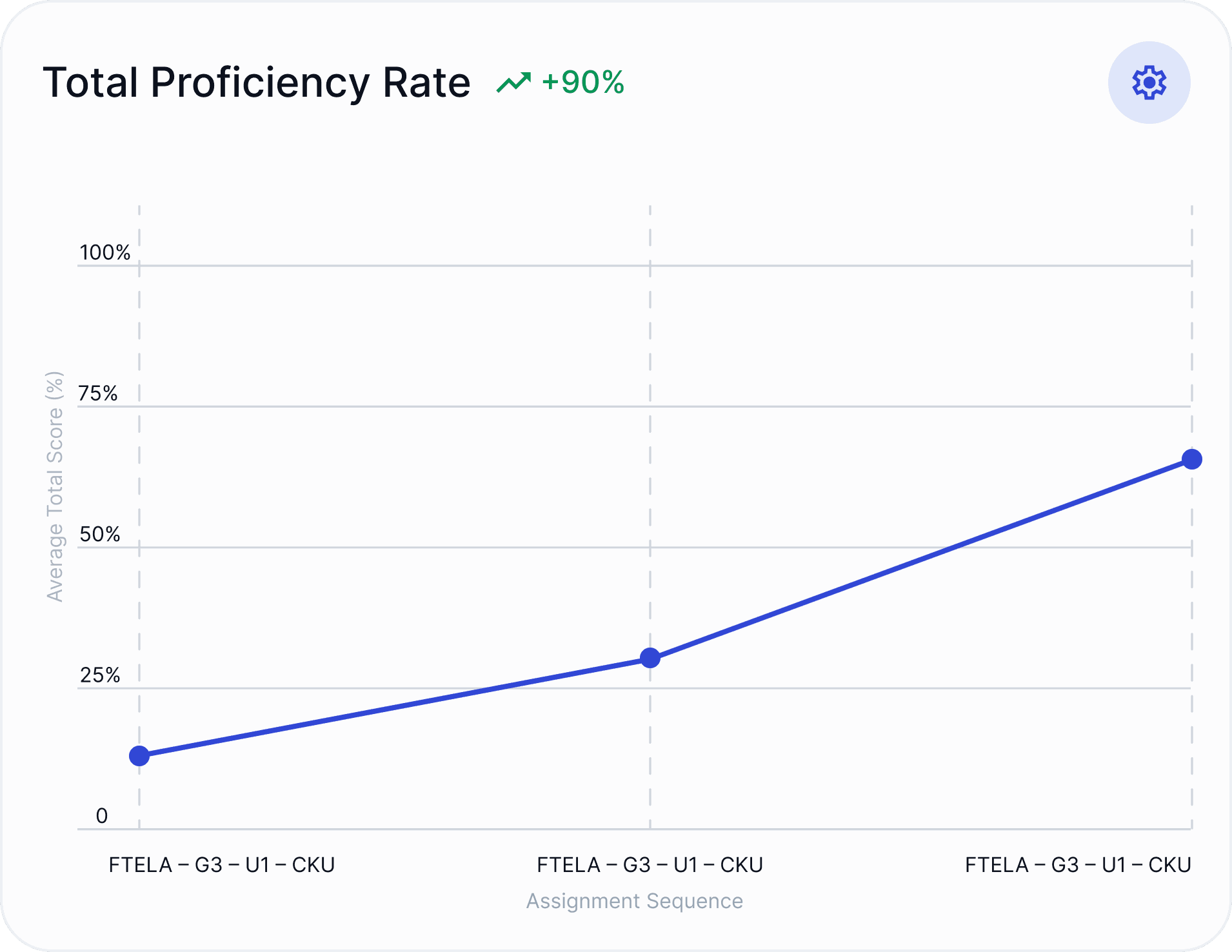
After using EnlightenAI for a few weeks, my students demonstrated a clear upward trajectory in their ability to integrate feedback and substantiate their claims. EnlightenAI’s regular, targeted feedback became a key motivator for their improvement.
With EnlightenAI, I was able to grade assignments in about half the time, freeing up valuable time to focus on other teaching priorities.
After using EnlightenAI, across all skill levels, students made meaningful revisions, showing noticeable improvements in grammar, structure, and analysis. Seeing them take ownership of their work and make real progress so quickly was incredibly rewarding.
I love how it made me more consistent with the language I use for feedback. The consistency of language and feedback vocabulary has helped my students and myself grow with their assignments.
I appreciate the numerous advantages provided by AI tools in creating assignments. The immediate feedback they offer to my students is invaluable, fostering a collaborative atmosphere where we can identify improvements together.
I cannot believe just how quickly I can provide aligned, personalized feedback to students. It’s truly like tears-in- the-eyes game changing!
I love how the feedback is targeted to what I am looking for. I thought that it would originally be generic and generalized, but it really does get specific, especially when I edit the feedback.
EnlightenAI has completely transformed the way my students engage with the writing process. The immediate, personalized feedback helps them identify areas for improvement right away, allowing them to make meaningful revisions in real time.
What has surprised me most about using EnlightenAI to give immediate feedback is how motivated students become in trying to improve their work. Students are so engaged in trying to improve their grade!
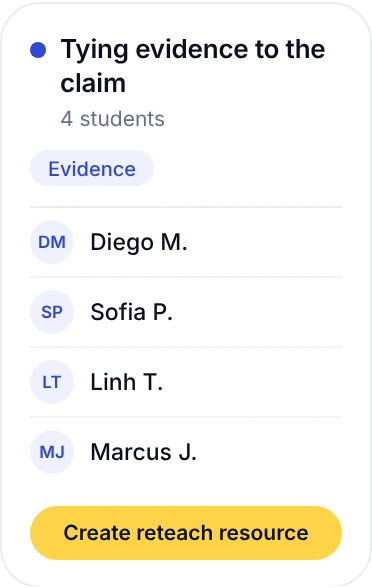
EnlightenAI has reshaped my relationship with assessing my students’ writing. My time and energy levels no longer dictate how much writing practice my students get. Instead, they get personalized feedback and data-driven reteaching based on areas that need improvement.
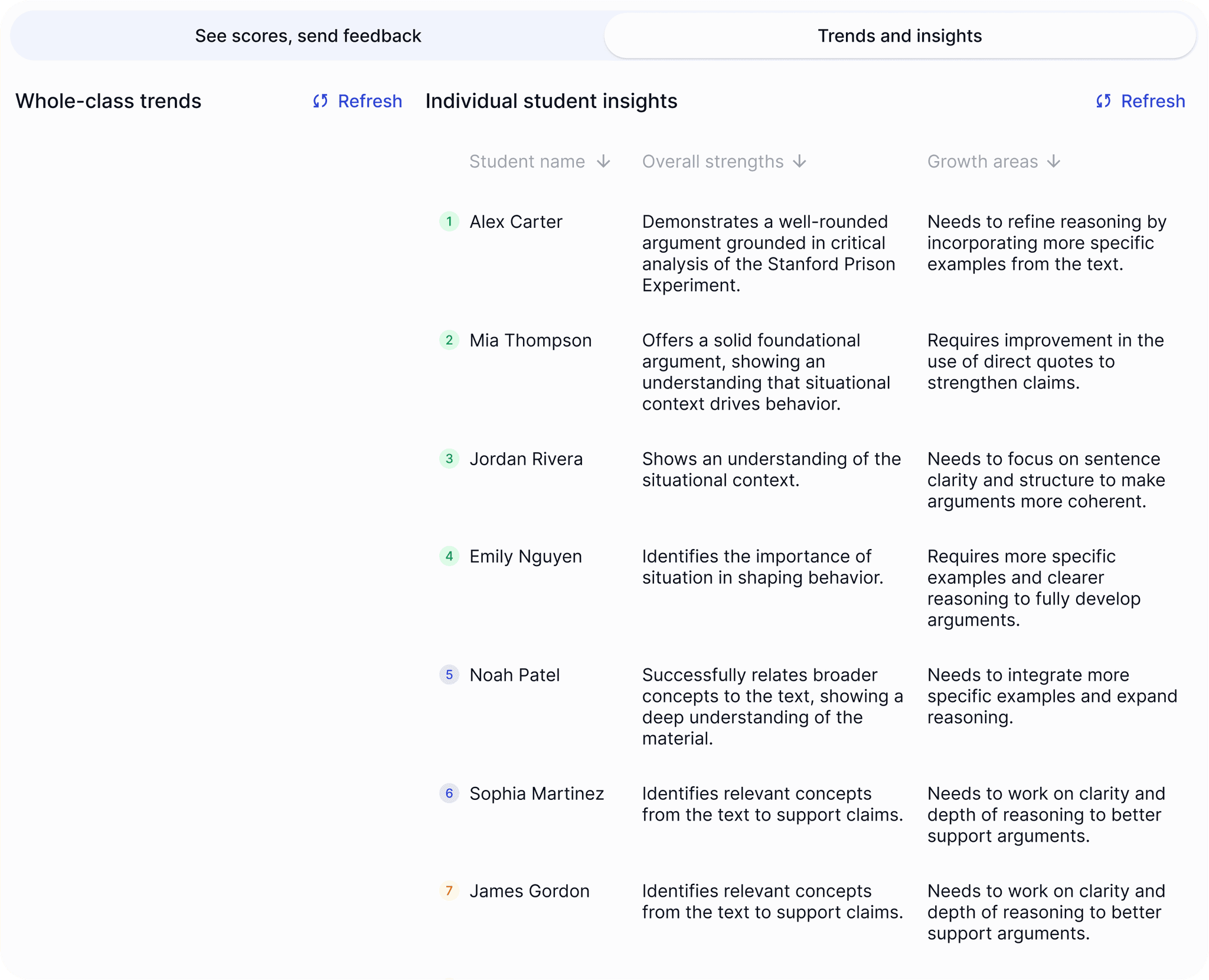
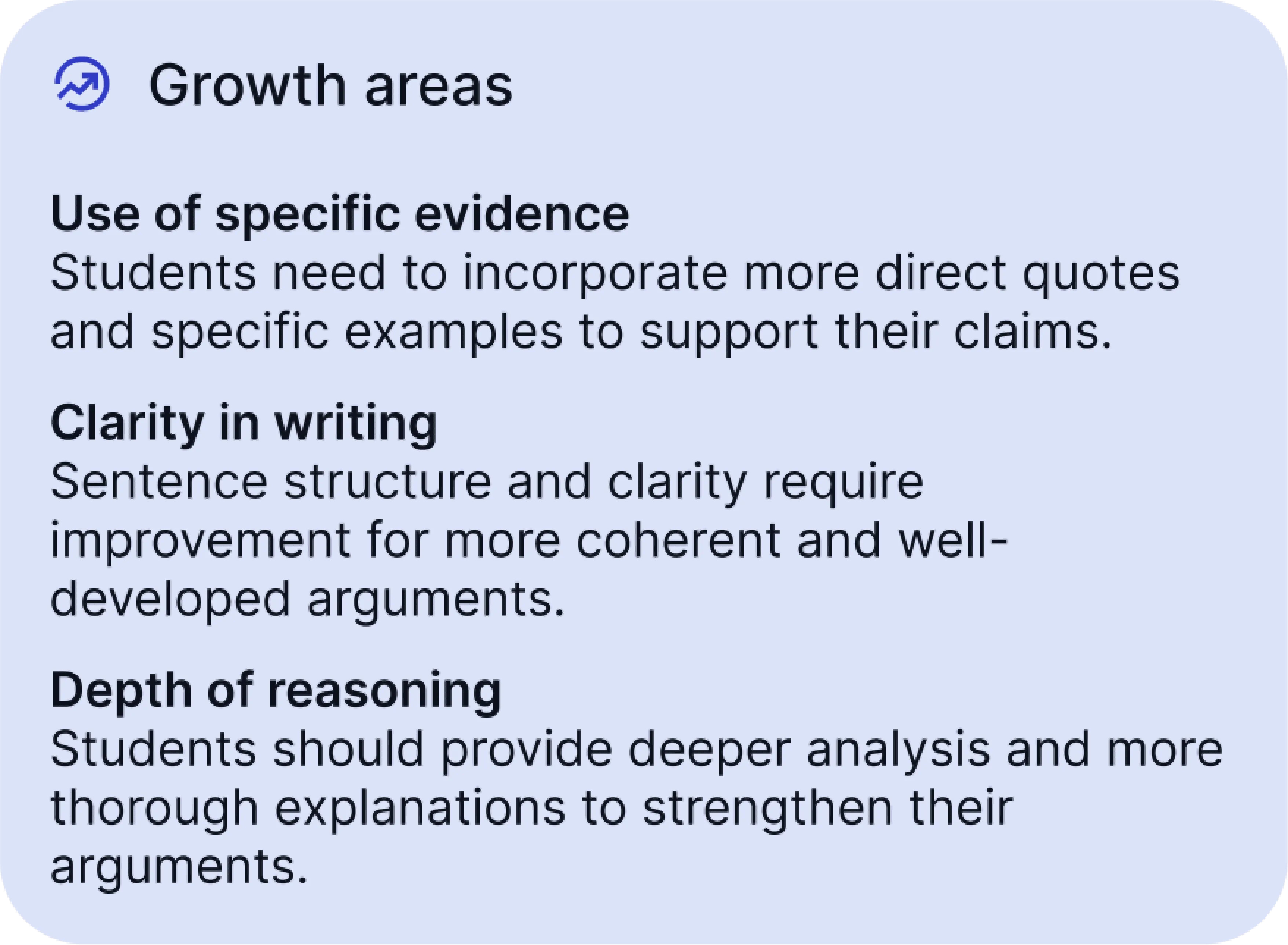
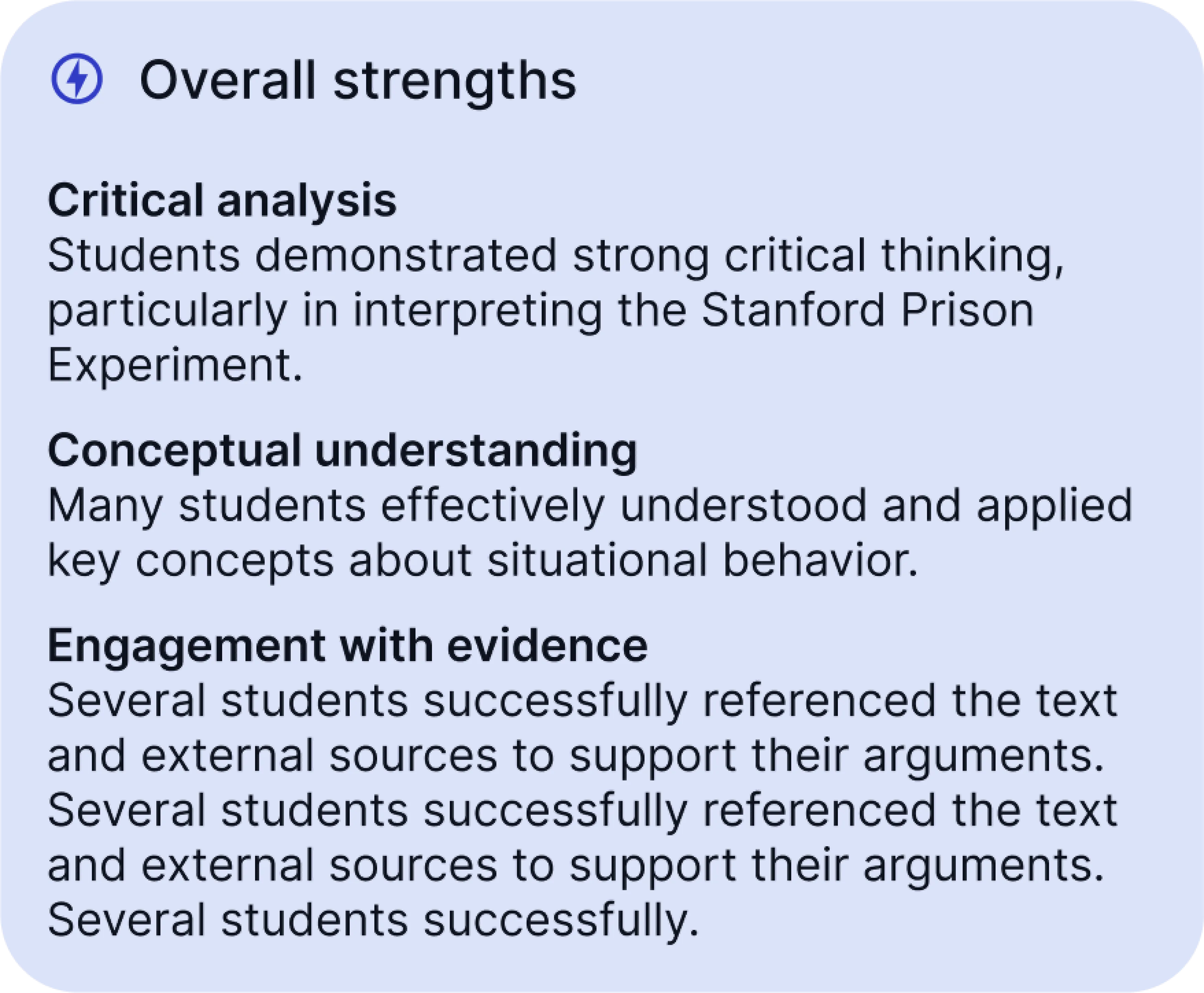
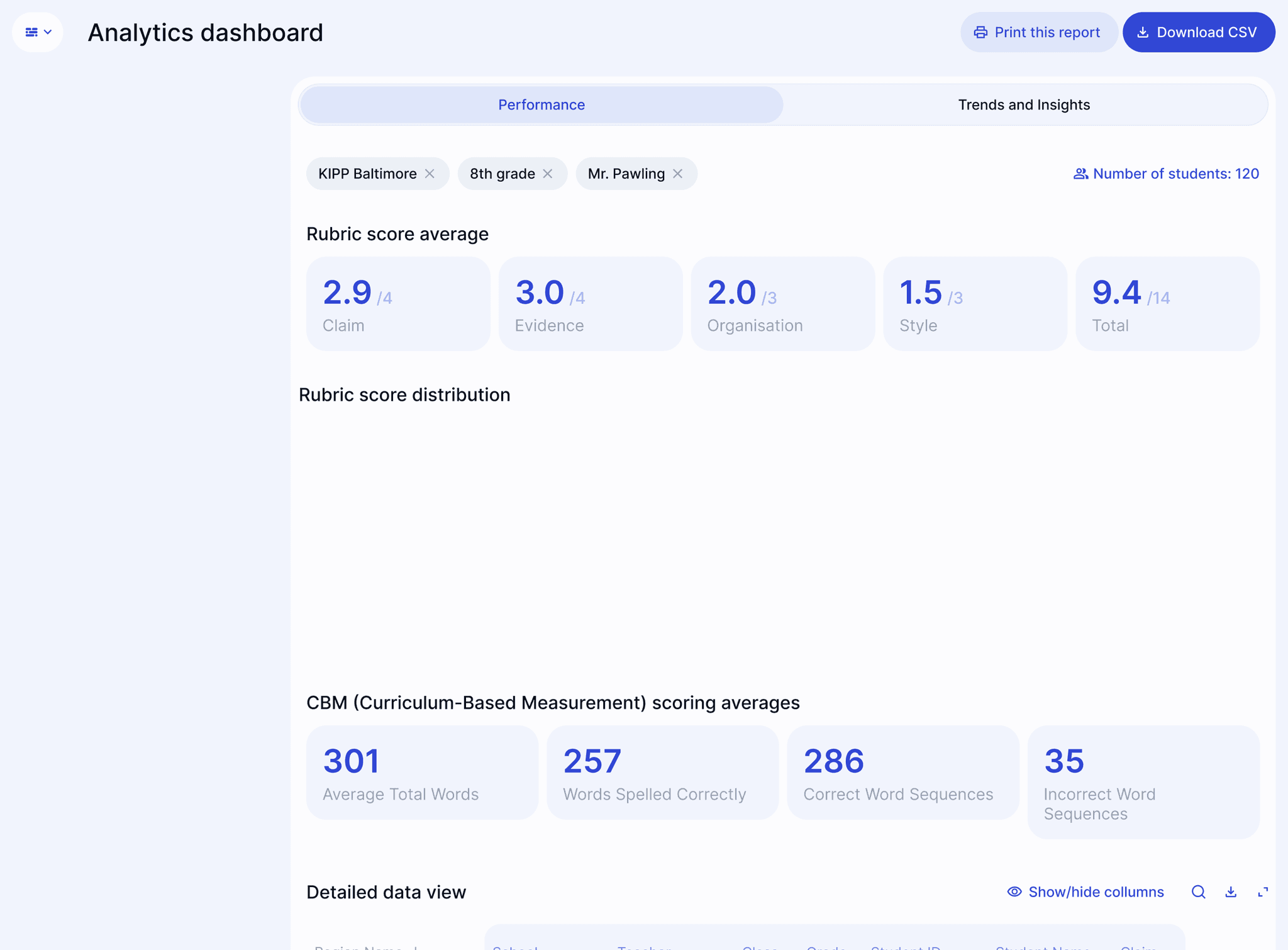
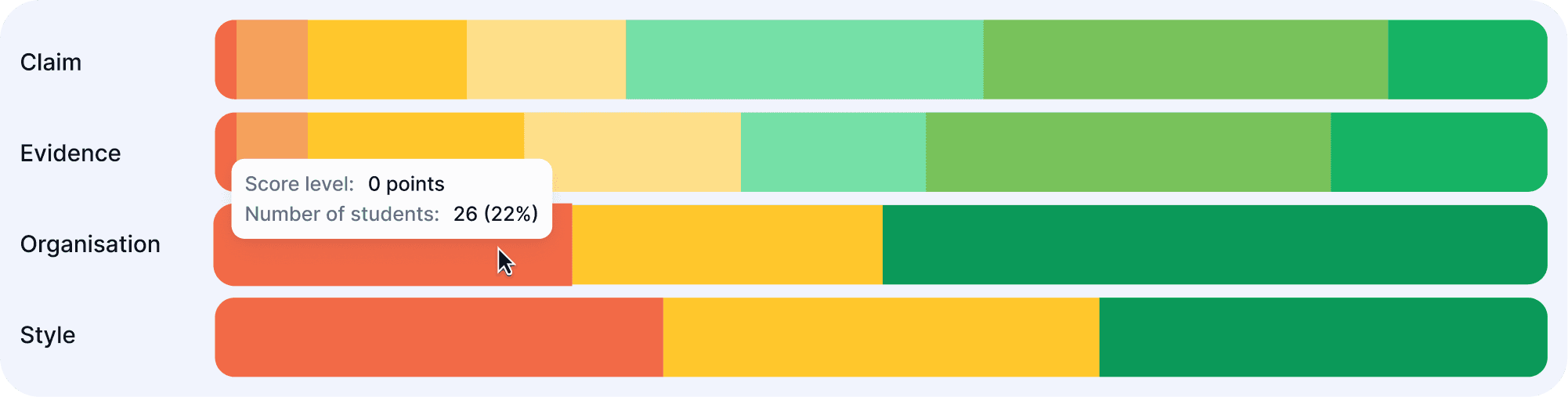
Whole class trends help provide valuable insights to my teachers and I. The feedback is immediate and we get to jump into planning in our meetings right away.
I'm continually impressed by how well the AI picks up my feedback style both generally as well as in relation to a particular assignment and specific requirements.
EnlightenAI is designed specifically for educators, providing personalized grading and feedback aligned with your teaching style, voice, and curriculum. Unlike ChatGPT (and similar AI systems), EnlightenAI does not train AI models on user data. In addition, EnlightenAI adapts directly to your grading standards, learns from your corrections, and offers targeted analytics and integrations to support instruction, whereas ChatGPT is a general-purpose chatbot.
Data privacy and security are our top priorities. EnlightenAI complies with industry-leading data protection standards, encrypts user data, and maintains compliance with FERPA, COPPA, and state regulations pertaining to data privacy. We never sell or rent user data, and we don’t use it to advertise.
Yes! If you sign up now, you'll always have access to a free tier of EnlightenAI, even once paid plans become available. We’re committed to supporting educators at every stage.
EnlightenAI begins adapting to your style immediately, typically requiring about 5 graded submissions to accurately reflect your scoring and voice. You'll see an 'AI training' indicator as you grade, clearly showing when the AI is trained.
We maintain the belief that teachers are the best AI detectors in the world, and are mindful of research indicating that existing AI detectors on the market are highly unreliable. If you create assignments on EnlightenAI directly, we offer tools like disabling pasting for students, which help mitigate inappropriate AI use by students. We will continue adding to these tools over time.
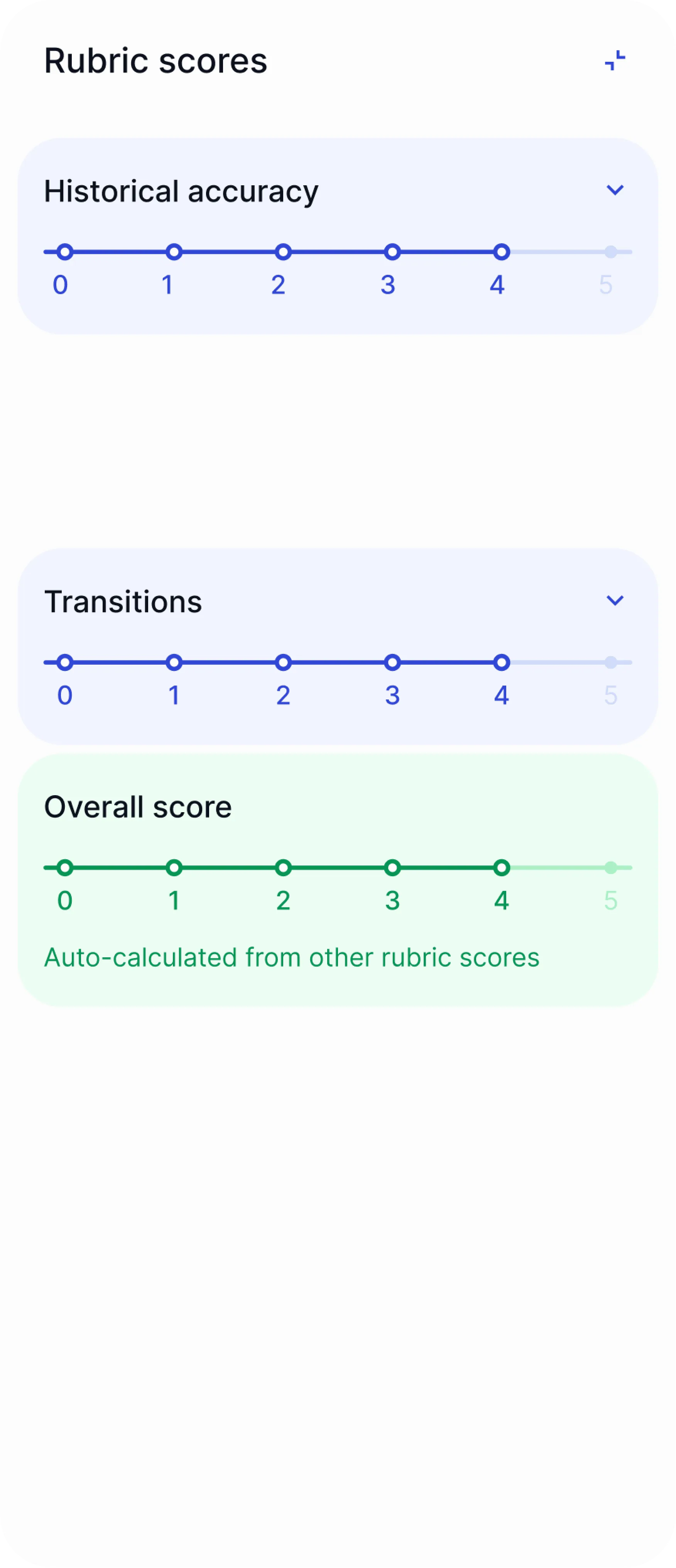
Our research indicates our AI system matches your scoring similar to or, in some cases, better than another human scorer would. In a study with a partner school in New York, we found that the AI system gave a score within 1 point of actual human scores on 99.3% of student submissions on a 5-point holistic rubric. Although each teacher and task are different, we are confident that our AI system is trustworthy.
EnlightenAI can be used across subjects, grade levels, and curricula. The only requirements are that you supply a rubric and the details of the task.
Currently, EnlightenAI only works with digitally submitted student work, including via Google Classroom, Canvas, document uploads, CSV uploads, copying and pasting, or by giving assignments and collecting student work directly on the EnlightenAI platform. However, we are actively exploring solutions for integrating handwritten student work. Stay tuned for updates!
Contact us at info@enlightenme.ai to set up the integration. For users to sync their rosters and coursework from Canvas, your IT team will need to supply two codes to establish a connection. This doesn’t take more than a few minutes! You can request our IT approval packet here to get the ball rolling.
The best place to see our tools in more detail is via our YouTube channel, or by following us on social media. You can also sign up and start exploring for free!
Absolutely! Here’s a folder of PD materials you can copy, customize, and share. We also have a library of YouTube tutorials to help you get started, and you can reach out to us at info@enlightenme.ai if you have any questions.