Free AI tools for teachers aren't hard to find. What's harder is knowing which ones save you real time instead of adding another tab to manage.
This list covers six free tools teachers use for lesson planning, research, and writing feedback, including where a rubric-trained essay grader fits next to a general-purpose assistant.
Free AI tools for teachers usually fall into one of three buckets: general assistants, lesson-planning platforms, and tools built for a single job like grading or feedback.
General assistants are the most flexible and the least specific to your classroom. Planning platforms speed up materials creation but still need a teacher's edit pass. Purpose-built tools trade flexibility for depth on one task, in EnlightenAI's case, rubric-aligned writing feedback.
Free AI tools covered in this guide
This guide compares six free AI tools for teachers across what they actually do, how generous the free tier is, and where each one fits in your week:
1. EnlightenAI
2. Brisk Teaching
3. MagicSchool
4. Khanmigo
5. ChatGPT for Teachers
6. Eduaide
1. EnlightenAI
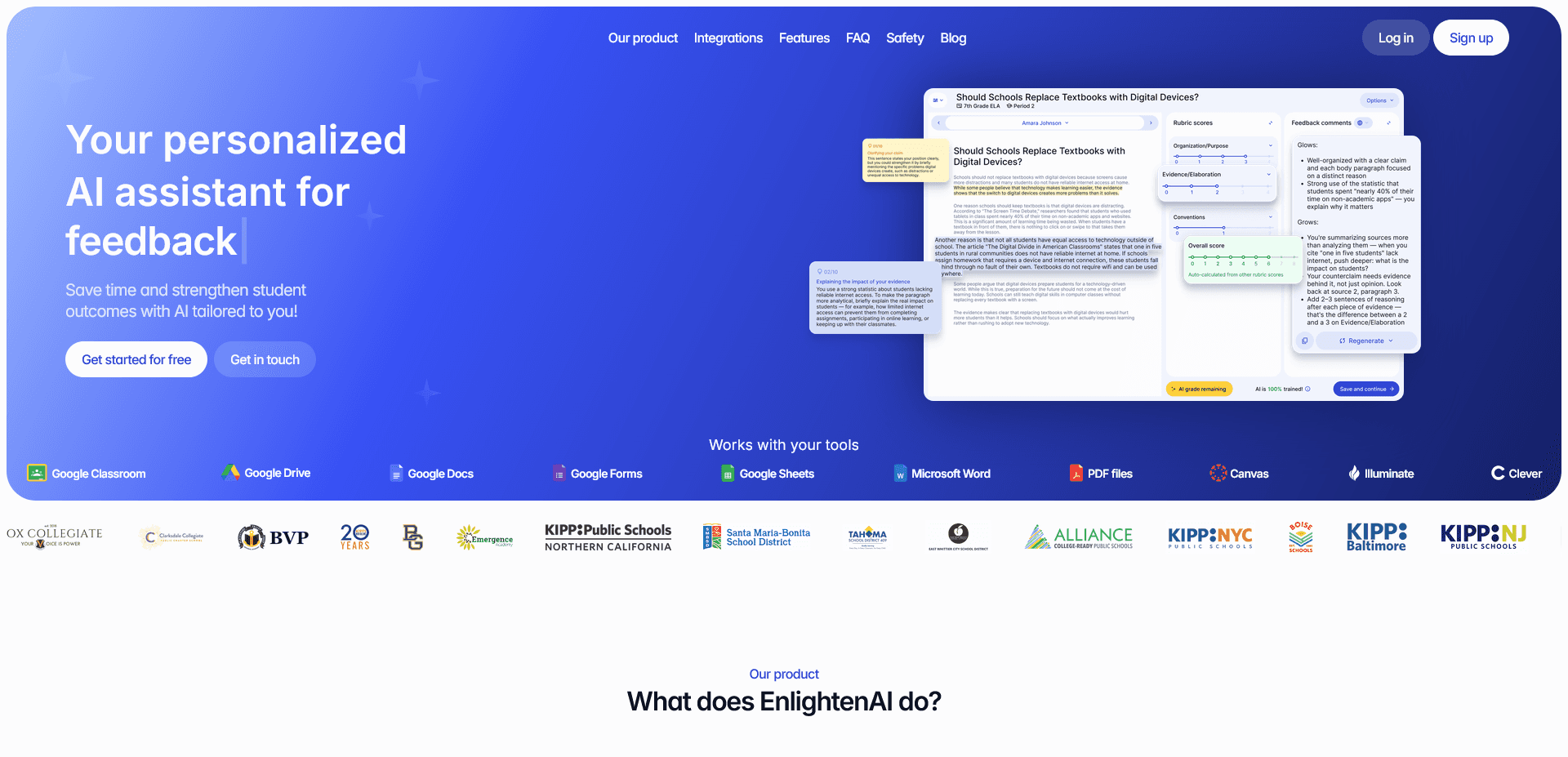
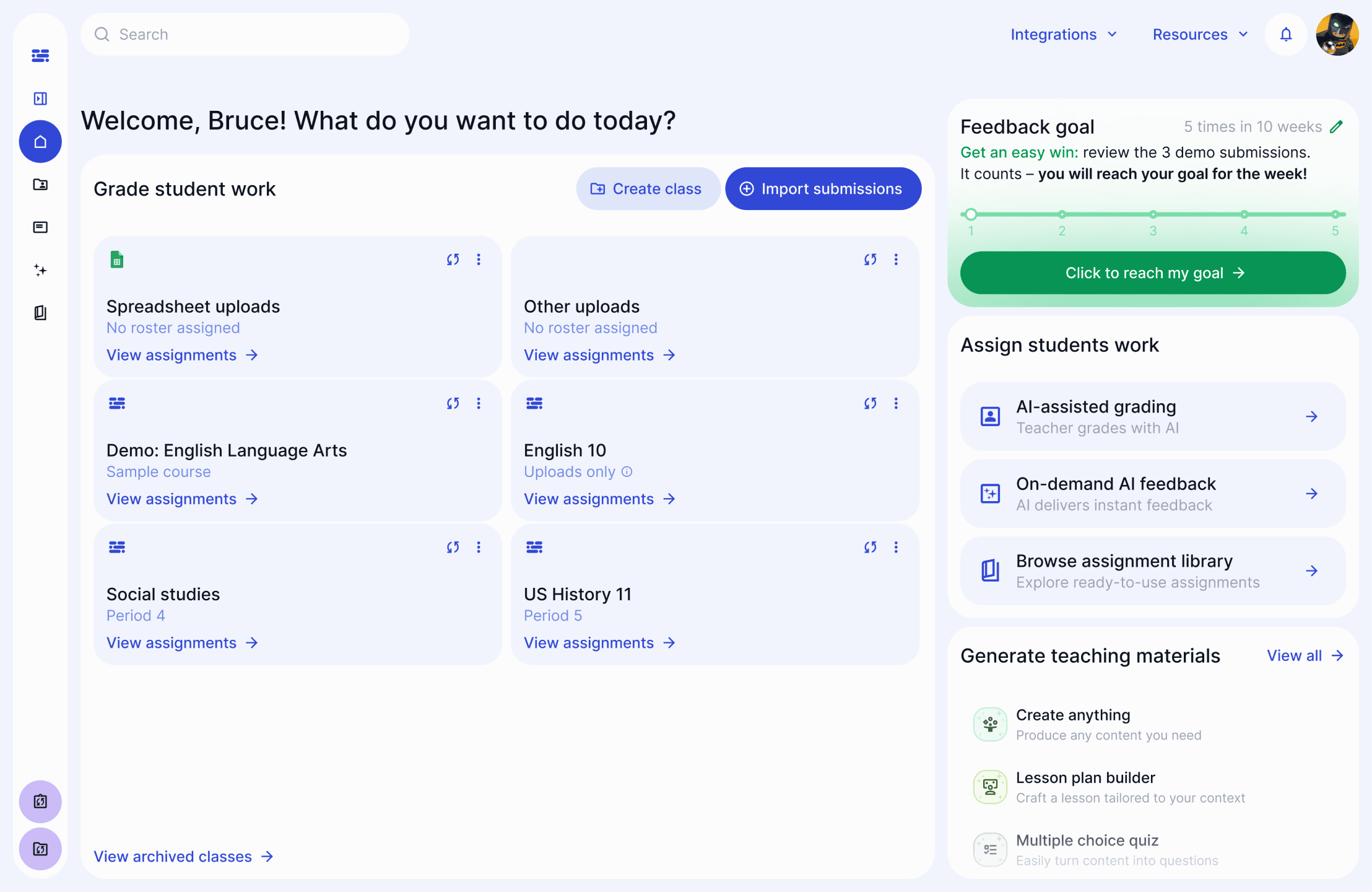
EnlightenAI is a programmable, personalized TA for writing scoring and feedback, built for grades 3-12. You train it on the first five submissions, a process the guide on pretraining your ai teaching assistant walks through, and by the sixth it grades and comments in your voice.
Where a general assistant guesses at what "good" looks like, EnlightenAI grades against your actual rubric. Build one with the ai rubric generator or bring your own, then calibrate it in advance or edit it on the fly.
In a study with DREAM Charter Schools, EnlightenAI plus a teacher scored 0.77 QWK, compared with 0.52 for teacher plus teacher. The trade-off is scope, it's built for scoring and feedback on writing, not general lesson planning.
In practice, a teacher assigns an essay, grades the first five student submissions together with the TA, and by student six it's drafting scores and comments that match the teacher's own rubric language, ready for a quick review before they go out.
Best for: teachers and schools grading essays as an essay grader for teachers, not general classroom prep.
2. Brisk Teaching
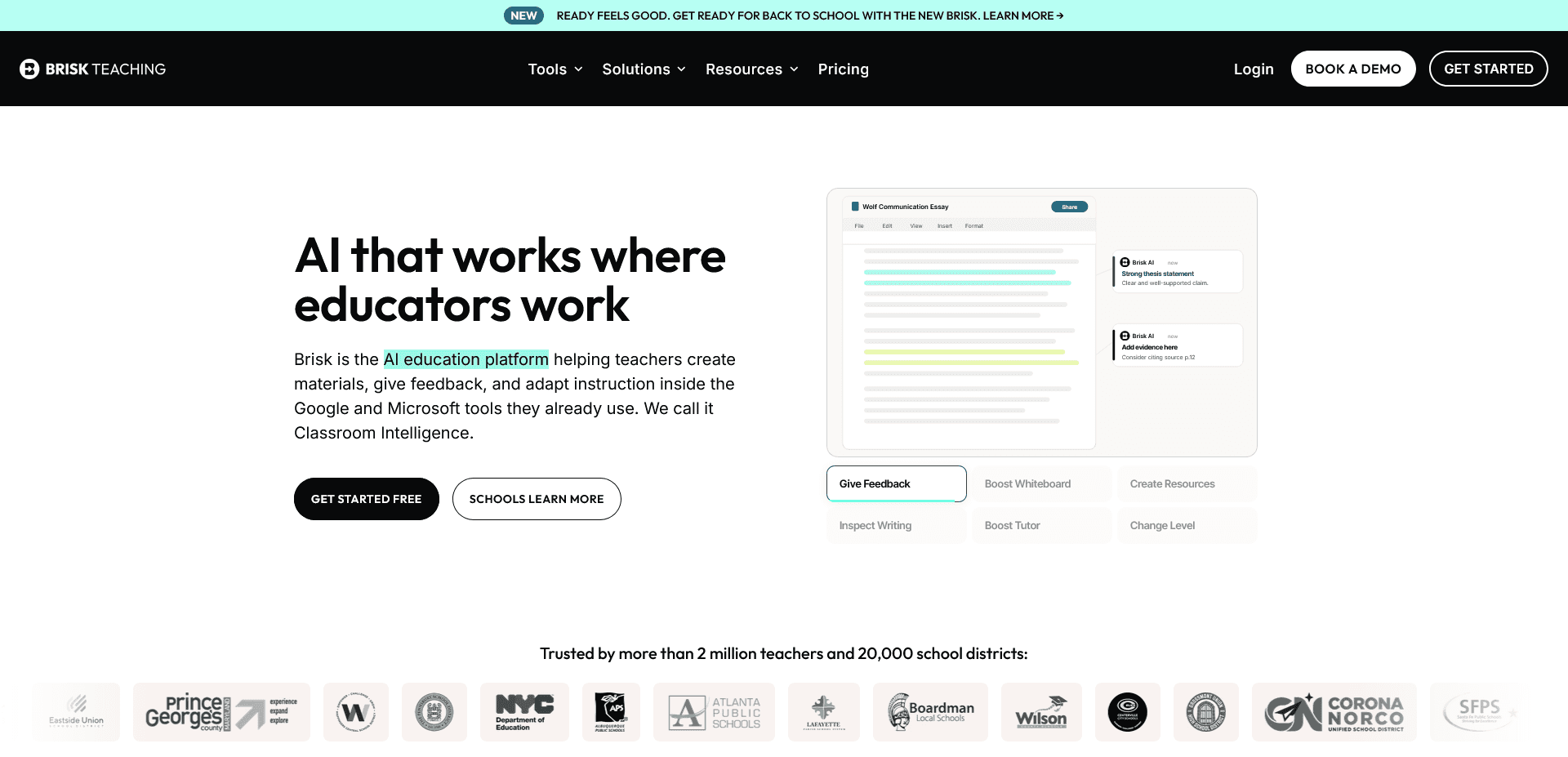
Brisk Teaching is a Chrome extension that layers AI-powered tools into Google Drive and Google Classroom, including a quiz maker, Google Forms, instructional materials, and a presentation maker without extra tab switching.
The free version includes more than 40 tools with no usage limits, covering everything from presentation building to batch feedback on a folder of student work.
It's broad by design, so the feedback tools work for a first pass, but they aren't calibrated to a specific rubric the way a dedicated grading tool would be.
Because it lives in the browser as an extension, there's no separate platform to manage. Open a Google Doc or Classroom assignment and the tools appear right there, no new login.
Best for: teachers who live in Google Workspace and Google Classroom, wanting AI features built into tools they already use daily.
3. MagicSchool
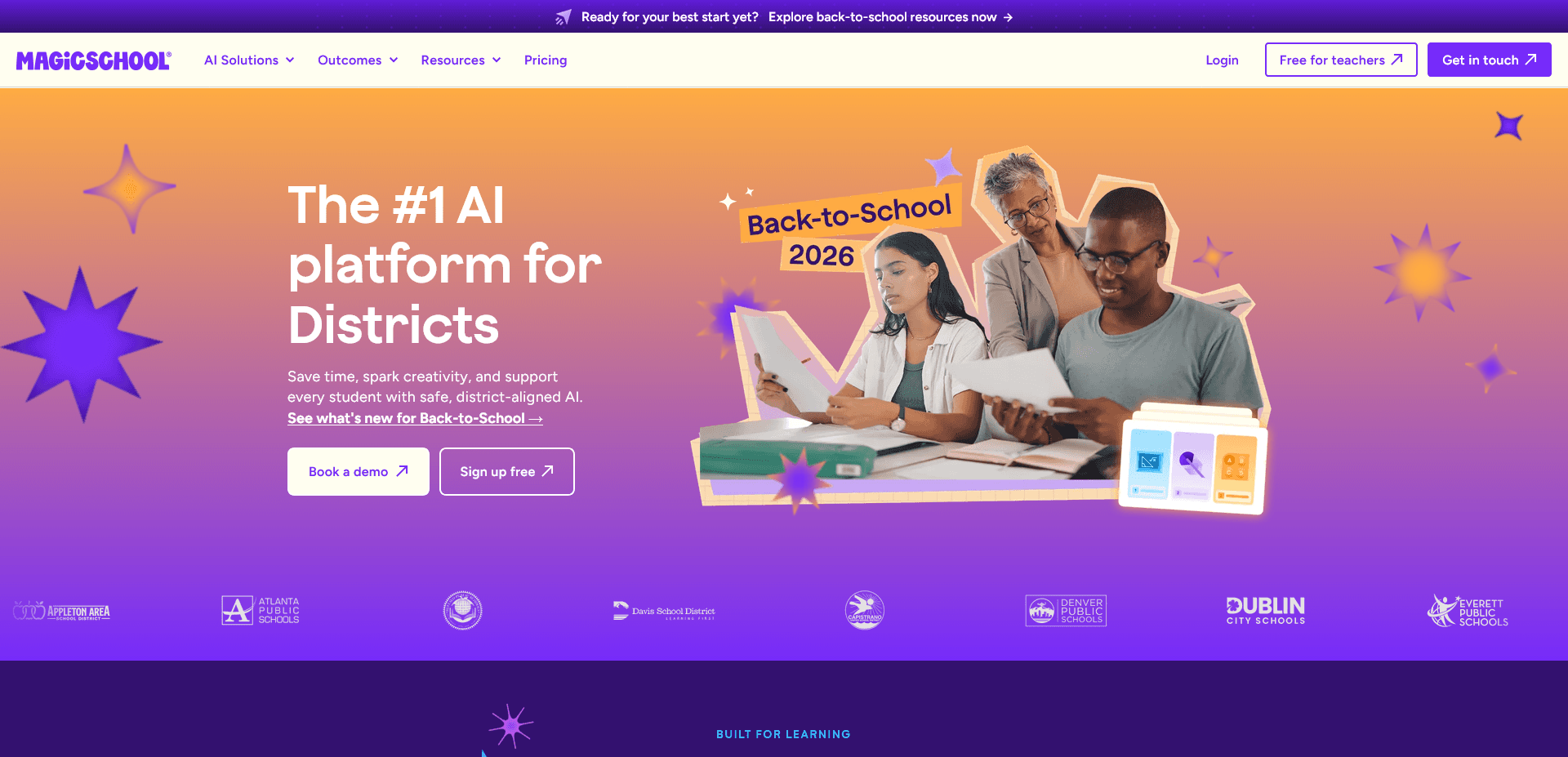
MagicSchool AI offers a free library of teaching resources for lesson plans, a syllabus, writing prompts, differentiated questions, and custom classroom chatbots.
It also drafts parent communications and rubric starting points, which makes it a reasonable first stop for planning-heavy weeks.
Like most general tools, it works from a template rather than your class's actual writing samples, so personalized feedback still needs a teacher's edit pass.
Most teachers use it at the start of a unit, generating a first draft of a lesson plan or a set of differentiated questions, then editing it for their specific class before teaching it.
Best for: lesson planning and differentiation, especially for teachers building materials from scratch.
4. Khanmigo
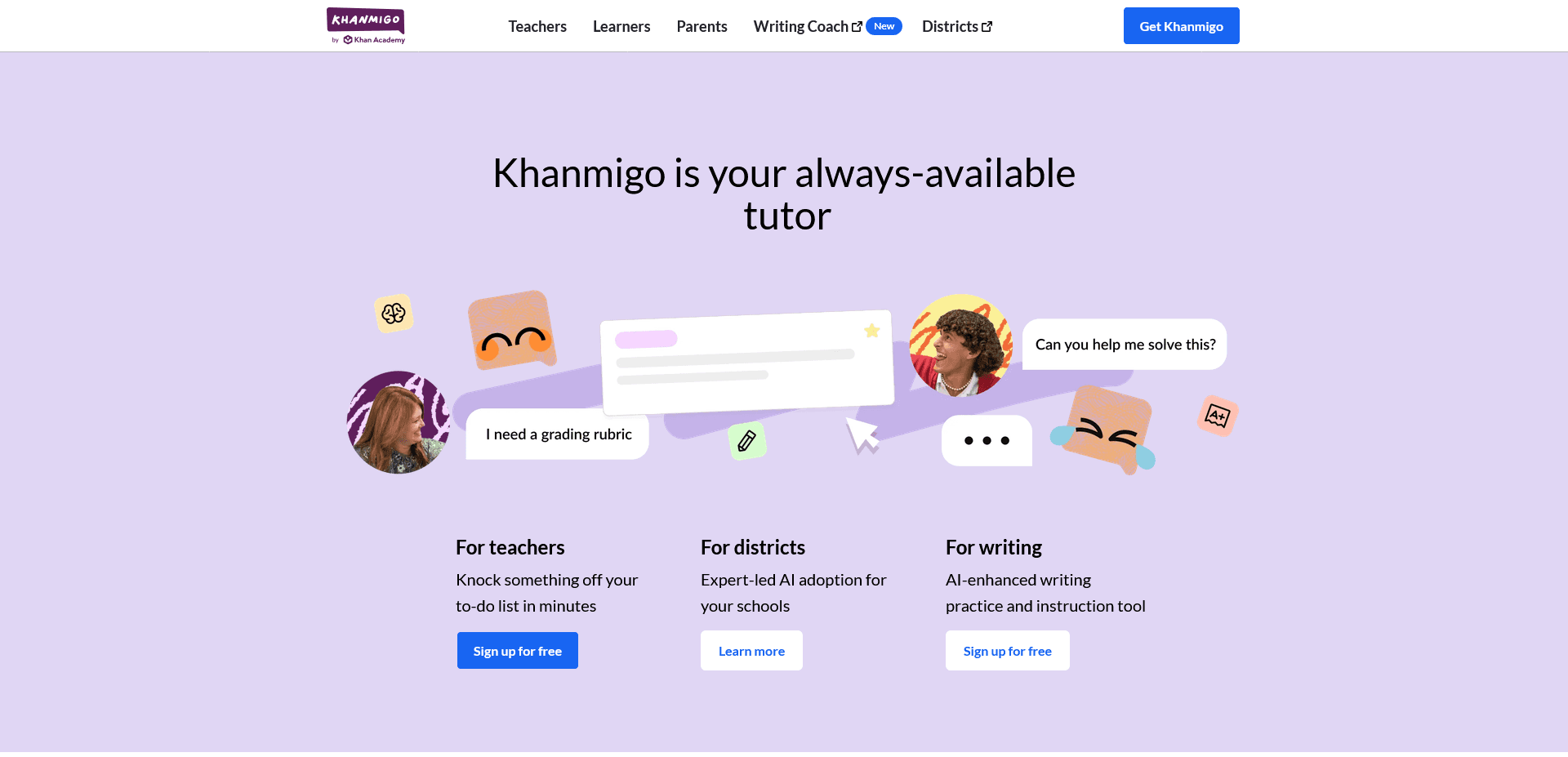
Khanmigo is Khan Academy's free AI assistant, built to help with assessments, learning objectives, progress reports, lesson hooks, and first drafts of rubrics or flashcards.
It's free for educators with no separate paid tier blocking core features, which is unusual among the tools on this list.
Because it's designed around Khan Academy's own curriculum, it fits most naturally alongside math and core-subject planning rather than open-ended writing feedback.
It also generates progress reports and lesson hooks that tie back into whichever Khan Academy course a class is already following, which cuts down on the setup most other tools require.
Best for: teachers already using Khan Academy content who want AI support layered on top.
5. ChatGPT for Teachers
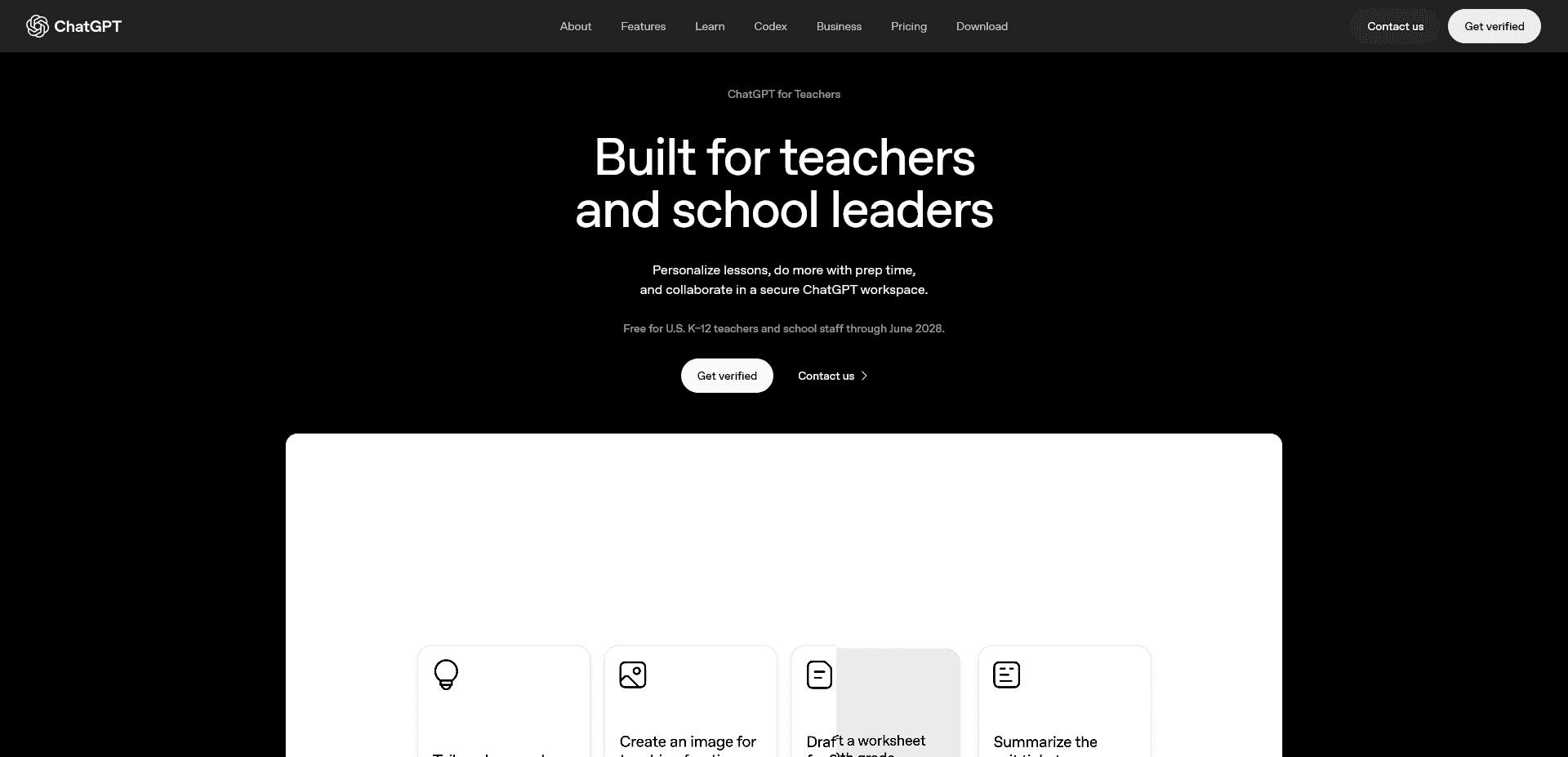
OpenAI released a free version of ChatGPT for verified U.S. K-12 educators, available through June 2027, with education-grade data handling built in.
It is the most flexible tool on this list for brainstorming, summarization, adapting materials, and drafting parent emails, while Claude and NotebookLM offer other general-purpose workflows teachers may compare.
It doesn't know your rubric or your students' writing history, so anything resembling grading still needs a human check, or a tool built specifically for it.
Because it's the same underlying model teachers already use outside the classroom, the learning curve is close to zero. The tradeoff is that it wasn't built with a classroom-specific interface.
Best for: brainstorming, drafting, and general classroom writing tasks, not rubric-aligned scoring.
6. Eduaide
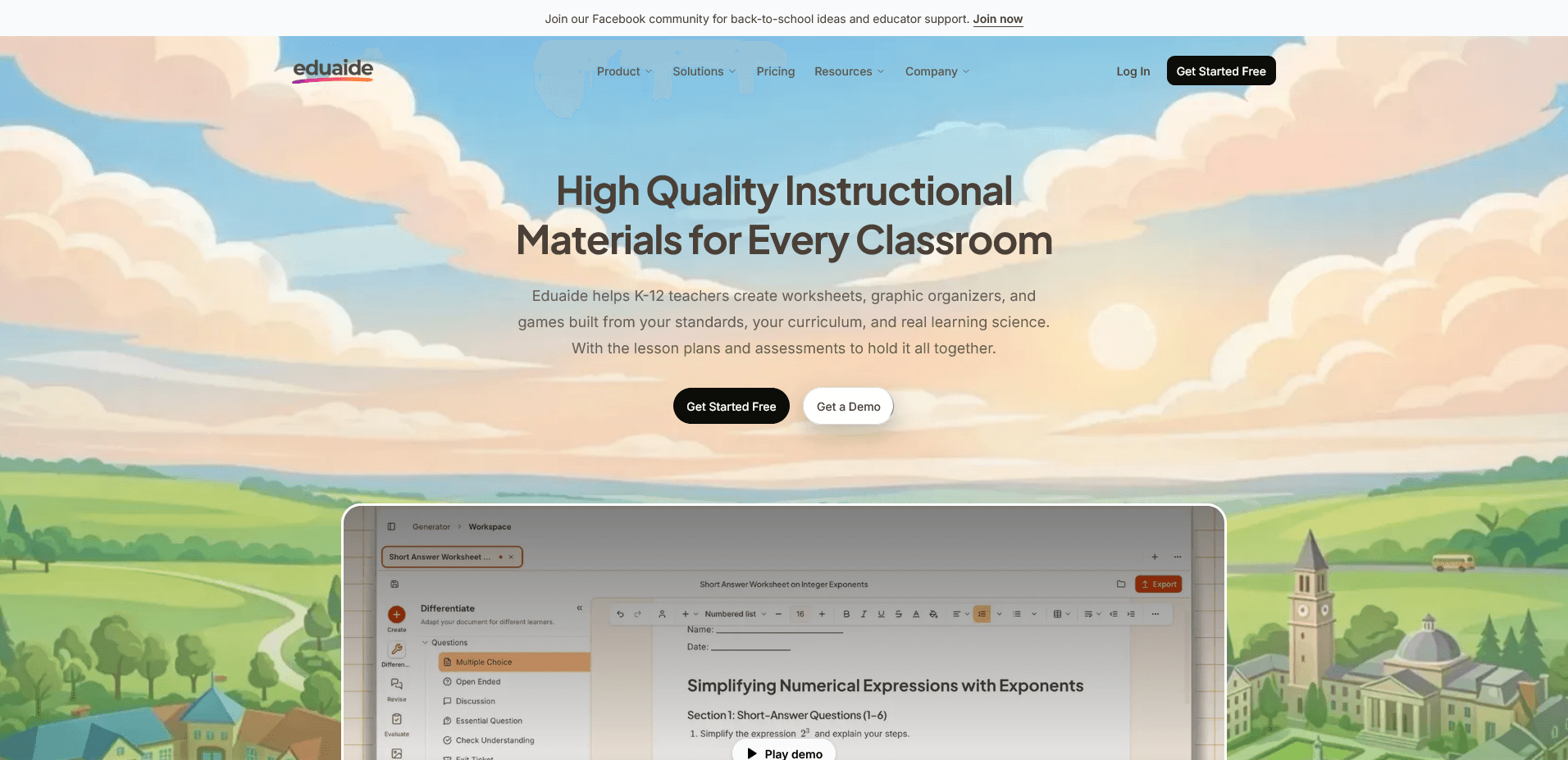
Eduaide helps K-12 teachers build worksheets, flashcards, graphic organizers, teaching resources, and standards-aligned activities from their own curriculum.
The free plan caps out at a limited number of monthly generations, enough to test the tool before deciding whether a paid tier is worth it.
Like the other planning tools here, it's built for materials creation, not for scoring student writing against a rubric.
The 100+ resource types cover more than lesson plans. Discussion questions, graphic organizers, and games are all generated from the same standards you type in, useful when differentiating one lesson for multiple reading levels.
Best for: teachers who need standards-aligned worksheets and activities fast, without a subscription commitment.
If grading essays against a rubric is the part of your week these general tools can't touch, see how an automated essay grader compares. For more on which companies lead this category, see leading ai teacher tool companies.
Free general AI tools are useful for lesson planning and brainstorming, but none of them know your rubric. Grading a stack of essays still takes hours when the tool doesn't understand what you're actually scoring for. EnlightenAI trains on your rubric and your voice, so grading gets faster without losing the parts only you can judge.
Start with the assignments already on your desk. Get started for free.
EnlightenAI helps teachers deliver instant, rubric-aligned AI writing feedback so students can practice, revise, and improve faster. It's a simple way to start grading essays more efficiently.