The free AI quiz maker that grades what it makes

The free AI quiz maker that grades what it makes

The free AI quiz maker that grades what it makes

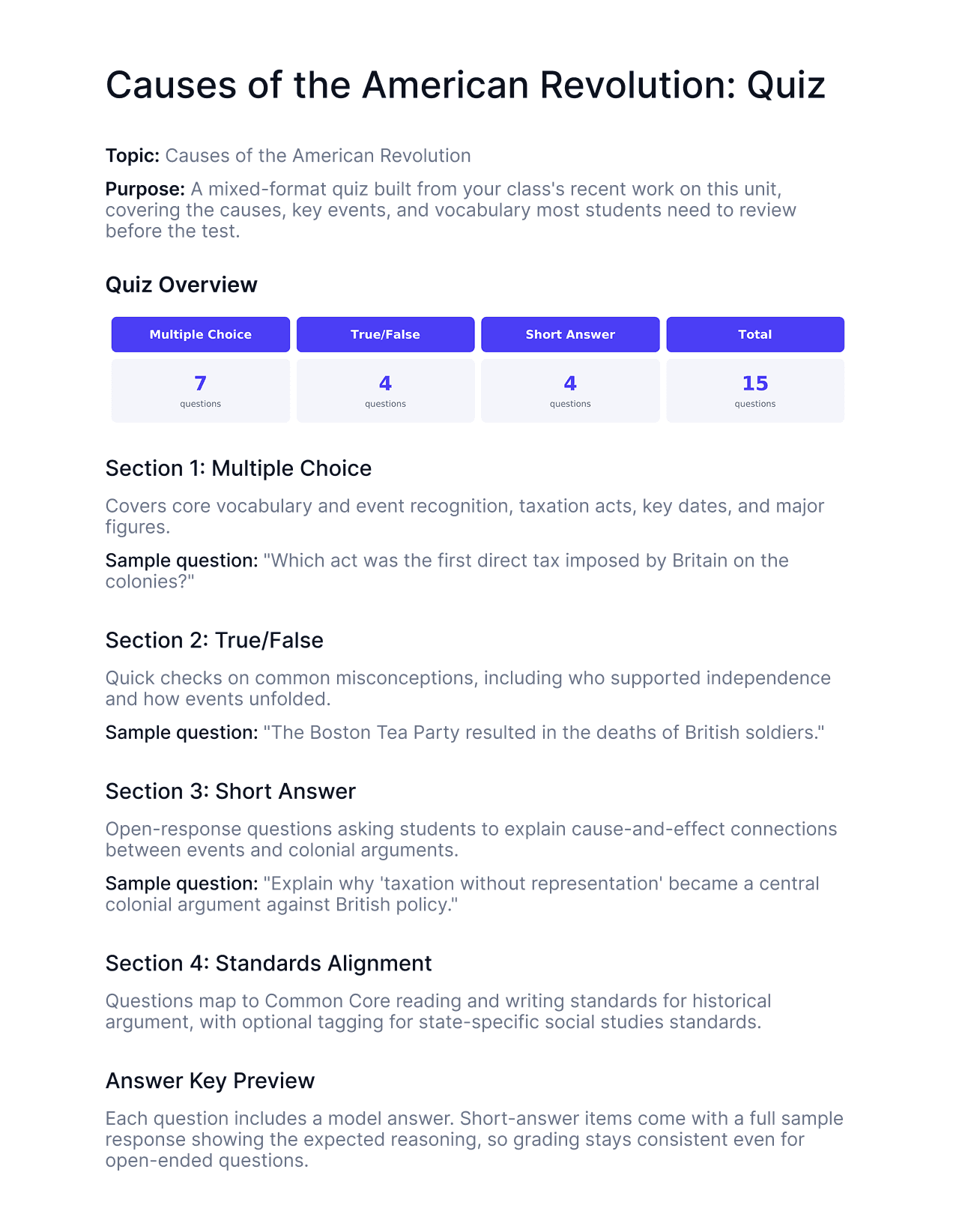
Describe a topic or paste textbooks, lecture notes, lecture slides, study guides, PowerPoint or PPT files, or Word documents to get a complete quiz with mixed question types and an answer key in seconds. No sign-up required to generate.

Sign up free to save quizzes, export them, and grade student responses the moment they come in.
< 20 sec

< 20 sec

to generate a complete quiz

topic to full quiz with answer key

Free

Free

no sign-up required to generate

save and grade with a free account

1 click

1 click

from quiz to grading

responses feed directly into the TA

Why educators choose EnlightenAI

Why educators choose EnlightenAI

Many AI-powered tools stop after making AI-generated quizzes. You still export it, distribute it, collect responses, and grade by hand. EnlightenAI's quiz maker connects directly to the platform's grading assistant, so once students submit, you grade the same quiz in the same place, no re-uploading, no separate tool.

Every custom quiz comes with a real answer key, not just a correct-answer flag. Short-answer and open-response questions include a model answer, so when the TA grades responses later, the standard is already set.


And it's still fully yours. Every generated quiz is editable, exportable as PDF or Google Doc, and reusable across sections and future terms.
Document editor page showing a resource titled “Resource development: Revising a non-exemplar student response,” with task instructions, a sample paragraph about social media, and guiding questions displayed in a clean text layout.
Top-right action bar showing “Share,” “Export” dropdown, and a blue “Save resource” button in the EnlightenAI interface.
AI chat window showing a section titled Data analysis process with bullet points summarizing student performance. Below it is a section titled Recommended reteaching objective and two buttons: Add to document and Copy.
Toolbar with text-editing controls: font size, font family, bold, italic, underline, color palette, pen tool, link, alignment options, list options.

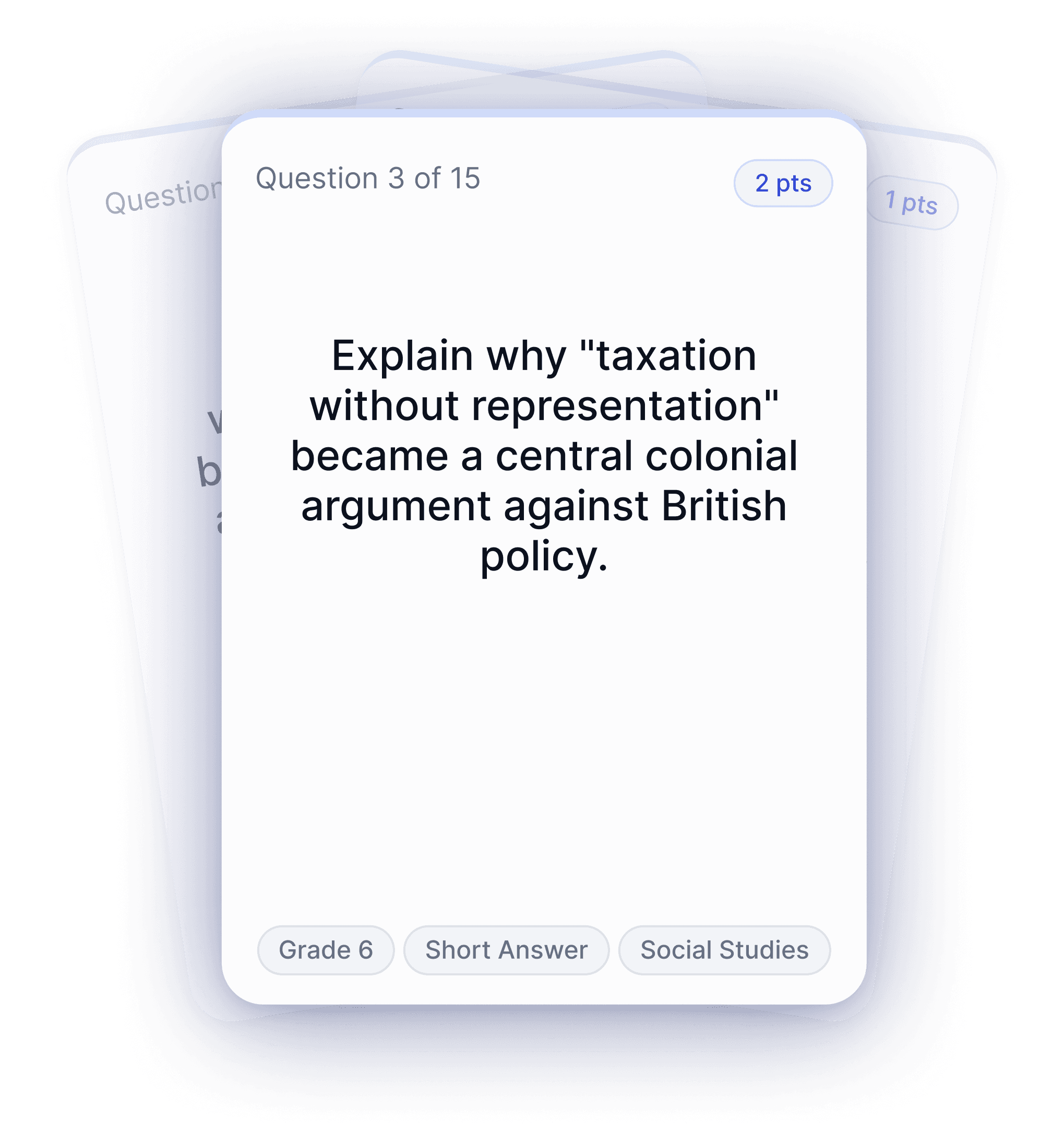
I built a quick check for understanding between classes and had it scored before the bell rang.

SG

Sean Galvin

6th grade Social Studies

Built to integrate

Works with the tools you already use

Works with the tools you already use

Works with the tools you already use

Canvas

Clever

Illuminate

Google Drive

Google Docs

Canvas

Clever

Illuminate

Google Drive

Google Docs

Microsoft Word

PDF

Microsoft Word

PDF

Canvas

Clever

Illuminate

Google Drive

Google Docs

Microsoft Word

PDF

Illuminate

Google Drive

Google Docs

Microsoft Word

PDF

Frequently Asked Questions

FAQs: AI Quiz Maker

Frequently Asked Questions

FAQs: AI Quiz Maker

Frequently Asked Questions

FAQs: AI Quiz Maker

Is the AI quiz maker actually free?

Can ChatGPT make a quiz for my class?

Is there a free AI quiz generator that also grades short-answer responses?

Can I make a quiz from my own notes or a PDF?

Can I customize question types and difficulty?

Does this quiz generator for teachers work by grade?

Can I use a quiz as a formative assessment or exit ticket?

Can I pair a generated quiz with a lesson plan?

I built a quick check for understanding between classes and had it scored before the bell rang.

SG

Sean Galvin

6th grade Social Studies

I built a quick check for understanding between classes and had it scored before the bell rang.

SG

Sean Galvin

6th grade Social Studies