AI Feedback Generator for Student Writing

AI Feedback Generator for Student Writing

AI Feedback Generator for Student Writing

Describe the piece of student work and what to focus on. Get constructive, specific feedback back in seconds, tone-adjusted for the grade level. No sign-up required to generate. Sign up free to save results and feed them into full rubric-based grading with EnlightenAI.


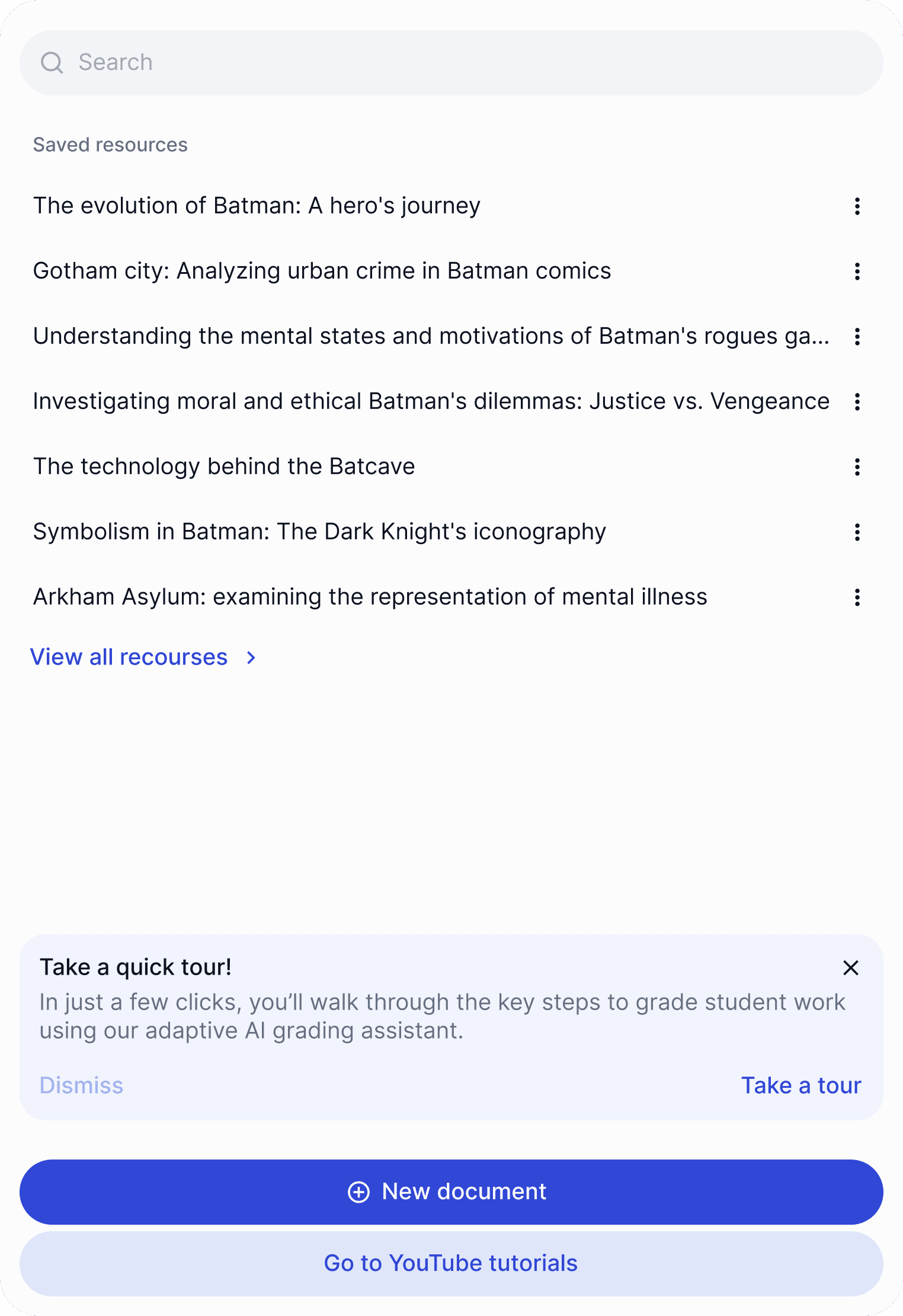
A user interface displaying a list with options and buttons for sorting and filtering items.
  • Alliance College-Ready Public Schools
  • KIPP-NYC
  • Boise School District - Liberty Elementary School
  • KIPP Baltimore
  • KIPP New Jersey
  • KIPP Cooper Norcross
  • KIPP New Orleans
  • KIPP Massachusetts
  • KIPP Capital (DC)
  • Uncommon Schools
  • Libertas College Prep
  • Harrison Public Schools
  • Cotati Roehnert Park USD - Rancho Cotate High School
  • Carmen Schools of Science and Technology
  • Capital City Public Charter School
  • Beloved Charter Schools
  • Vista College Prep

< 15 sec

< 15 sec

to generate feedback

from description to written comments

Free

Free

no sign-up required to generate

save and grade with a free account

Any genre

Any genre

narrative, argumentative, short answer

feedback tone adjusts to the writing type

Feedback That Feeds Into Real Grading

A Rubric Maker That Doesn’t Stop at the Document

A Rubric Maker That Doesn’t Stop at the Document

Most tools that call themselves an AI feedback generator are built for product reviews and customer testimonials, not student writing. EnlightenAI’s version is different: it generates AI writing feedback specifically for narrative, argumentative, and short-answer student work, and that feedback connects directly to EnlightenAI’s grading workflow.

That means feedback generated here isn’t a one-off comment you copy and paste. Once you’re ready, the same writing sample and feedback can move straight into rubric-based grading, with no re-entering criteria or re-describing the assignment.


Every generated comment is editable before you send it. Adjust the tone, add a specific example, or soften a note on negative feedback before a student sees it. The generator drafts, you decide.

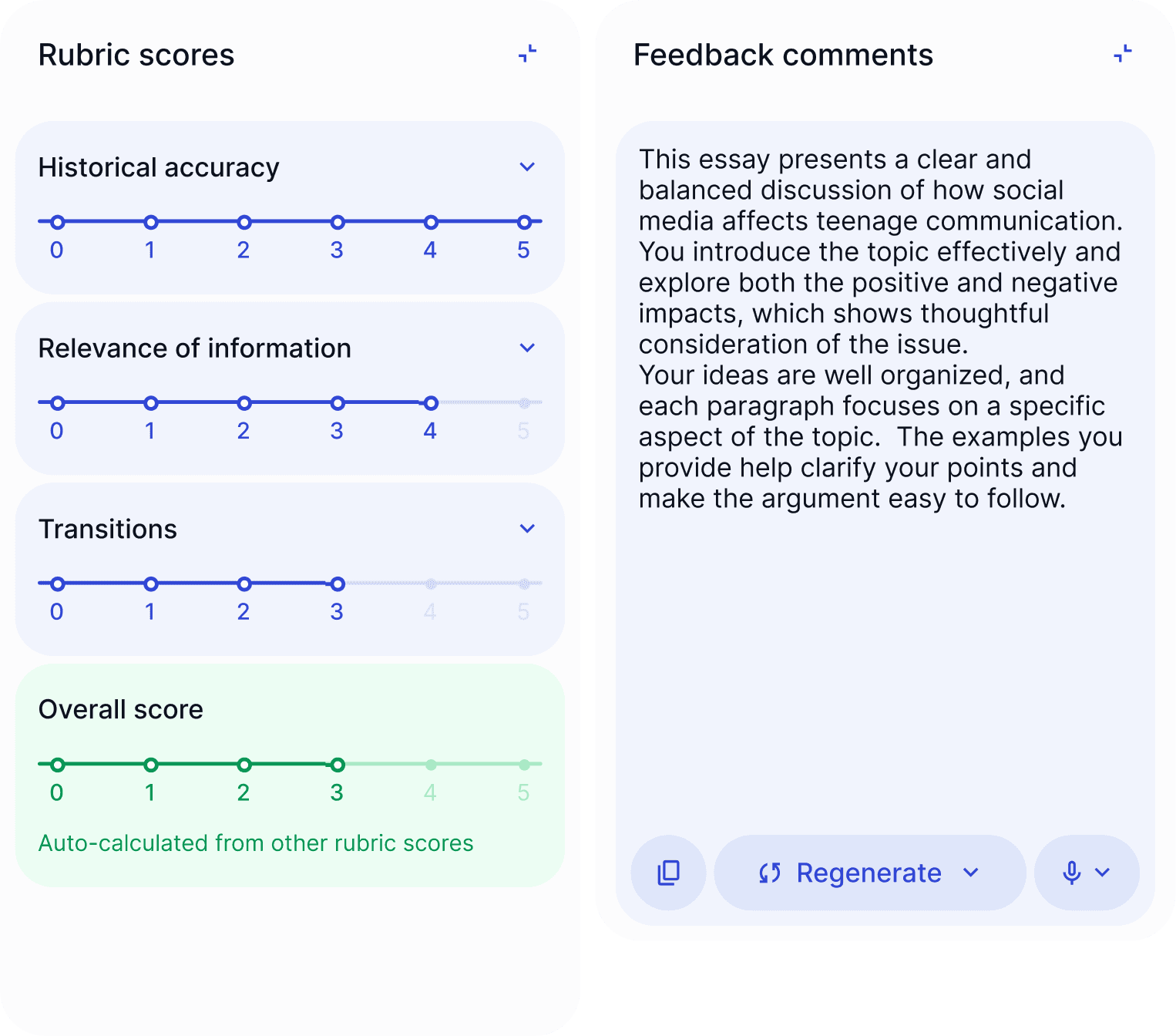
Rubric scoring interface showing categories such as Historical Accuracy, Transitions, and an auto-calculated Overall Score, each displayed on a 0–5 point scale.
Feedback comments panel displaying an AI-generated narrative evaluation of a student’s paper, including strengths and suggestions for improvement.
Options dropdown
AI training progress indicator showing 'AI is 80% trained', and a Save and Continue button
Decor dots
Decor dots
Student essay view in EnlightenAI showing paper content
relevance-of-information rubric slider
'AI grade remaining' badge
Rubric scoring interface showing categories such as Historical Accuracy, Transitions, and an auto-calculated Overall Score, each displayed on a 0–5 point scale.
Feedback comments panel displaying an AI-generated narrative evaluation of a student’s paper, including strengths and suggestions for improvement.
Options dropdown
AI training progress indicator showing 'AI is 80% trained', and a Save and Continue button
Decor dots
Decor dots
Decor dots
Decor dots
Student essay view in EnlightenAI showing paper content
relevance-of-information rubric slider
'AI grade remaining' badge
Rubric scoring interface showing categories such as Historical Accuracy, Transitions, and an auto-calculated Overall Score, each displayed on a 0–5 point scale.
Feedback comments panel displaying an AI-generated narrative evaluation of a student’s paper, including strengths and suggestions for improvement.
Options dropdown
AI training progress indicator showing 'AI is 80% trained', and a Save and Continue button
Decor dots
Decor dots
Decor dots
Decor dots
Student essay view in EnlightenAI showing paper content
relevance-of-information rubric slider
'AI grade remaining' badge
A simple process

How the Feedback Generator Works

1

Describe the student work

Paste the writing sample or describe the assignment. Note the grade level and what to focus feedback on, organization, evidence, word choice, or mechanics.
A screenshot of a digital interface displaying a menu with various options and text content.
2

EnlightenAI drafts the feedback

Upload Student Responses

The generator returns specific, constructive feedback in seconds, differentiated by grade level and adjusted for the writing tone you set, encouraging for younger writers, more direct for older ones.
The AI uses STAAR writing rubrics — argumentative, expository, and English I/II — to draft suggested scores and feedback aligned to Texas TEKS expectations.
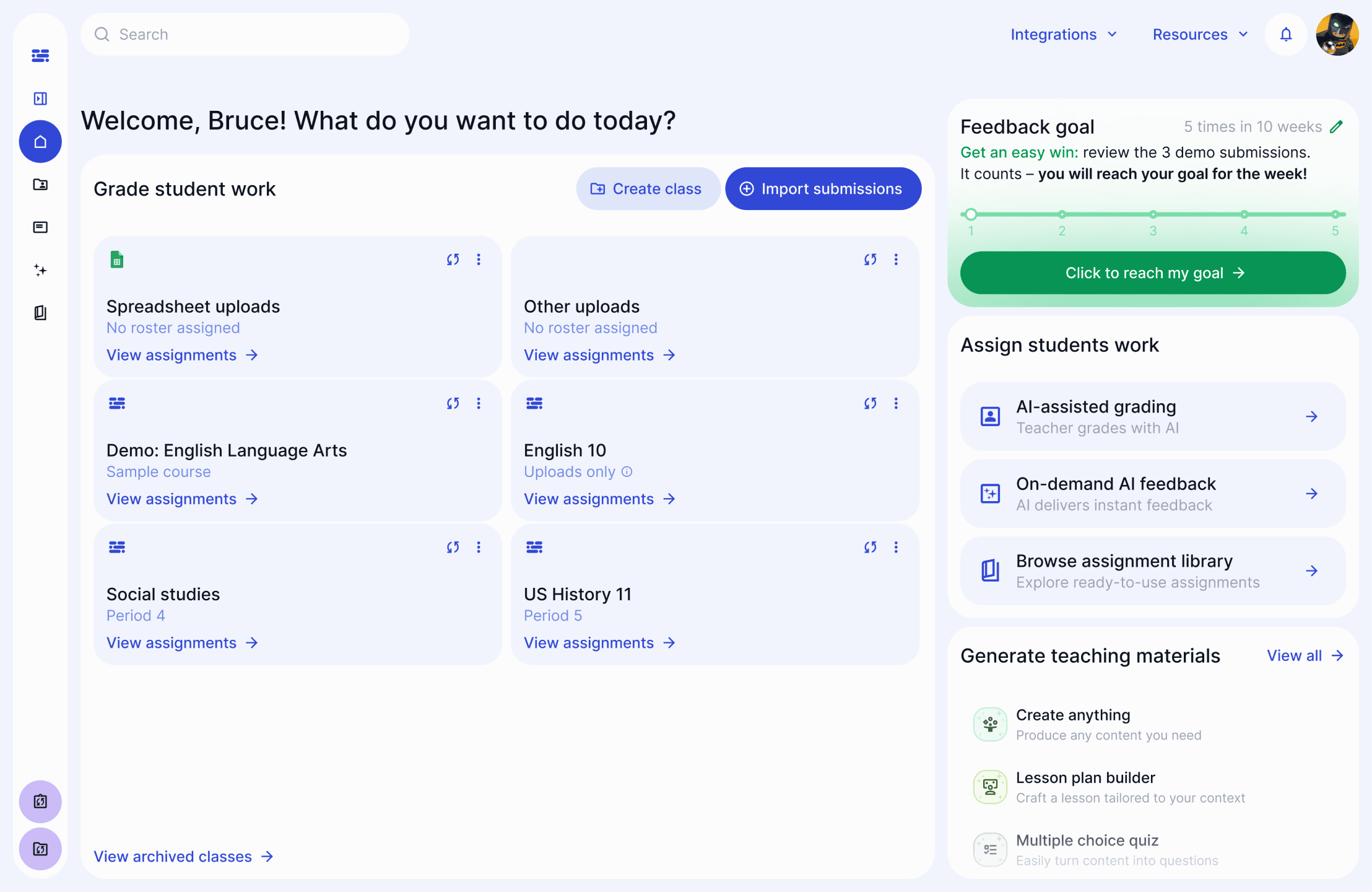
Screenshot of a digital interface showing two sections: one with data input prompts and another with a detailed explanation.
3

Edit, send, or carry it into grading

You Review & Approve

Adjust anything before it reaches a student. Copy the feedback out directly, or continue into EnlightenAI’s full rubric-based grading using the same writing sample.
You stay fully in control. Review draft scores, refine feedback, and release comments to students when ready.
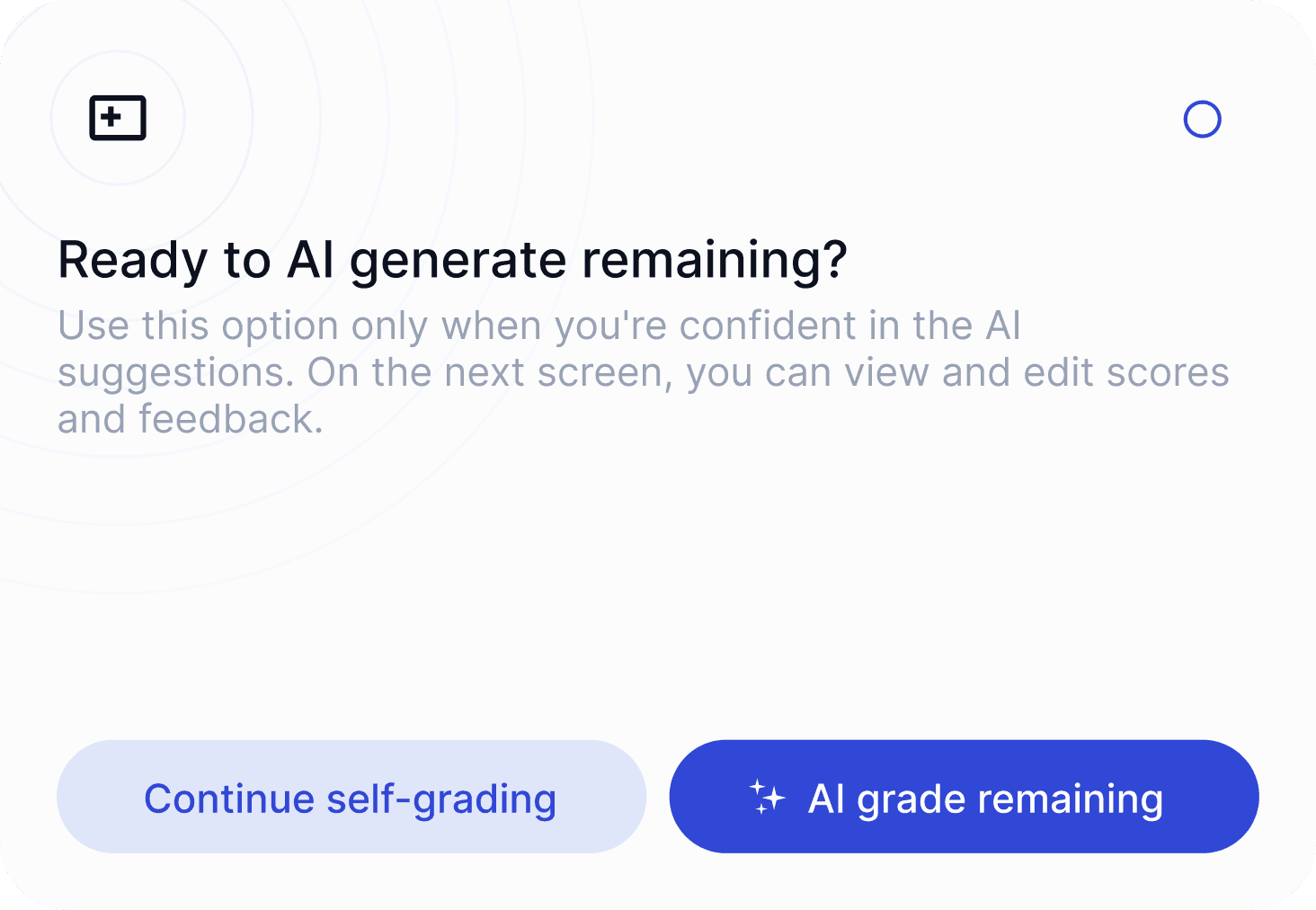
A prompt asking if the user is ready to generate something, with options for engagement below.
Aligned to your rubric

Not a Review Generator.
A Feedback Generator.

The AI feedback generators topping most search results are built to write product reviews and customer testimonials. EnlightenAI’s generator is purpose-built for student writing, with feedback that reflects grade level, genre, and what actually helps a student revise.

A generic AI feedback generator

“Great effort! Nice work overall, could use a bit more detail.”

Built for product reviews and customer testimonials

No adjustment for grade level or writing genre

Feedback ends at the comment, nothing connects to grading

EnlightenAI’s feedback generator

“Your narrative has a strong hook, but the middle section loses the timeline. Try adding a transition before paragraph 3 to keep the sequence clear for a 4th-grade reader.”

Built specifically for student writing

Differentiated by grade level and genre

Carries into full rubric-based grading

Frequently Asked Questions

FAQs: AI Feedback Generator

Frequently Asked Questions

FAQs: AI Feedback Generator

Frequently Asked Questions

FAQs: AI Feedback Generator

Is this the same as an AI product review generator?

Can it generate feedback for narrative writing specifically?

Does the feedback adjust for different grade levels?

How is this different from EnlightenAI’s AI rubric generator?

Is the generated feedback reviewed by a person, or sent automatically?

Does this use large language models, and are they trained on my students’ work?

Does the feedback generator detect AI-generated writing?

Is the feedback generator really free to use?

A simple process

How the Feedback Generator Works

1

Upload your rubric.

Upload your existing rubric or build one inside EnlightenAI. Connect Google Classroom or Canvas to pull assignments directly, or upload essays manually.

A screenshot of a digital interface displaying a menu with various options and text content.
2

Grade five essays together to calibrate.

Grade the first five essays alongside EnlightenAI, adjusting scores and feedback. It learns your interpretation of each rubric criterion and your feedback style through those corrections.
Screenshot of a digital interface showing two sections: one with data input prompts and another with a detailed explanation.
3

EnlightenAI grades the rest. You review and send.

Every suggested grade goes into a review queue before students see it. Edit a score, rewrite a comment, or approve as-is. Nothing reaches a student without your sign-off.
A prompt asking if the user is ready to generate something, with options for engagement below.
A simple process

How the Feedback Generator Works

A simple process

How the Feedback Generator Works

1

Describe the student work

Paste the writing sample or describe the assignment. Note the grade level and what to focus feedback on, organization, evidence, word choice, or mechanics.
A screenshot of a digital interface displaying a menu with various options and text content.
2

EnlightenAI drafts the feedback

The generator returns specific, constructive feedback in seconds, differentiated by grade level and adjusted for the writing tone you set, encouraging for younger writers, more direct for older ones.
Screenshot of a digital interface showing two sections: one with data input prompts and another with a detailed explanation.
3

Edit, send, or carry it into grading

Adjust anything before it reaches a student. Copy the feedback out directly, or continue into EnlightenAI’s full rubric-based grading using the same writing sample.
A prompt asking if the user is ready to generate something, with options for engagement below.
A simple process

How the Feedback Generator Works

1

Describe the student work

Paste the writing sample or describe the assignment. Note the grade level and what to focus feedback on, organization, evidence, word choice, or mechanics.
A screenshot of a digital interface displaying a menu with various options and text content.
2

EnlightenAI drafts the feedback

The generator returns specific, constructive feedback in seconds, differentiated by grade level and adjusted for the writing tone you set, encouraging for younger writers, more direct for older ones.
Screenshot of a digital interface showing two sections: one with data input prompts and another with a detailed explanation.
3

Edit, send, or carry it into grading

Adjust anything before it reaches a student. Copy the feedback out directly, or continue into EnlightenAI’s full rubric-based grading using the same writing sample.
A prompt asking if the user is ready to generate something, with options for engagement below.
Aligned to your rubric

Not a Review Generator.
A Feedback Generator.

The AI feedback generators topping most search results are built to write product reviews and customer testimonials. EnlightenAI’s generator is purpose-built for student writing, with feedback that reflects grade level, genre, and what actually helps a student revise.

A generic AI feedback generator

“Great effort! Nice work overall, could use a bit more detail.”

Built for product reviews and customer testimonials

No adjustment for grade level or writing genre

Feedback ends at the comment, nothing connects to grading

EnlightenAI’s feedback generator

“Your narrative has a strong hook, but the middle section loses the timeline. Try adding a transition before paragraph 3 to keep the sequence clear for a 4th-grade reader.”

Built specifically for student writing

Differentiated by grade level and genre

Carries into full rubric-based grading

Aligned to your rubric

Not a Review Generator.
A Feedback Generator.

The AI feedback generators topping most search results are built to write product reviews and customer testimonials. EnlightenAI’s generator is purpose-built for student writing, with feedback that reflects grade level, genre, and what actually helps a student revise.

A generic AI feedback generator

“Great effort! Nice work overall, could use a bit more detail.”

Built for product reviews and customer testimonials

No adjustment for grade level or writing genre

Feedback ends at the comment, nothing connects to grading

EnlightenAI’s feedback generator

“Your narrative has a strong hook, but the middle section loses the timeline. Try adding a transition before paragraph 3 to keep the sequence clear for a 4th-grade reader.”

Built specifically for student writing

Differentiated by grade level and genre

Carries into full rubric-based grading