Key takeaways
Grading software for schools means two different things. One records and calculates grades, the other actually reads and scores student work.
Gradebook tools compute averages, they don't grade essays. They're built for point-and-click entry, not open-ended writing.
AI-powered grading software reads student writing and scores it against a rubric. That's a narrower, harder job than a spreadsheet with weighted columns.
Most schools need both, run for different tasks. A gradebook and a writing-feedback tool solve different problems.
Best for: school and department leads comparing options before a purchase order, not just one teacher's personal app.
Type "grading software for schools" into Google and you'll get two totally different answers mixed into one list: gradebooks that add up points, and grading platforms that actually read what a student wrote. Those solve different problems, and a school that buys the wrong one for the job ends up with a tool nobody uses by October.
This guide splits the category the way it should be split: AI-powered grading and feedback software first, then gradebook and record-keeping software, which is where an AI essay grader fits into the first category.
A gradebook answers "what's this student's average," pulling from scores you already have. It doesn't generate those scores for open-ended work, it just totals what a teacher enters by hand.
An automated essay grader answers a harder question: how good is this specific piece of writing, against this specific rubric. That's a judgment call, not arithmetic, which is why the two categories rarely come from the same vendor.
Grading software covered in this guide
This guide reviews six tools across two categories, AI-powered grading and gradebooks, and how they compare on what they actually score versus what they only record:
1. EnlightenAI
2. EssayGrader
3. Gradescope
4. Google Classroom
5. ThinkWave
6. Gradebook Wizard
The AI-powered category is the newer purchase decision, and the one worth the most scrutiny before a school-wide rollout. Most schools already own something in the gradebook category, usually bundled into whatever LMS or SIS they already run.
This is the category most gradebook-focused roundups skip entirely, because it's a different job: actually evaluating open-ended student work, not just recording a score once a human decides it. For the deeper dive on this category specifically, see our guide to AI grading software.
1. EnlightenAI
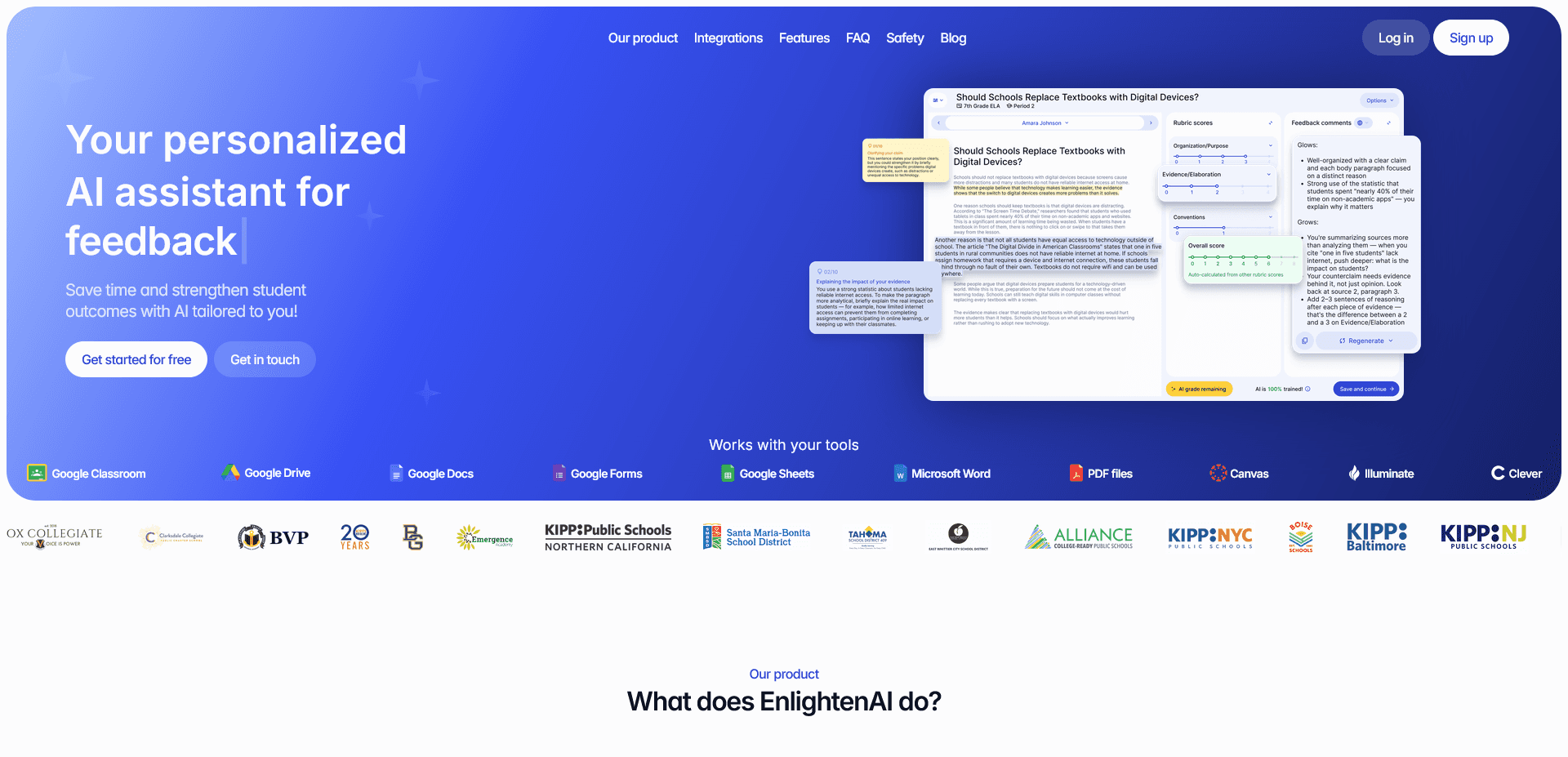
EnlightenAI is a TA trained once on a school or department's actual rubric, so every essay, from the first student to the last, gets scored against the same standard instead of drifting as the stack goes on.
That consistency is the specific thing a school needs when grading has to hold up across multiple teachers and sections, not just one classroom. It's the same problem departments try to solve manually with calibration meetings, where teachers compare scores on the same sample essay to check they're reading the rubric the same way.
Best for: schools and departments standardizing writing feedback across multiple teachers, not just one classroom's grading. Build the shared rubric first with the AI rubric generator, then see how training holds up at scale in grading accuracy at a district level. If you're building that shared rubric from scratch, how to make a rubric walks through the process step by step.
2. EssayGrader
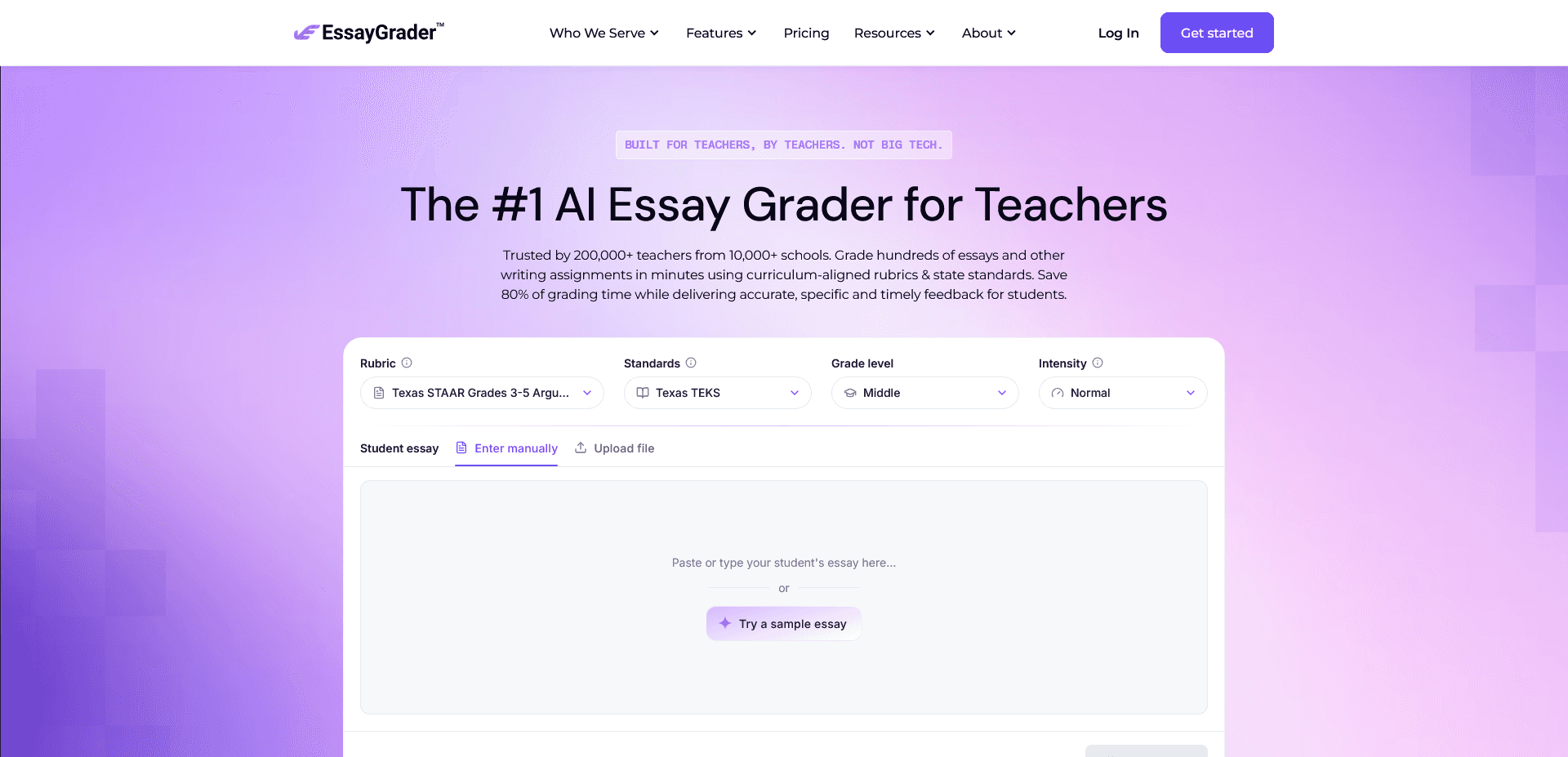
EssayGrader focuses specifically on scoring essays against a rubric and returning fast feedback, aimed mostly at individual teachers grading writing assignments. Feedback quality depends on the rubric you feed it each time, since it's working from whatever you paste in for that one assignment.
Best for: a teacher who wants quick, essay-specific scoring without a school-wide rollout. More ways to cut that time are in how to grade essays faster.
3. Gradescope
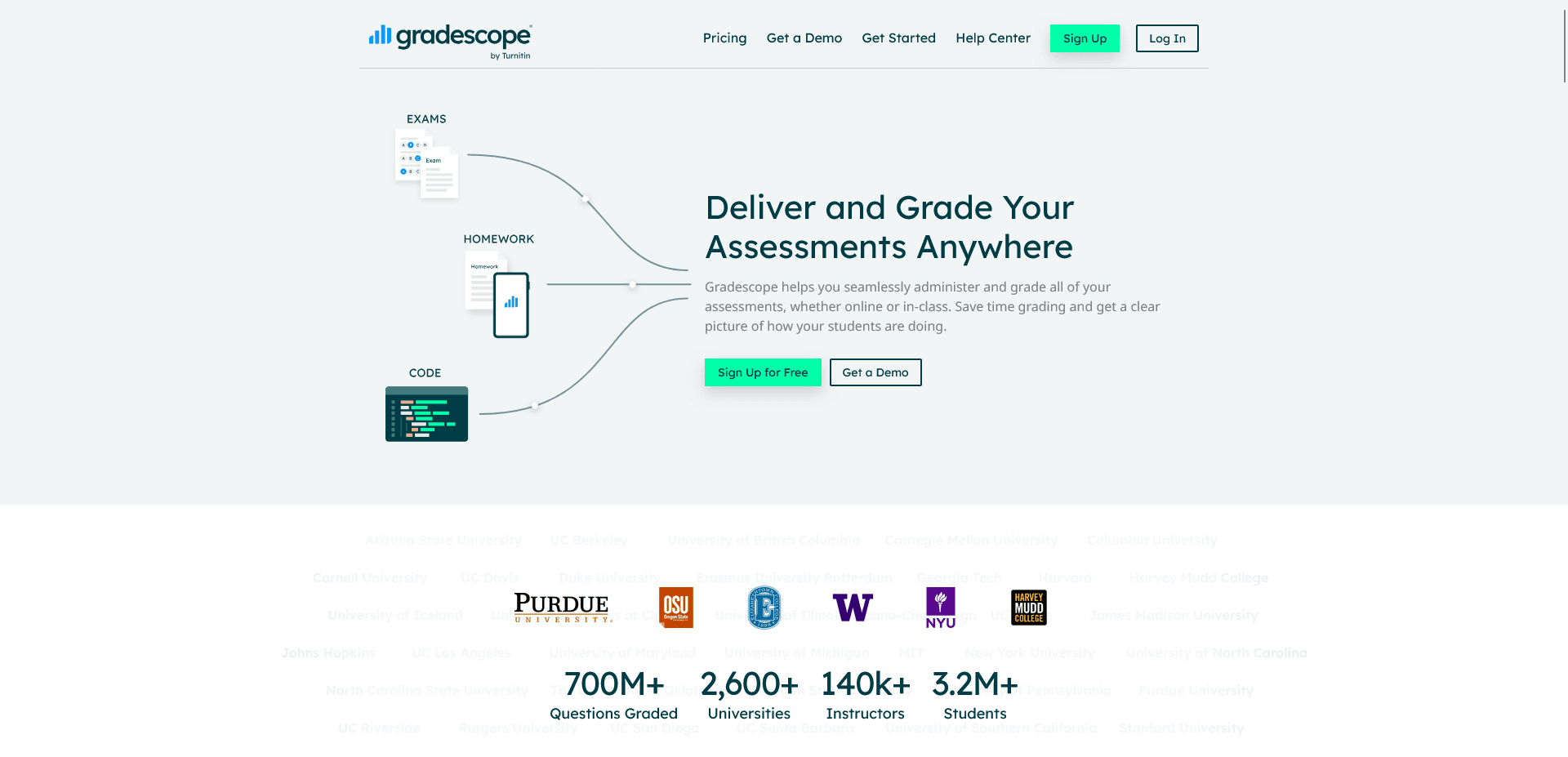
Gradescope groups similar answers across a stack of exams so a grader scores each unique response once instead of every paper individually, which is especially strong for handwritten math and science work. It's built around exams with defined answers, rather than ongoing feedback on drafts of writing.
Best for: departments with large exam loads in STEM subjects.
EnlightenAI helps teachers deliver instant, rubric-aligned AI writing feedback so students can practice, revise, and improve faster. It's a simple way to start grading essays more efficiently.
4. Google Classroom
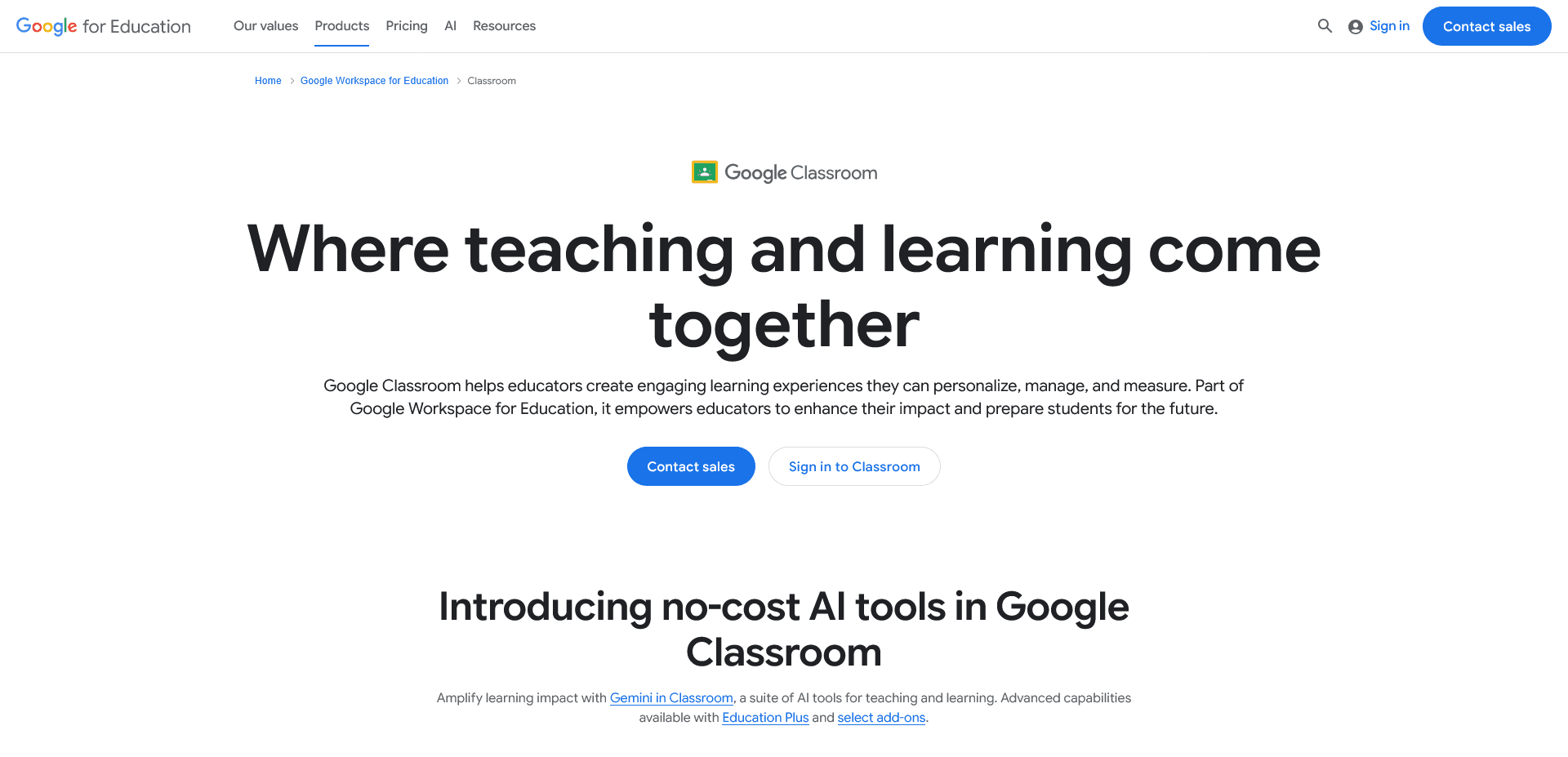
Google Classroom lets a school distribute, collect, and score assignments and quizzes inside one hub, with grades flowing back automatically for closed-ended questions. It computes and organizes grades, it doesn't generate feedback on an essay's argument or structure.
Best for: schools already standardized on Google Workspace that need one place to collect and record work.
5. ThinkWave
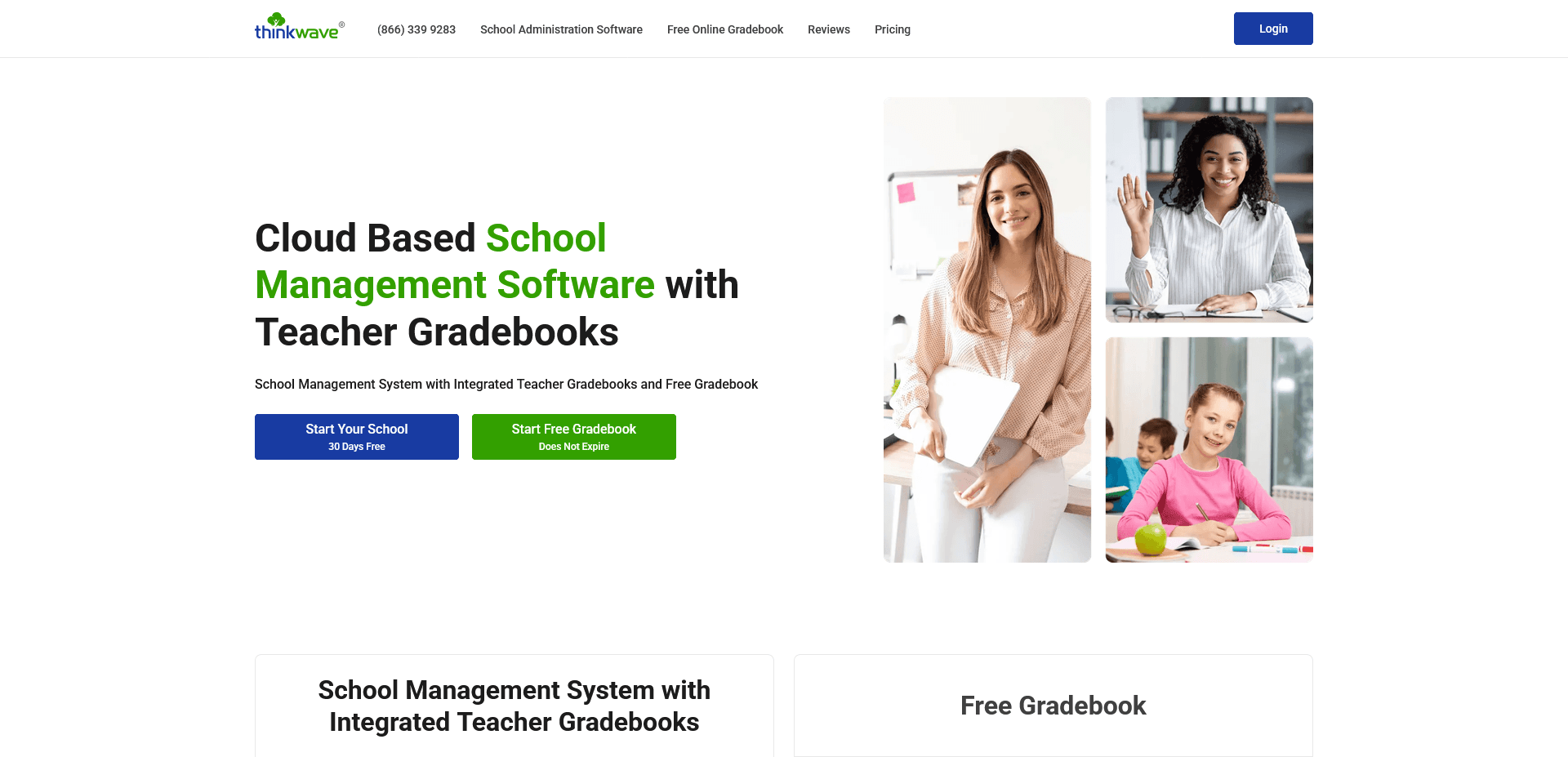
ThinkWave is a dedicated gradebook and school-management platform built around recording grades, attendance, and report cards across a whole school, not just one class. It's a records system, built to calculate and store scores, not to read student writing and decide what a score should be.
Best for: schools that need a lightweight, affordable system of record for grades and attendance without a full SIS contract.
6. Gradebook Wizard
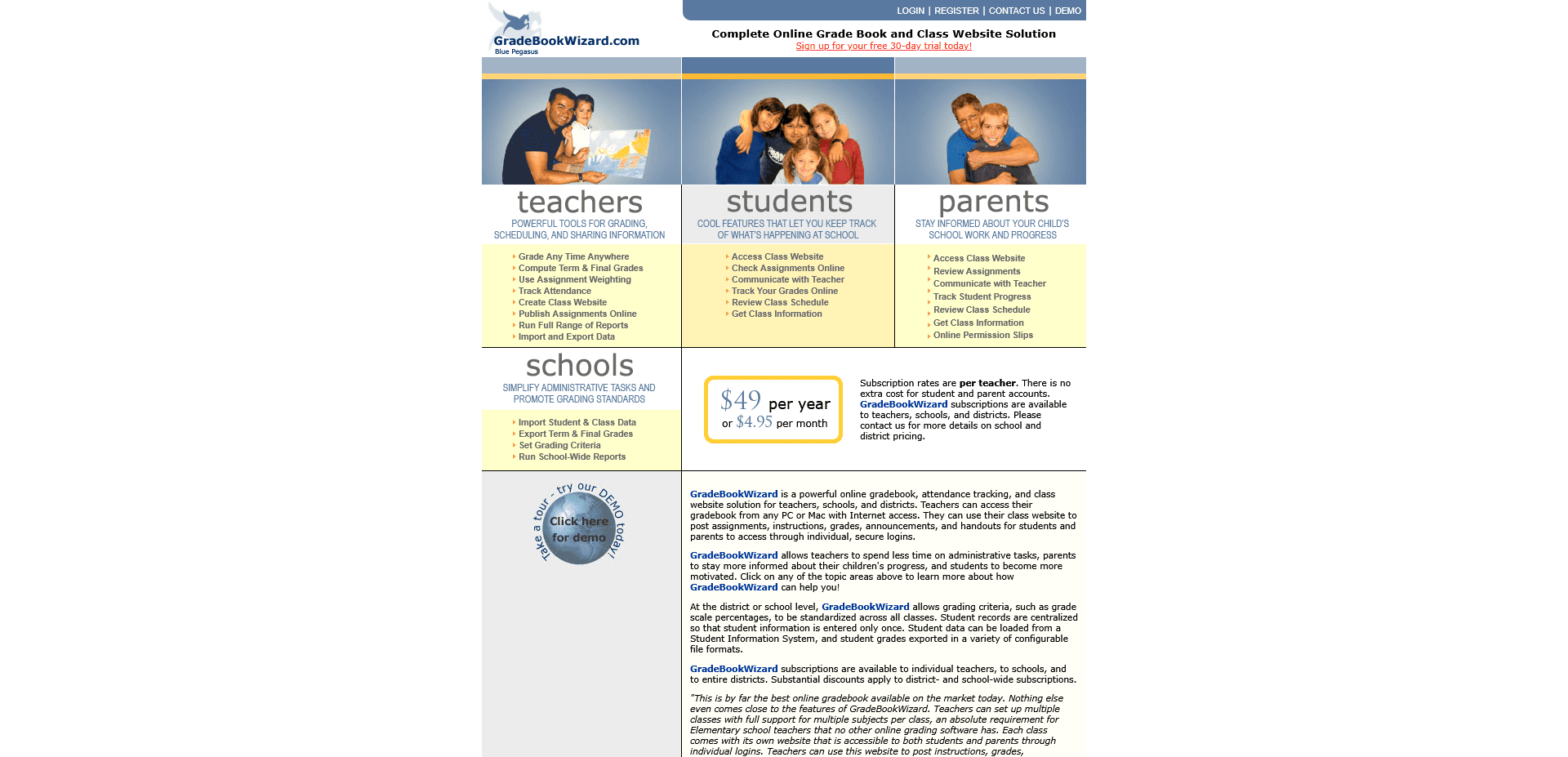
Tools in this category, Gradebook Wizard, Gradekeeper, and similar apps, exist to save a teacher from a spreadsheet: enter scores, set weights, and the app calculates averages, progress reports, and parent updates. They're fast for what they do, but every score going in still has to come from somewhere, usually a teacher grading by hand first.
Best for: individual teachers who want their own gradebook without waiting on a school-wide platform. The time this saves is the same kind covered in teacher time management.
If your school already has a gradebook and still can't get consistent writing feedback across classrooms, that's a different tool for a different job: a rubric-trained grading tool, not another place to record scores.
A gradebook can tell you every student's average down to the decimal. It can't tell you whether two teachers are holding the same essay to the same standard, and that gap is what actually varies student outcomes across sections.
Start with the assignments already on your desk. Get started for free.