
Key takeaways
Not everything needs a full rubric pass. Decide what's worth detailed feedback before you assign it, not after the stack arrives.
Batch by question, not by paper. Grading one question across every submission keeps your eye calibrated and moves faster than start-to-finish grading.
Build the rubric and comment bank once. Reuse them all year instead of rewriting criteria and repeat feedback from scratch.
When volume, not judgment, is the bottleneck, a rubric-trained TA can take the first pass so your evenings stay yours.
Introduction
Most grading advice comes down to one idea: not everything needs the same amount of attention. The trick is deciding, in advance, what actually does.
These grading strategies for teachers cover the habits that hold up over a full school year: batch grading, rubrics, selective grading, and the point where a tool helps once volume becomes the bottleneck. For a narrower look at speeding up essay-specific grading, see how to grade essays faster.
1. Grading Strategies for Teachers: Decide What's Worth Scoring
Grading everything a student turns in isn't the same as grading well. Practice work, writing assignments, and low-stakes checks can move faster with a spot check or peer review instead of a full rubric pass, as long as the learning objectives are still visible.
Save your detailed feedback for the assignments that actually show mastery. Deciding this before you release the assignment, not after the stack arrives, is what keeps grading from piling up.
This is easier when the rubric already exists. See how expert teachers build rubrics that hold up across a whole unit, not just one assignment.
2. Use Batch Grading Instead of Going Start to Finish
Grading one question across every paper, then moving to the next question, keeps your eye calibrated to a single answer at a time. It's faster than grading one paper start to finish and starting over on the next.
Cycling feedback works the same way at the assignment level. Give detailed comments on one round, a quick check on the next, and save full feedback for the round that matters most for the grade.
Set a time limit and fixed block for grading, not "whenever there's a gap"; that simple time management boundary is one of the most practical grading hacks. A protected 30 to 60 minutes with no other tabs open moves a stack faster than the same time split across a day.
This is also where headphones help more than people expect. Blocking out the classroom noise, even after hours, keeps you on the current paper instead of re-reading the same paragraph three times.
3. Auto-Grade the Mechanical Parts First
Not every check needs a human eye. Multiple choice, short answer, and vocabulary checks can run through self-grading Google Forms with an answer key before scores move to a Google Classroom gradebook or SpeedGrader.
This isn't about replacing judgment, it's about spending your judgment where it's actually needed. If a tool can score right or wrong instantly, let it, and put your grading time into the writing that needs a real read.
Auto-grading also removes a subtle consistency risk. A program scores the same right answer the same way every time, without fatigue creeping in by the fortieth paper the way it can for a person.
4. Protect the Time These Habits Free Up
Batching, rubrics, and auto-grading only help if the time they save actually stays saved. It's easy to fill a freed-up hour with more grading instead of the break it was meant to create.
Set a real stopping point for the day, not just for the stack. A grading session that ends on schedule, even with papers left, still moves the pile forward without eating into the rest of the evening.
The same logic holds across the school year. A routine you can't sustain past October isn't actually saving time, it's delaying the crunch by a few weeks.
5. Build the Grading Rubric and Comment Bank Once
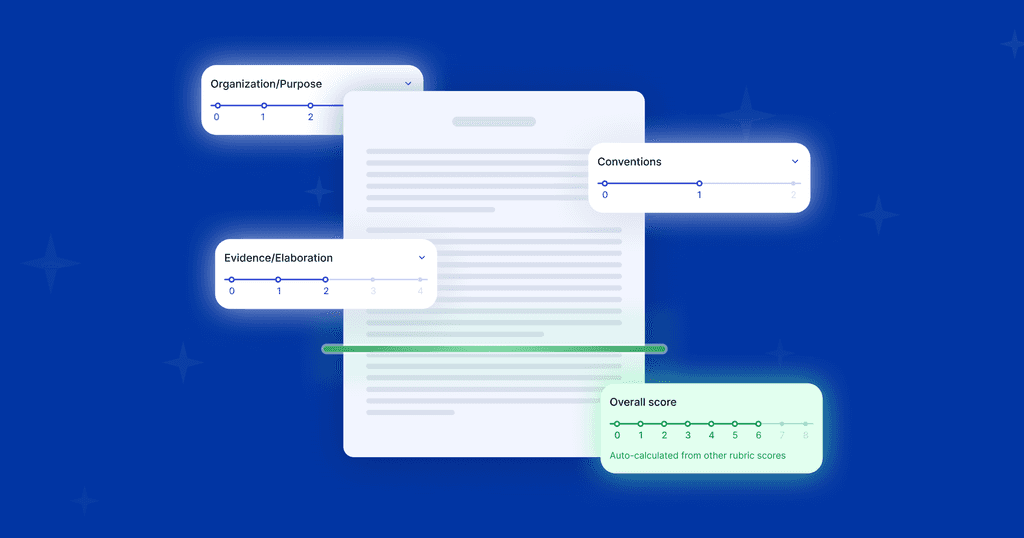
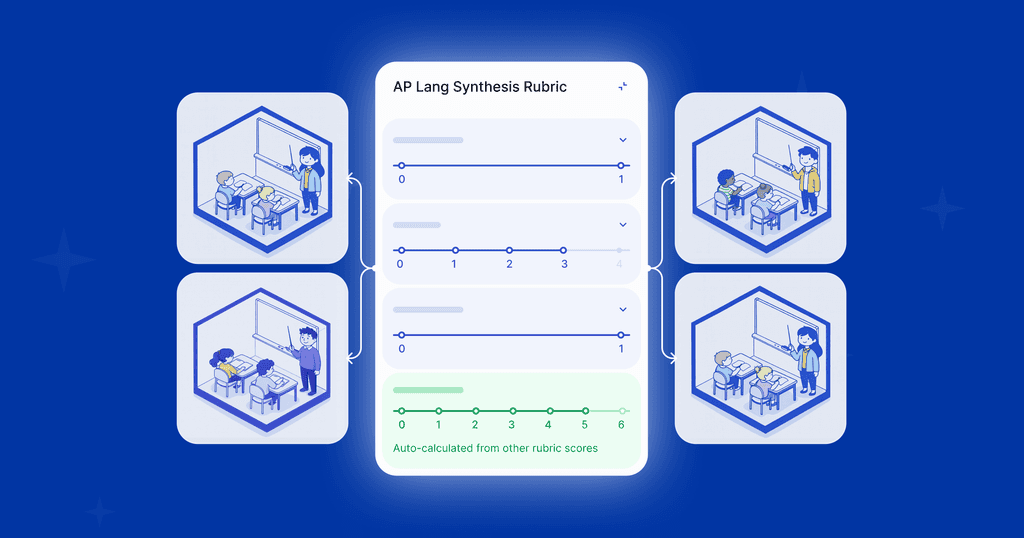
A rubric and grading scale posted with the assignment save time twice: you are not inventing criteria mid-stack, and students know what they are being scored on before they submit.
A comment bank of the phrases you write most often, missing thesis, unclear transition, strong evidence, turns repeat feedback into a paste instead of a rewrite. Save the from-scratch writing for the notes that are actually specific to one student.
This upfront cost pays off fastest on assignments you'll grade more than once, a recurring lab report, a weekly reading response, a monthly essay. One-off assignments don't earn the same return on a rubric built from scratch.
Consistency matters here too. Comments in your comment bank should still read like consistent feedback in your voice, not a form letter.
6. Let Peer Review Carry Some of the Load
For low-stakes, formative work, peer grading against a shared rubric gives students faster feedback than waiting for you, and it doubles as a lesson in what quality work looks like.
Give students the rubric before they grade each other's work, not after. Peer review only teaches the lesson it's supposed to teach when students are applying the same criteria you would.
7. When the Bottleneck Is Volume, Not Judgment
Batching, rubrics, and peer review all help with the same problem: too many papers, not enough hours. At some point, the ceiling isn't your process, it's the number of hands on the stack.
This is where a rubric-trained TA for writing scoring and feedback earns its place.
The goal isn't fewer rubrics or less feedback, it's the same grading accuracy at a pace that doesn't cost your evenings.
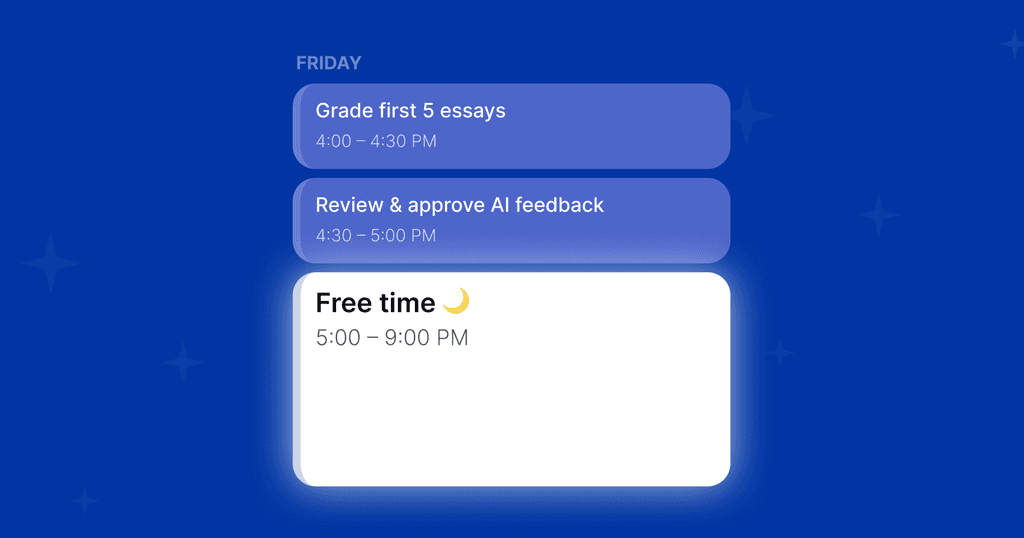
In practice, that means grading the first five submissions the way you always have, and letting the TA pick up the sixth in your voice, using your rubric, not a generic one. You still review and approve everything before it reaches a student.
Start Grading Faster with EnlightenAI
Batching and rubrics help, but they don't solve the core problem: a real rubric pass still takes real time when you're doing all of it by hand. EnlightenAI trains on your rubric and your voice, so the volume gets faster without the judgment getting generic.
Start with the assignments already on your desk. Get started for free.
FAQs: Grading Tips For Teachers
The methods that hold up over a full year share a pattern: decide what's worth a full rubric pass before you assign it, batch similar work together, and reuse a rubric and comment bank instead of rebuilding criteria each time. See how expert teachers build rubrics that make this repeatable.
It's the Pareto Principle applied to teaching, the idea that roughly 80% of student learning gains come from about 20% of teaching and grading effort.
Yes, when the tool is trained on your specific rubric rather than grading generically. An ai writing grader built for this reviews the first several submissions alongside you, then applies your standards and your voice to the rest, with you reviewing and editing before anything is final.
It depends on the assignment, but grading question-by-question instead of paper-by-paper typically cuts the time per stack noticeably, since you're not re-reading the rubric criteria for every single question on every single paper. The bigger gain is consistency, grading accuracy tends to drift less when the same question is scored back to back.
Start with the feedback you find yourself typing most often, missing thesis, unclear transition, needs a concrete example, and organize by rubric category rather than by assignment. A comment bank works best alongside consistent feedback practices, so the saved phrases still sound like you, not like a form letter.