
Key takeaways
Upload PDFs and images directly into assignments so the AI grades with full context.
EnlightenAI interprets uploaded visuals automatically — teachers review and refine the interpretation before grading.
Works for DBQs, charts, political cartoons, lab diagrams, and any source material students receive.
Handwritten or scanned work gets the same rubric-aligned feedback as typed submissions.
Introduction
Your AI grading and feedback assistant is best when it has the same context and information your students have. That is why EnlightenAI is always focused on enabling you to add the right content and context to your assignments.
We also know that context often lives outside of a single prompt; it’s in your reading packet, handout, DBQ materials, charts and graphs, and in the text you provide to students.
We’re excited to announce a new update that makes it easy to add this content into an assignment in EnlightenAI. You can now add PDFs and images directly into your assignments, so your AI grading and feedback assistant can respond with better feedback and scoring that is aligned to the materials, which makes sure you're giving more accurate, helpful support to your students.
What's new: upload PDFs and images to assignments
When you click New Assignment in EnlightenAI and start creating, you’ll land on the same Assignment Details page you already know.
You can still add everything you normally would: assignment details, expected submission length, grade level, rubrics, prompts and descriptions, and readings & sources.
But now, if you scroll to the bottom of the Assignment Details page, you’ll see a new section where you can upload PDFs or images:
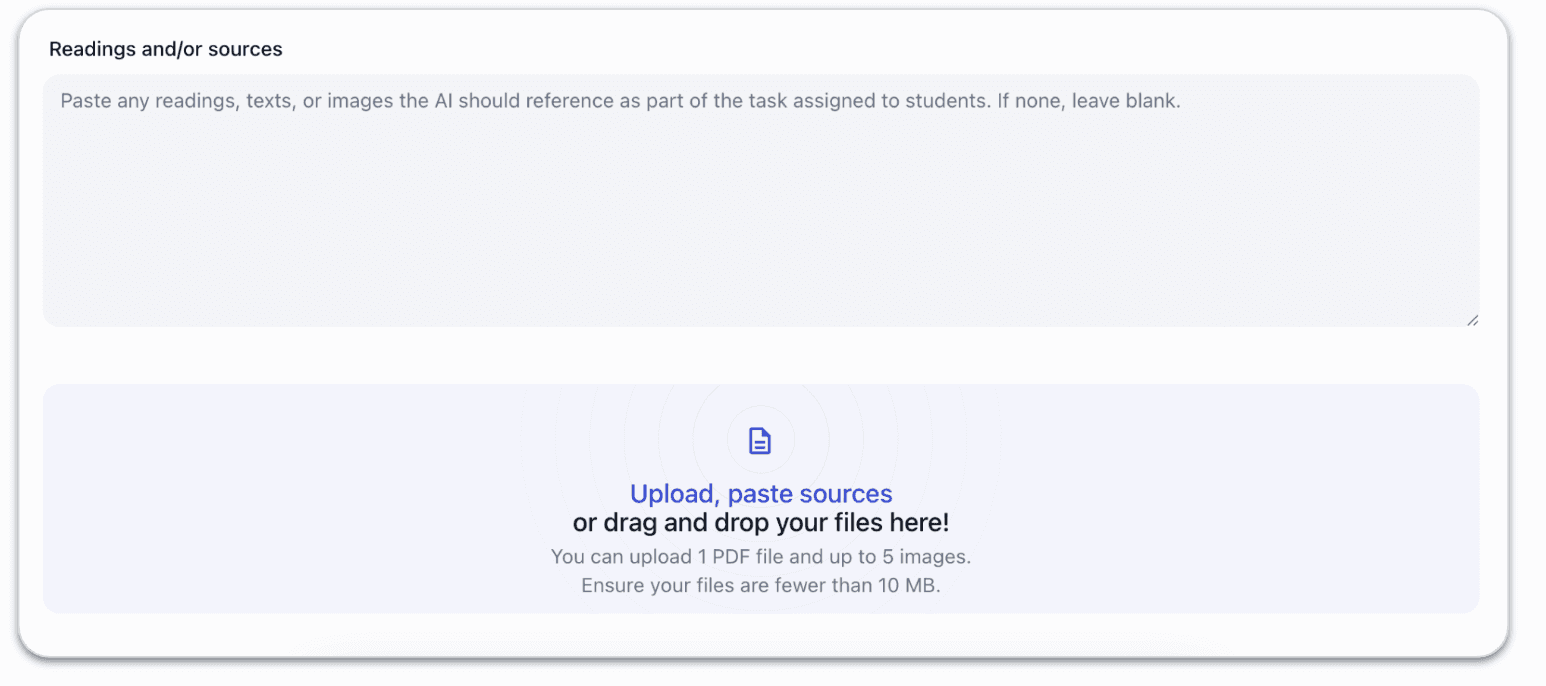
From here, you can click once and easily bring in the materials you already give your students, so your AI grading and feedback assistant can better understand the assignment context and provide higher-quality written feedback and more accurate scores.
All you need to do is click (or drag and drop!), and you'll be able to find the image or PDF you want to upload, and add it to EnlightenAI. For example, I can pull in this image for an AP US History DBQ:
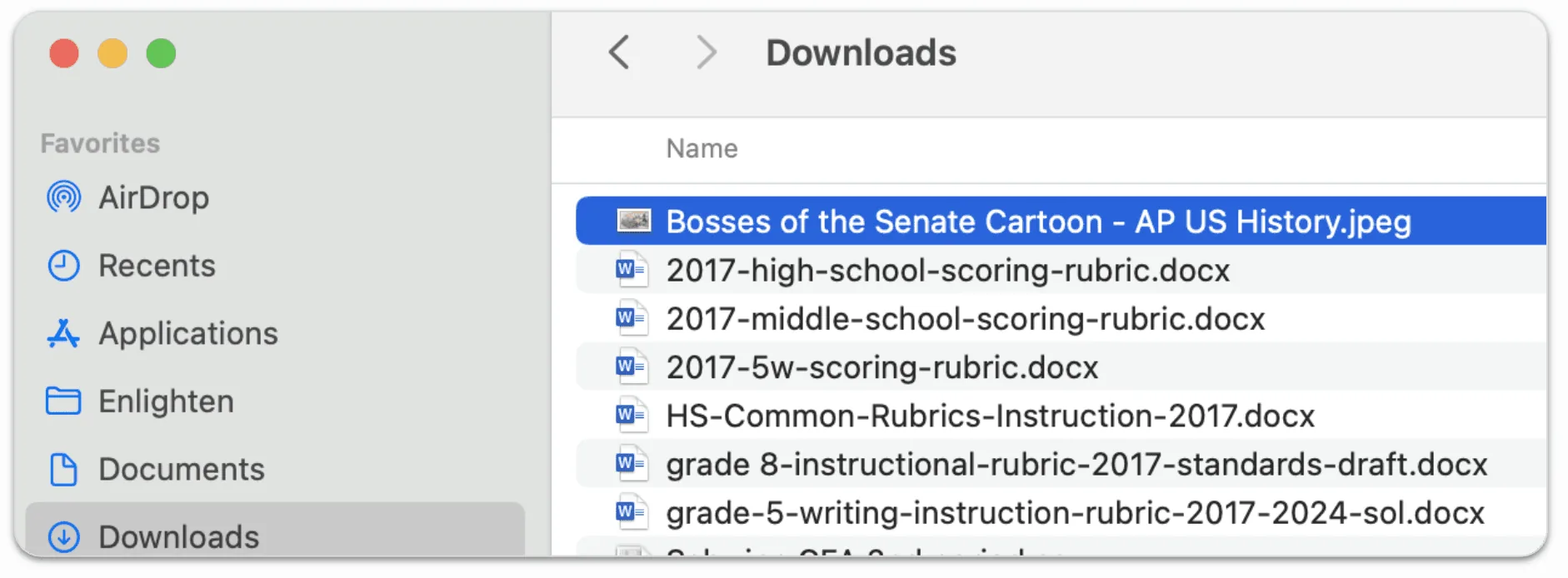
Once you upload, you're not done! We know that you want to stay in control of how your AI grading and feedback assistant is using this information, so when you upload an image, EnlightenAI will automatically analyze it and show you the interpretation it is making:
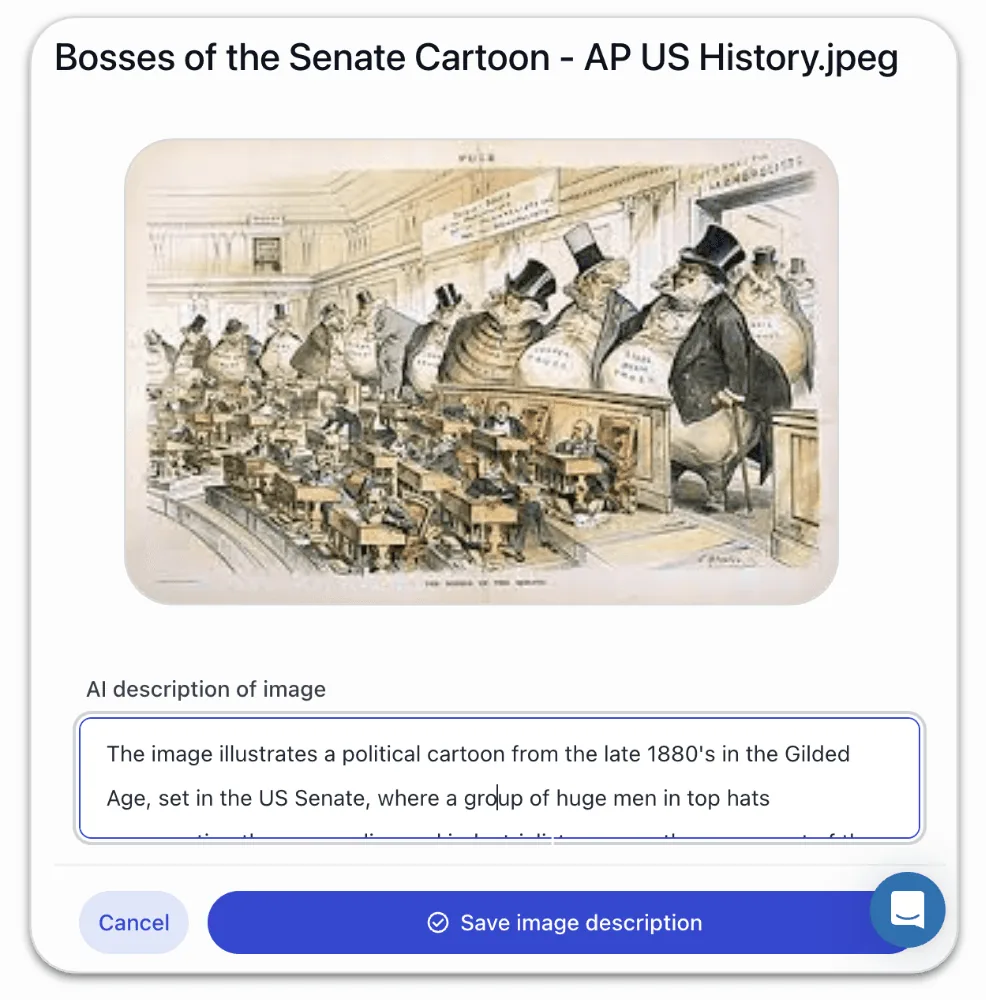
You’ll see the description of what the AI interprets is happening in this image - basically, what does this image mean to your AI feedback and grading assistant? And, crucially, you have full control to edit and improve this interpretation.
This step is important: the description becomes the “shared understanding” that the AI uses when supporting students and when evaluating their work. Your AI feedback and grading assistant is essentially saying, “Here’s my interpretation of this image and its relevance,” and you, as the teacher, get to refine that interpretation so it matches your instructional intent.
For example, you might:
Clarify the historical context of a photo
Add the key takeaways students should notice in a graph
Emphasize what matters most in a political cartoon (tone, symbolism, audience, message)
Note the purpose of a lab diagram or labeled figure
Call out misconceptions you anticipate students might have
If you're adding a PDF, rest assured that EnlightenAI will also be able to interpret the content easily; you can upload up to 10MB of text and images, and EnlightenAI will be able to parse and understand all of the contents. This is perfect if you need your AI feedback and grading assistant to read a PDF article and be able to understand all of the text that students were asked to read for an assignment.
Why This Matters
This update makes it dramatically easier to give EnlightenAI the “missing pieces” that often live in PDFs and images, so your AI grading and feedback assistant can:
Provide feedback that’s grounded in the actual reading or source material
Support students more accurately when they reference a chart, excerpt, or image
Reduce confusion when the assignment depends on visual analysis or document interpretation
Improve the overall accuracy of AI-generated scoring
Most importantly, it saves teachers time.
We’d love your feedback
We’re building EnlightenAI alongside teachers, and your feedback continues to shape what we build next!
If you have comments, questions, or examples of how you want to use PDFs and images in your assignments, please reach out to us here: support@enlightenme.ai
Handwritten work shouldn't mean manual grading
Many teachers, especially in schools with limited device access, are still collecting handwritten student work. Having to manually transcribe or separately process that work breaks the grading workflow entirely. This update means scanned PDFs and images get the same rubric-aligned AI feedback as typed submissions.
Grade every format with the same tool, try the AI grading tool.